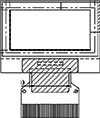
Home Products OLED Display Graphic OLED Display WEO012864D

0.96 inch Ultra-Thin OLED Display (SSD1306, I2C/SPI/Parallel)

Model No. WEO012864D

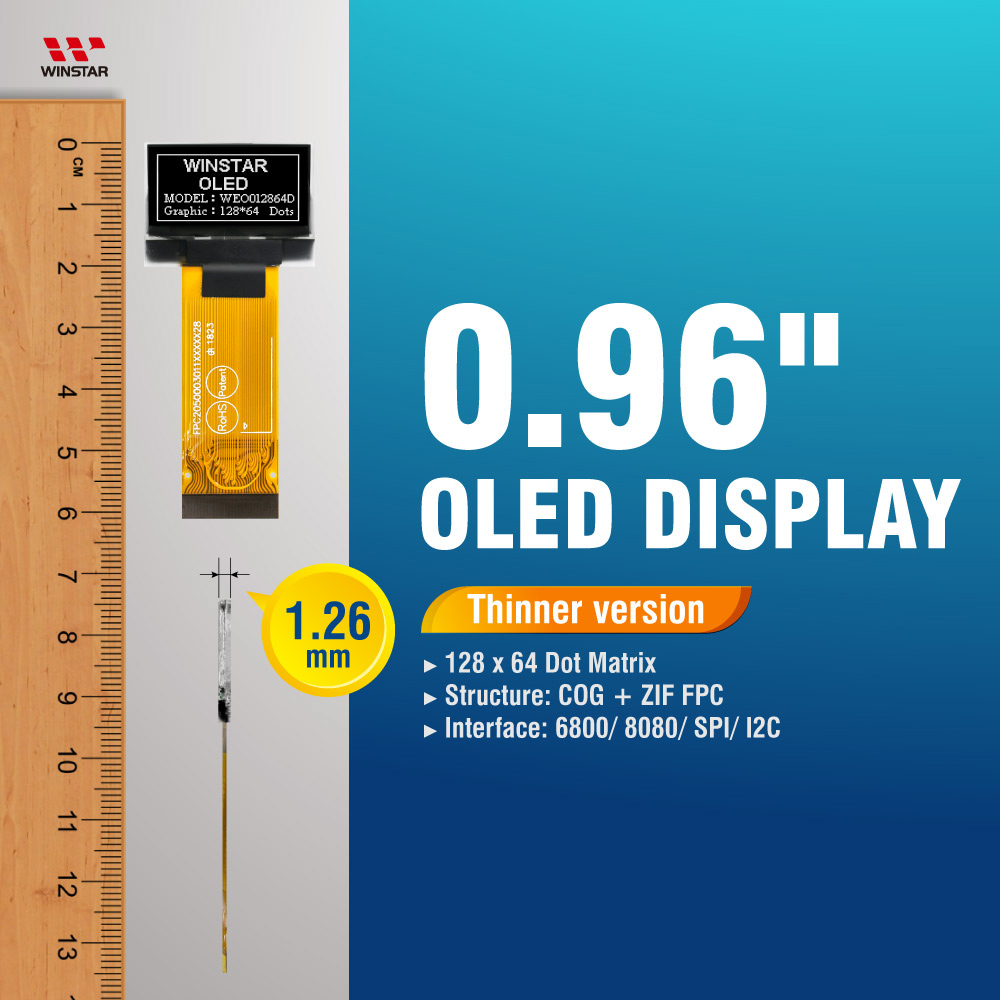
►Thin OLED Display
►0.96" OLED Display, OLED 0.96"
►Suitable for wearable device
►Type: Graphic
►Structure: COG
►128 x 64 Dot Matrix
►IC:SSD1306
►3V Power supply
►1/64 duty
►Interface: 6800, 8080, SPI, I2C
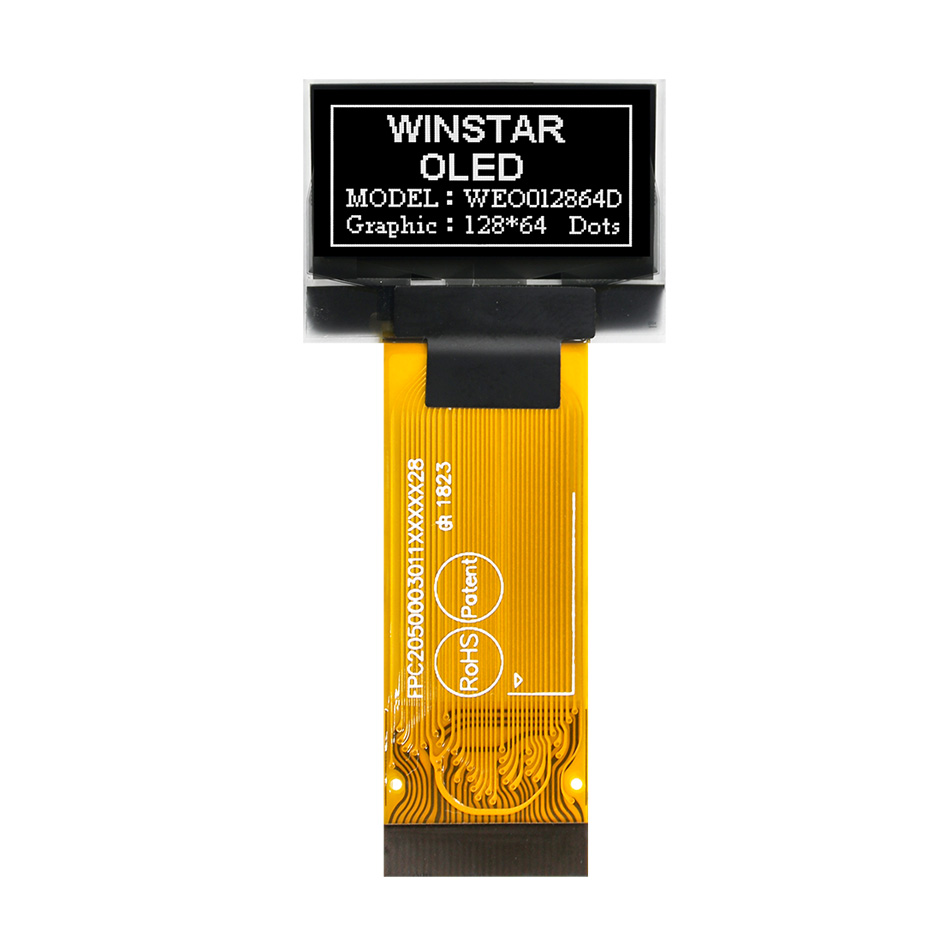
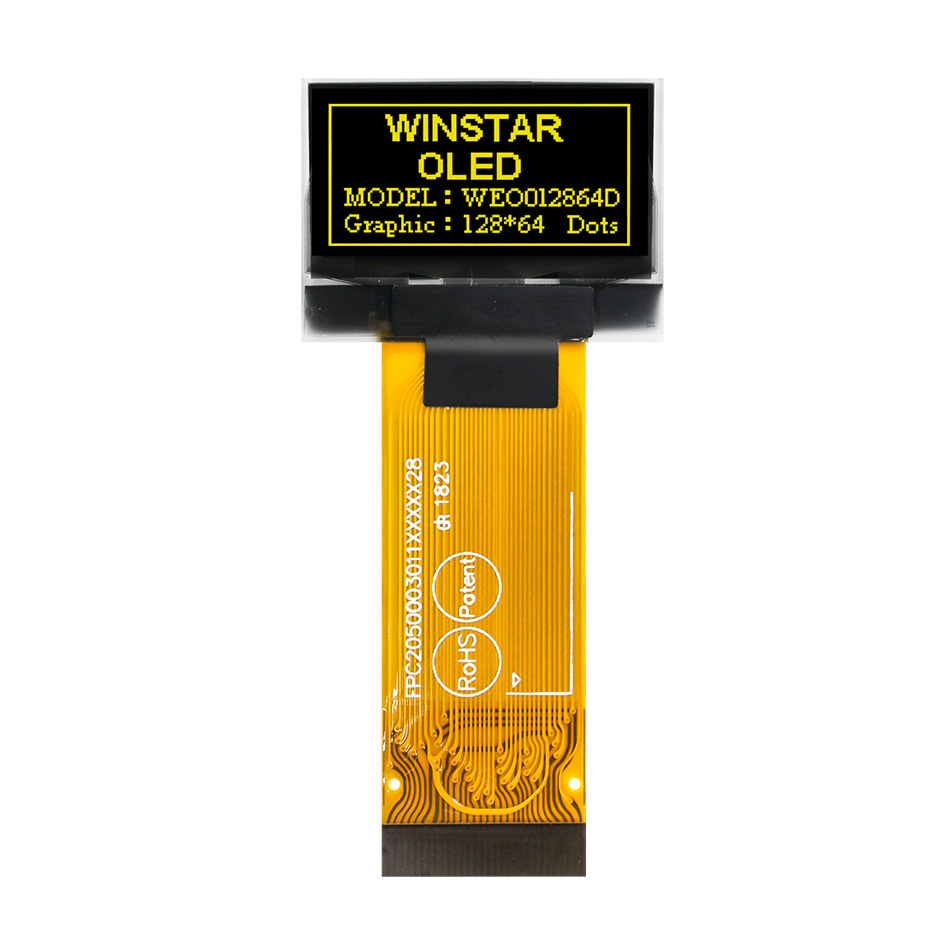
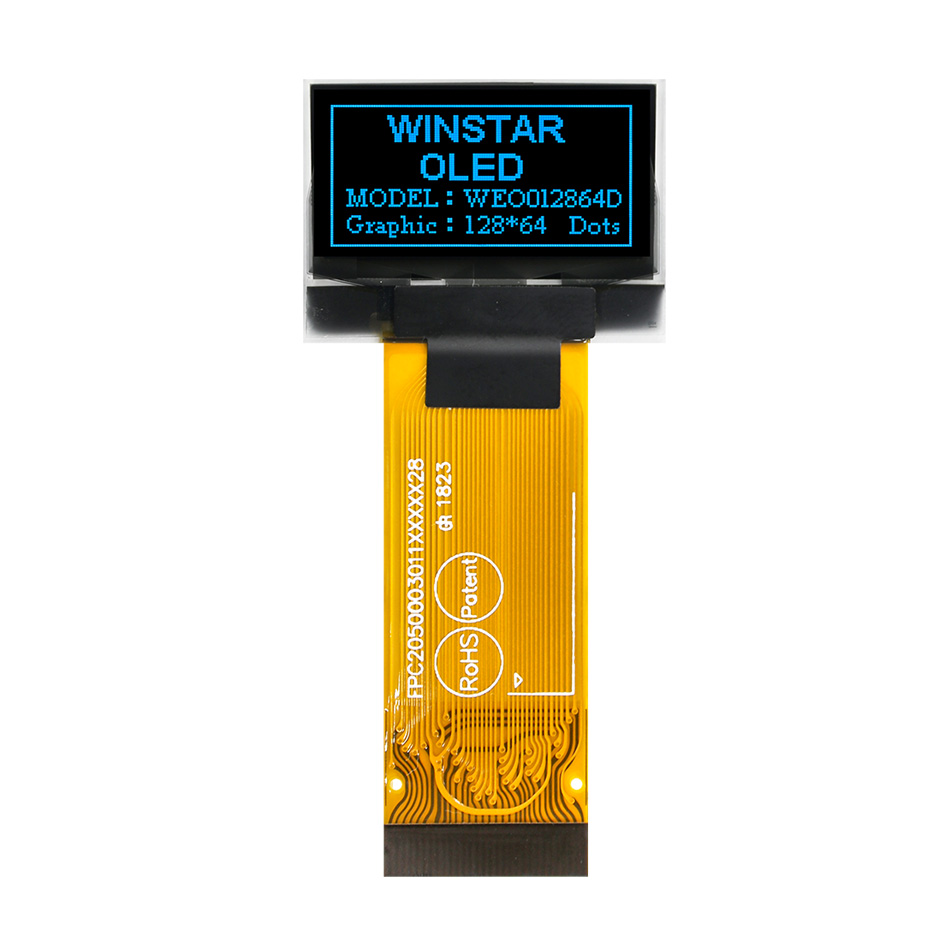
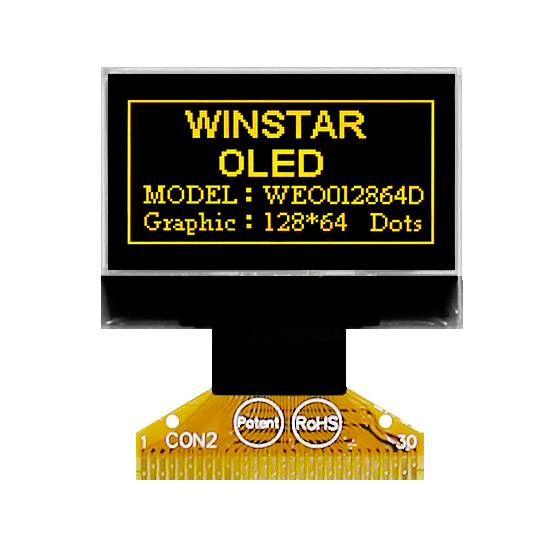
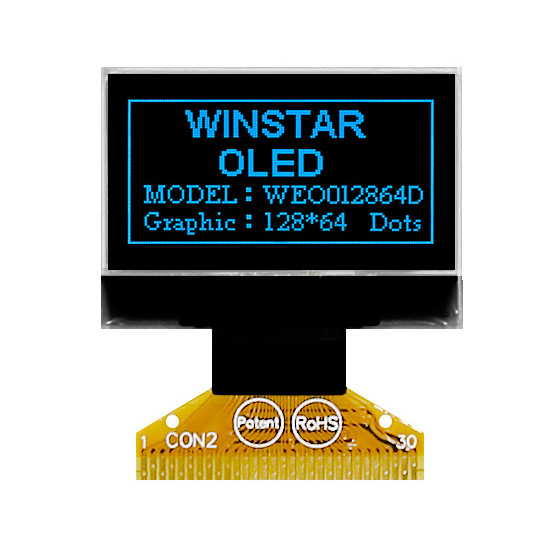
►Display Color: White / Yellow / Blue
►Other FPC options available in below table

Description

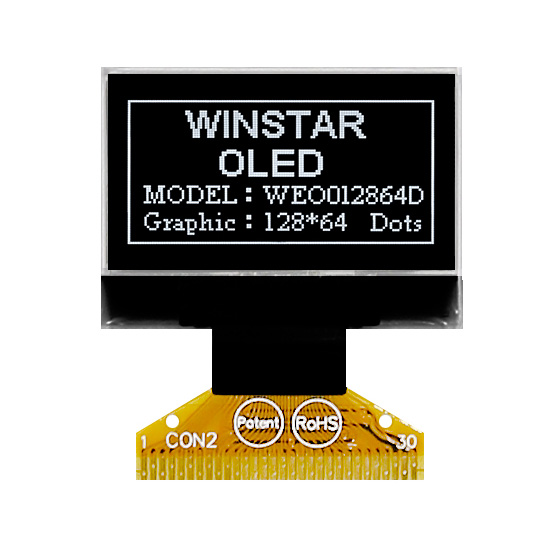
WEO012864D: 0.96" Graphic OLED Display (SSD1306)

The WEO012864D is Winstar's flagship 0.96-inch COG OLED display, featuring a 128x64 resolution and a built-in SSD1306 IC. As a mature and widely adopted module, it offers proven reliability and high compatibility for diverse industrial and consumer applications.

Version Selection Guide

The WEO012864D series is available in two thickness profiles. Both versions share identical electrical characteristics and pin assignments:

  • • Standard Slim Version (1.26 mm)
    The primary choice for modern, space-constrained designs. We recommend this version for all new projects.
  • • Legacy Compatible Version (1.61 mm)
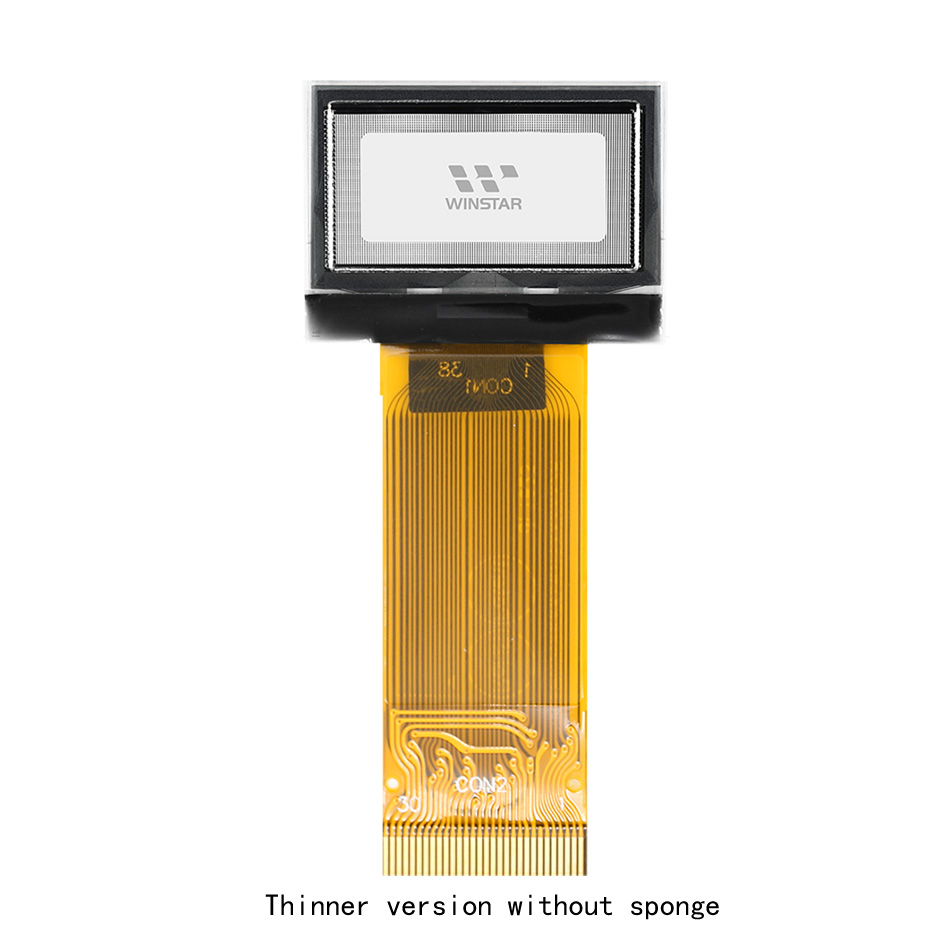
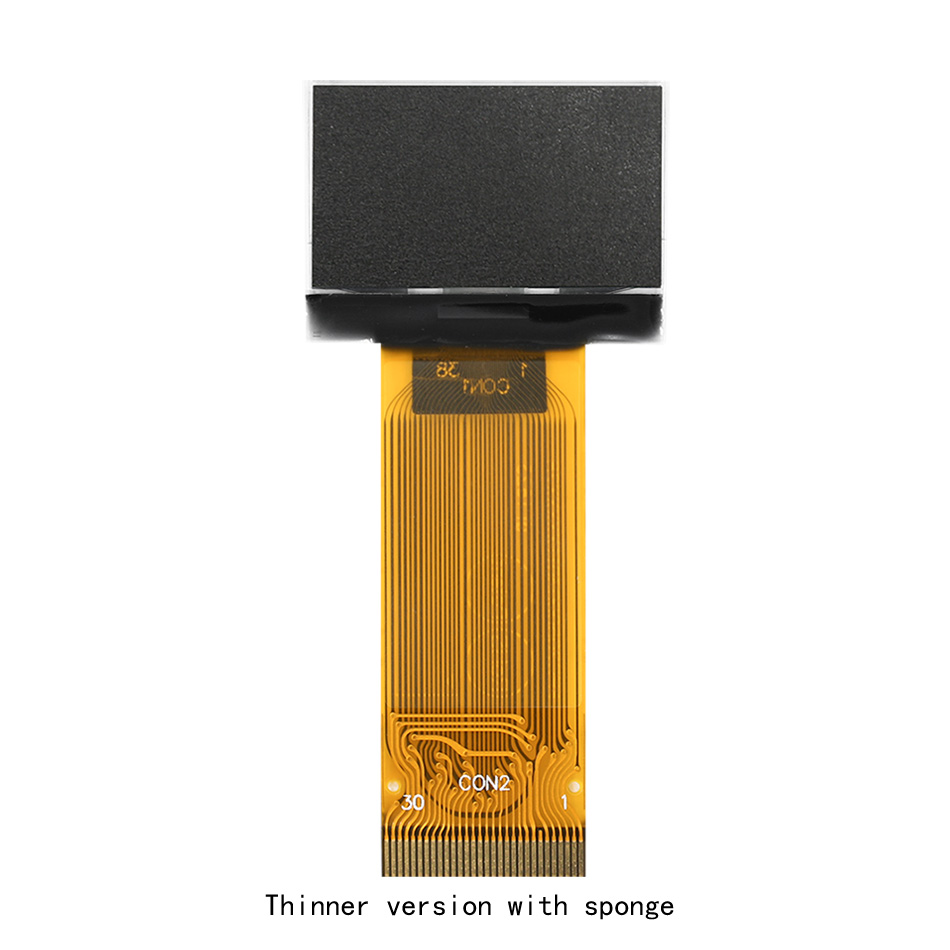
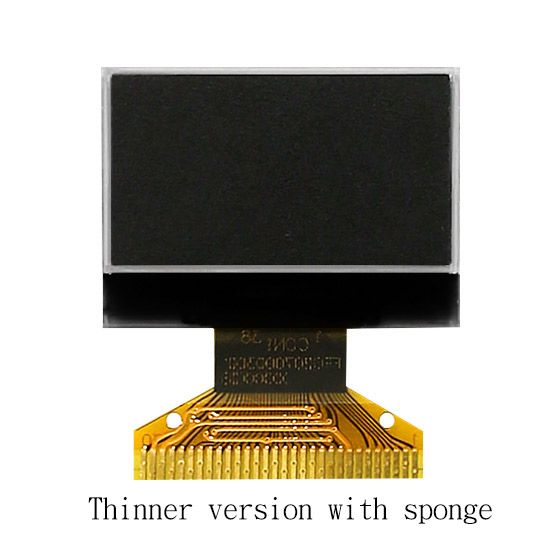
    Now supported via the "Thinner version with Sponge" (1.61 mm) for seamless replacement in existing enclosures.

Key Technical Features

  • Driver IC: SSD1306 (Industry standard, extensive library support).
  • Interfaces: 8-bit 6800/8080 Parallel, I2C, and 4-wire SPI.
  • Power Flexibility: Supports internal Charge Pump or external VCC supply.
  • Durability: Wide operating temperature range (-40°C to +80°C).

STANDARD WEO012864D (1.26mm) Datasheet WEO012864D 0.96 oled i2c display SSD1306 ultra thin 1.26mm | Download
LEGACY WEO012864D with Sponge (1.61mm) Datasheet Download SSD1306 0.96 OLED Datasheet
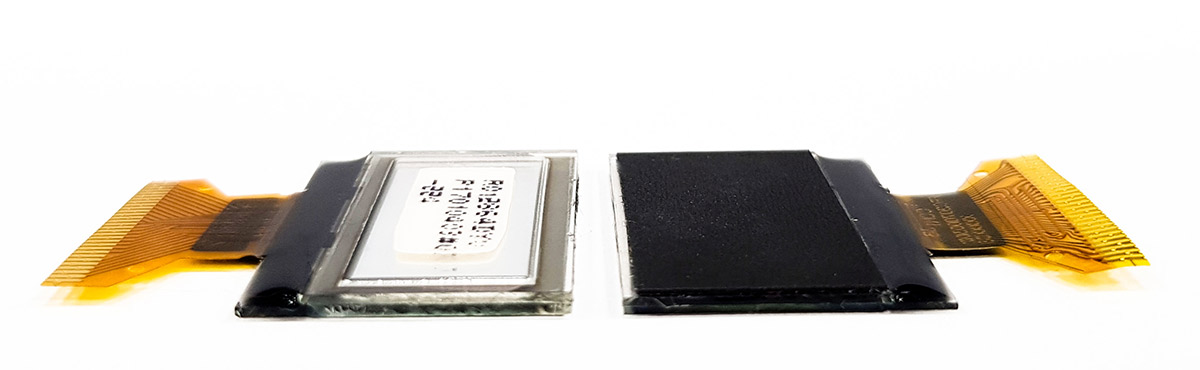
WEO012864D Version Comparison

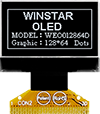
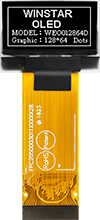
Left: Standard Thinner Version (1.26mm) | Right: Thinner Version with Sponge (for 1.61mm compatibility)

icon View FPC Options »

DRAWING


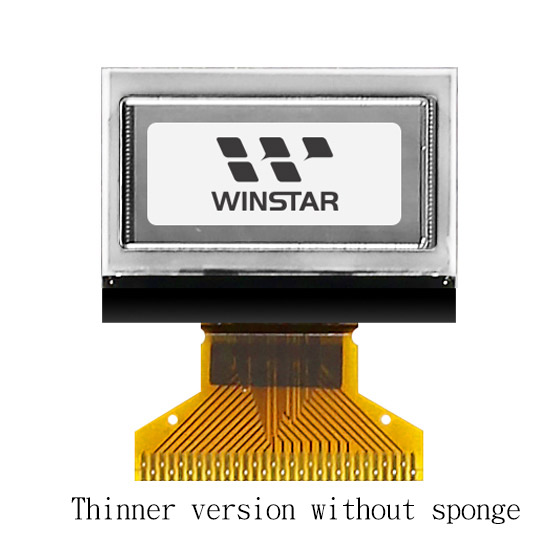
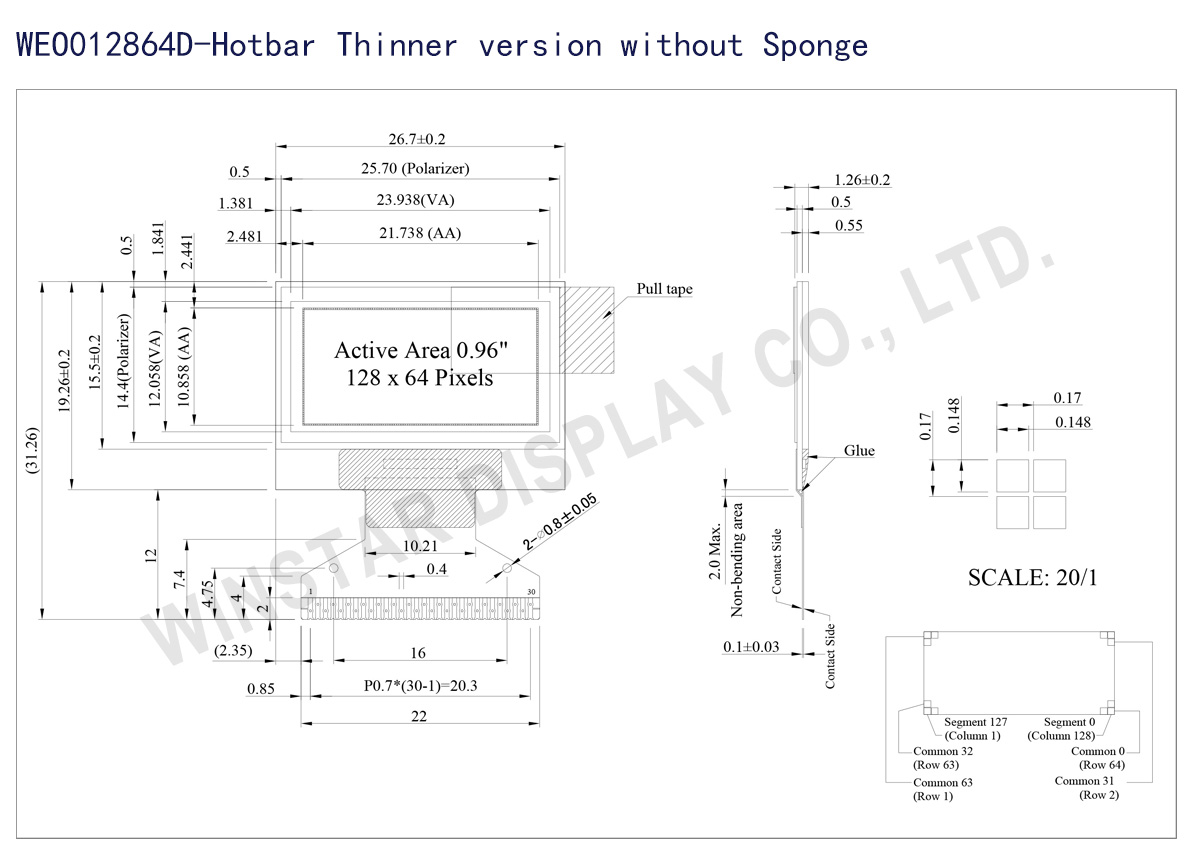
WEO012864D-Hotbar (Thinner version without sponge)  - Contour Drawing

Data source ref: WEO012864DWPP3N00006
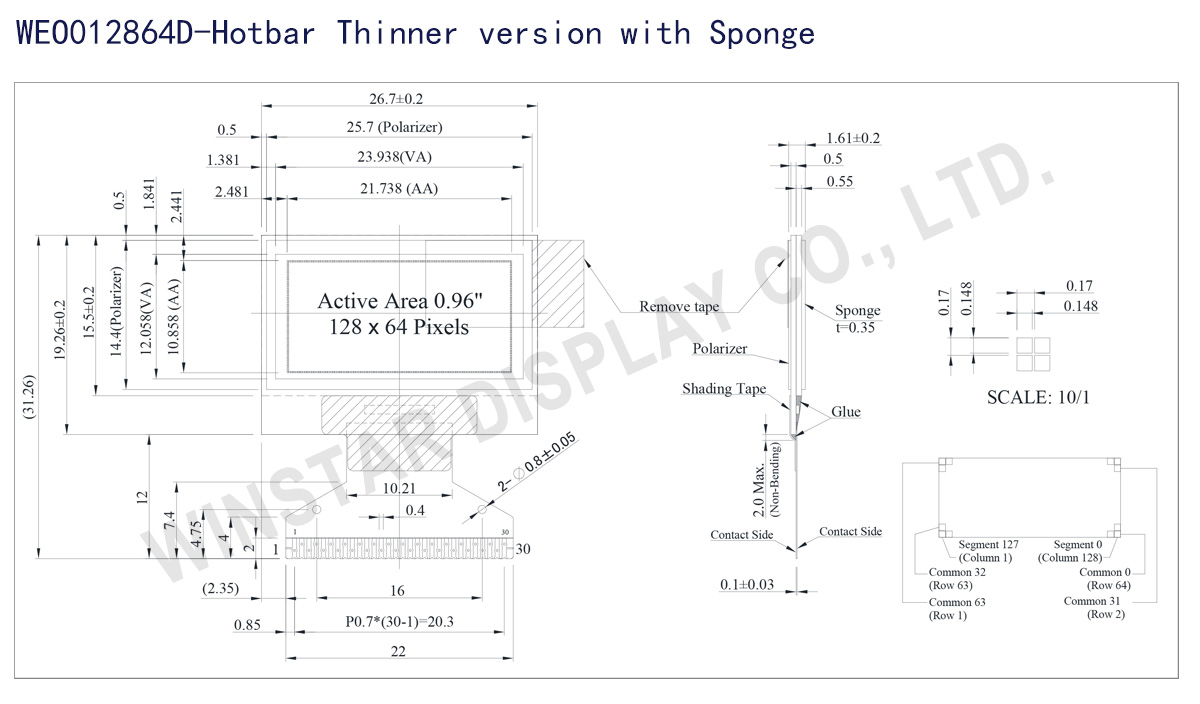
WEO012864D-Hotbar (Thinner Version with Sponge)  - Contour Drawing

Data source ref: WEO012864DWPP3N00007

SPECIFICATIONS

Mechanical Data

Item WEO012864D-Hotbar WEO012864D-Hotbar with Sponge Unit
Dot Matrix 128 × 64 Dots
Module dimension 26.7 × 19.26 × 1.26 26.7 × 19.26 × 1.61 mm
Active area 21.738 × 10.858 mm
Dot size 0.148 × 0.148 mm
Dot pitch 0.17 × 0.17 mm
Display Mode Passive Matrix
Display Color Monochrome
Drive Duty 1/64 Duty
IC SSD1306
Interface 6800,8080,SPI,I2C
Size 0.96 inch

Absolute Maximum Ratings

Parameter Symbol Min Max Unit
Supply Voltage for Logic VDD 0 4.0 V
Supply Voltage for Display VCC 0 15.0 V
Operating Temperature TOP -40 +80 °C
Storage Temperature TSTG -40 +85 °C

Electronical Characteristics

Item Symbol Condition Min Typ Max Unit
Supply Voltage for Logic VDD 2.8 3.0 3.3 V
Supply Voltage for Display VCC 11.5 12.0 12.5 V
Input High Volt. VIH 0.8×VDD VDDIO V
Input Low Volt. VIL 0 0.2×VDD V
Output High Volt. VOH 0.9×VDD VDDIO V
Output Low Volt. VOL 0 0.1×VDD V
Operating Current for VCC (50% display ON) ICC 16.0 20.0 mA

Interface Pin Function

No. Symbol Function
1 N.C. (GND) Reserved Pin (Supporting Pin)
The supporting pins can reduce the influences from stresses on the function pins. These pins must be connected to external ground.
2 C2N Positive Terminal of the Flying Inverting Capacitor Negative Terminal of the Flying Boost Capacitor The charge-pump capacitors are required between the terminals. They must be floated when the converter is not used.
3 C2P
4 C1P
5 C1N
6 VBAT Power Supply for DC/DC Converter Circuit
This is the power supply pin for the internal buffer of the DC/DC voltage converter. It must be connected to external source when the converter is used. It should be connected to VDD when the converter is not used.
7 NC NC
8 VSS Ground of Logic Circuit
This is a ground pin. It acts as a reference for the logic pins. It must be connected to external ground.
9 VDD Power Supply for Logic
This is a voltage supply pin. It must be connected to external source.
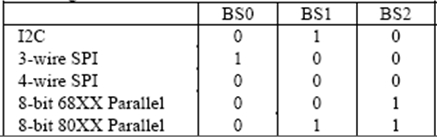
10 BS0 Communicating Protocol Select
These pins are MCU interface selection input. See the
following table:
11 BS1
12 BS2
13 CS# Chip Select
This pin is the chip select input. The chip is enabled for MCU communication only when CS# is pulled low.
14 RES# Power Reset for Controller and Driver
This pin is reset signal input. When the pin is low, initialization of the chip is executed.
15 D/C# Data/Command Control
This pin is Data/Command control pin. When the pin is pulled high, the input at D7~D0 is treated as display data.
When the pin is pulled low, the input at D7~D0 will be transferred to the command register. For detail relationship to MCU interface signals, please refer to the Timing Characteristics Diagrams.
When the pin is pulled high and serial interface mode is selected, the data at SDIN is treated as data. When it is pulled low, the data at SDIN will be transferred to the command register. In I2C mode, this pin acts as SA0 for slave address selection.
16 R/W# Read/Write Select or Write
This pin is MCU interface input. When interfacing to a 68XX-series microprocessor, this pin will be used as Read/Write (R/W#) selection input. Pull this pin to “High” for read mode and pull it to “Low” for write mode.
When 80XX interface mode is selected, this pin will be the Write (WR#) input. Data write operation is initiated when this pin is pulled low and the CS# is pulled low.
17 E/RD# Read/Write Enable or Read
This pin is MCU interface input. When interfacing to a 68XX-series microprocessor, this pin will be used as the Enable (E) signal. Read/write operation is initiated when this pin is pulled high and the CS# is pulled low.
When connecting to an 80XX-microprocessor, this pin receives the Read (RD#) signal. Data read operation is initiated when this pin is pulled low and CS# is pulled low.
18~25 D0~D7 Host Data Input/Output Bus
These pins are 8-bit bi-directional data bus to be connected to the microprocessor’s data bus. When serial mode is selected, D1 will be the serial data input SDIN and D0 will be the serial clock input SCLK. When I2C mode is selected, D2 & D1 should be tired together and serve as SDAout & SDAin in application and D0 is the serial clock input SCL.
26 IREF Current Reference for Brightness Adjustment
This pin is segment current reference pin. A resistor should be connected between this pin and VSS. Set the current lower than 12.5μA.
27 VCOMH Voltage Output High Level for COM Signal
This pin is the input pin for the voltage output high level for COM signals. A capacitor should be connected between this pin and VSS.
28 VCC Power Supply for OEL Panel
This is the most positive voltage supply pin of the chip. A stabilization capacitor should be connected between this pin and VSS when the converter is used. It must be connected to external source when the converter is not used.
29 VLSS Ground of Analog Circuit
This is an analog ground pin. It should be connected to VSS externally.
30 NC
(GND)
Reserved Pin (Supporting Pin)
The supporting pins can reduce the influences from stresses on the function pins. These pins must be connected to external ground.

FPC Options:

Drawing FPC Length PIN Pitch ZIF FPC or HOTBAR FPC Interface FPC No. Create Date
FPC2070003001XXXXX08_WEO012864DBPP3N00001 22 30 0.7 HOTBAR 6800,8080,SPI,I2C FPC2070003001XXXXX08 20170808
FPC2050003011XXXXX28_WEO012864DWPP3N00F00 41.1 30 0.5 ZIF  6800,8080,SPI,I2C FPC2050003011XXXXX28 20180604
FPC2050003011XXXXX34_WEO012864DWPP3N00F04 13.1 30 0.5 ZIF  6800,8080,SPI,I2C FPC2050003011XXXXX34 20200221
go top
close

We value your privacy

By clicking "Allow All Cookies", you agree to the storing of cookies on your device to enhance site navigation, analyse site usage, and assist in our marketing and performance efforts. You can find further information this subject in our policy.

We value your privacy

Winstar and certain third parties use cookies on www.winstar.com.tw. The details regarding the types of
cookies, their purpose and the third parties involved are described below and in our Cookie Policy.
Please click on “Allow All” to consent to our usage of cookies in order to have the best possible
experience on our websites. You can also set your preferences or reject cookies (except for strictly
necessary cookies).

Manage Consent Preferences

Always Active
Essential Cookies

These cookies are essential in order to enable you to move around the website and use its
features, such as setting your privacy preferences, logging in or filling in forms.

Analytics Cookies

Also known as “statistics cookies,” these cookies collect information about how you use a website, like which pages you visited and which links you clicked on. See Detail