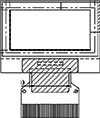
Ana sayfa Ürünler OLED Ekran Grafik OLED Ekran WEO012864D

0.96" Ultra İnce Grafik OLED Ekran (SSD1306, I2C/SPI/Paralel)

Model No. WEO012864D

►Türü : Grafik
►Yapı : COG
►Boyut : 0.96 inç OLED Ekran
►128 x 64 dot matrisi
►IC:SSD1306
►3V güç sağlayıcı
►1/64 görev
►Ara yüz : 6800, 8080, SPI, I2C
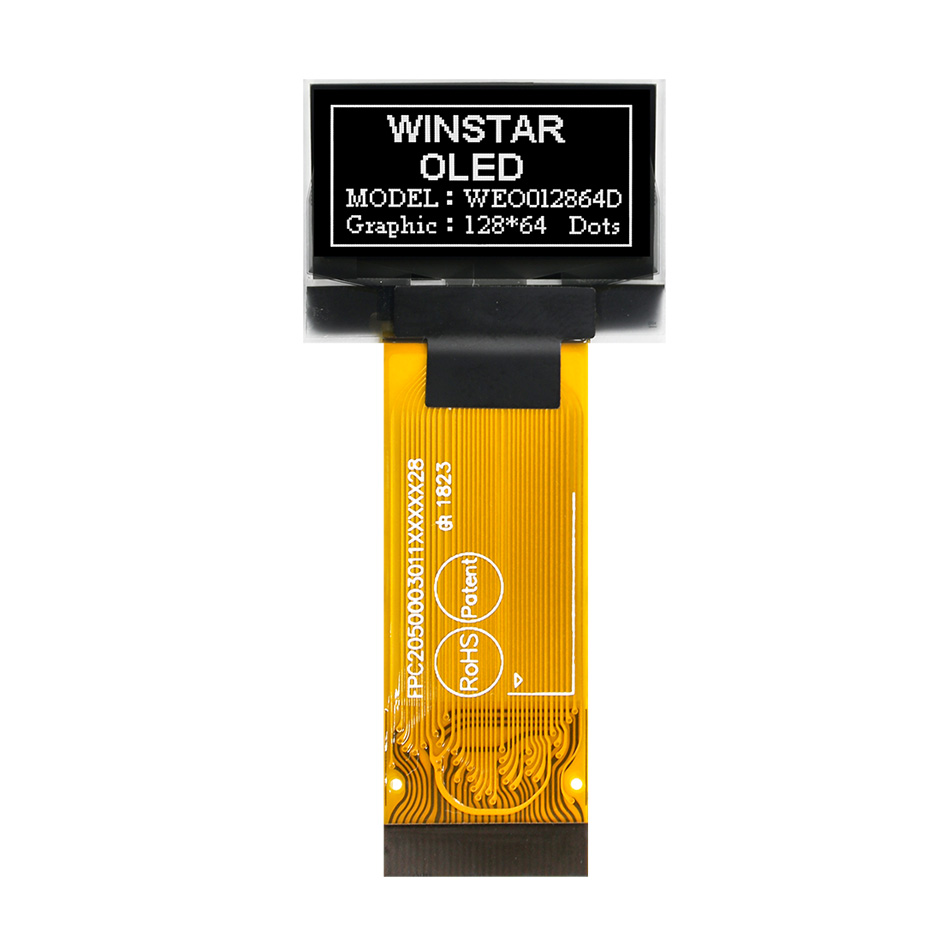
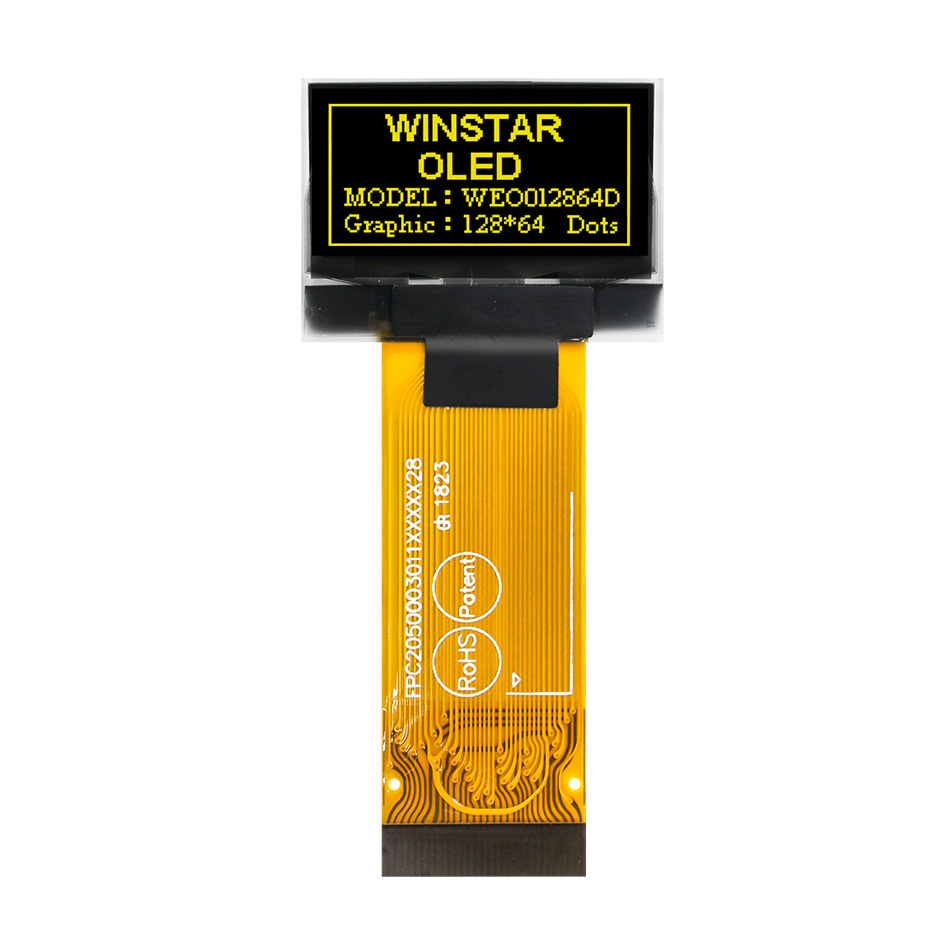
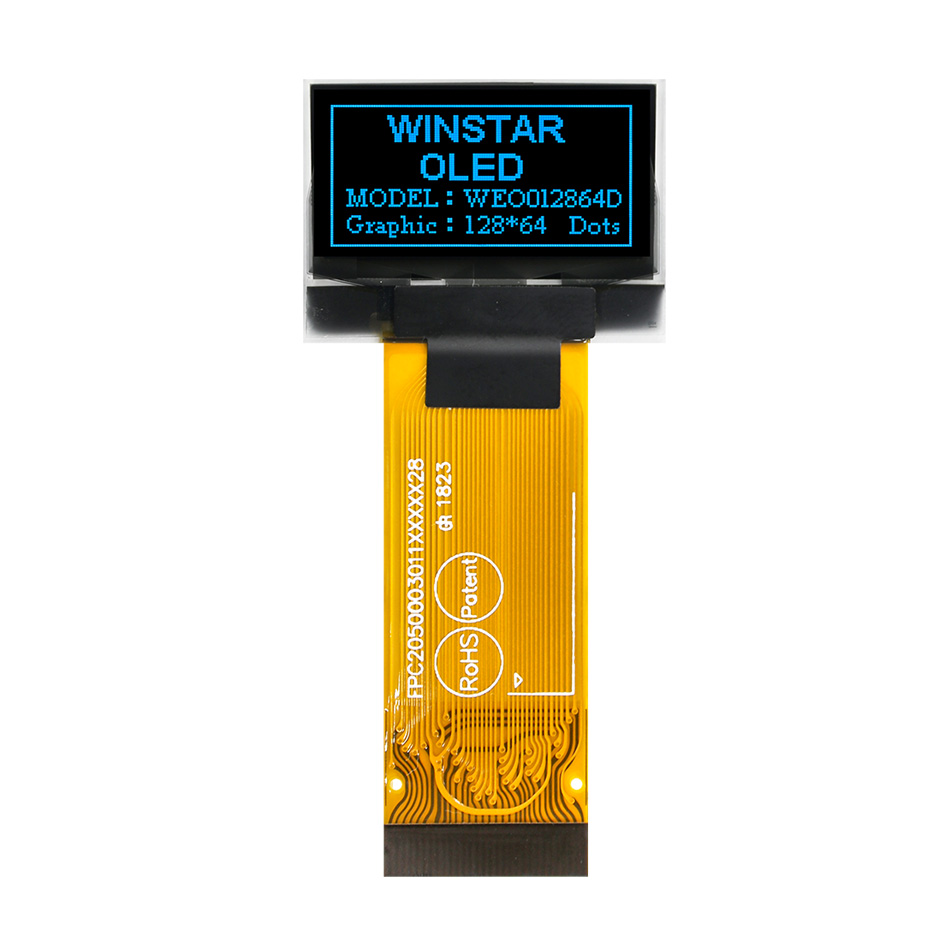
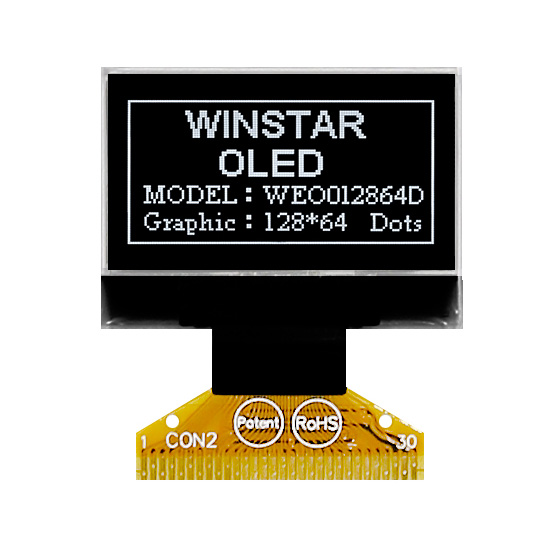
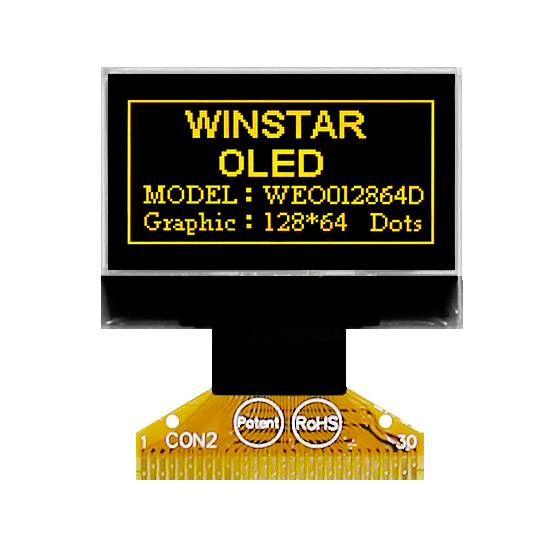
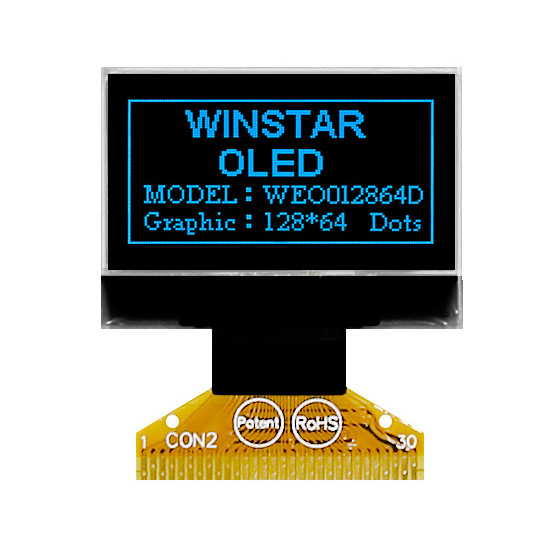
►OLED Rengi: Beyaz / Sarı / Mavi
►Aşağıdaki tabloda bulunan diğer FPC seçenekleri

Açıklama

WEO012864D: 0.96" Grafik OLED Ekran (SSD1306)

WEO012864D, Winstar'ın 128x64 çözünürlüğe ve yerleşik SSD1306 IC sürücüsüne sahip, amiral gemisi niteliğindeki 0.96 inç COG OLED ekran modülüdür. Olgunlaşmış ve pazarda yaygın olarak kabul görmüş bir modül olarak, çeşitli endüstriyel ve tüketici uygulamaları için kanıtlanmış güvenilirlik ve yüksek uyumluluk sunar.

Versiyon Seçim Rehberi

WEO012864D serisi iki farklı kalınlık profilinde sunulmaktadır. Her iki versiyon da aynı elektriksel özelliklere ve pin dizilimine (pinout) sahiptir:

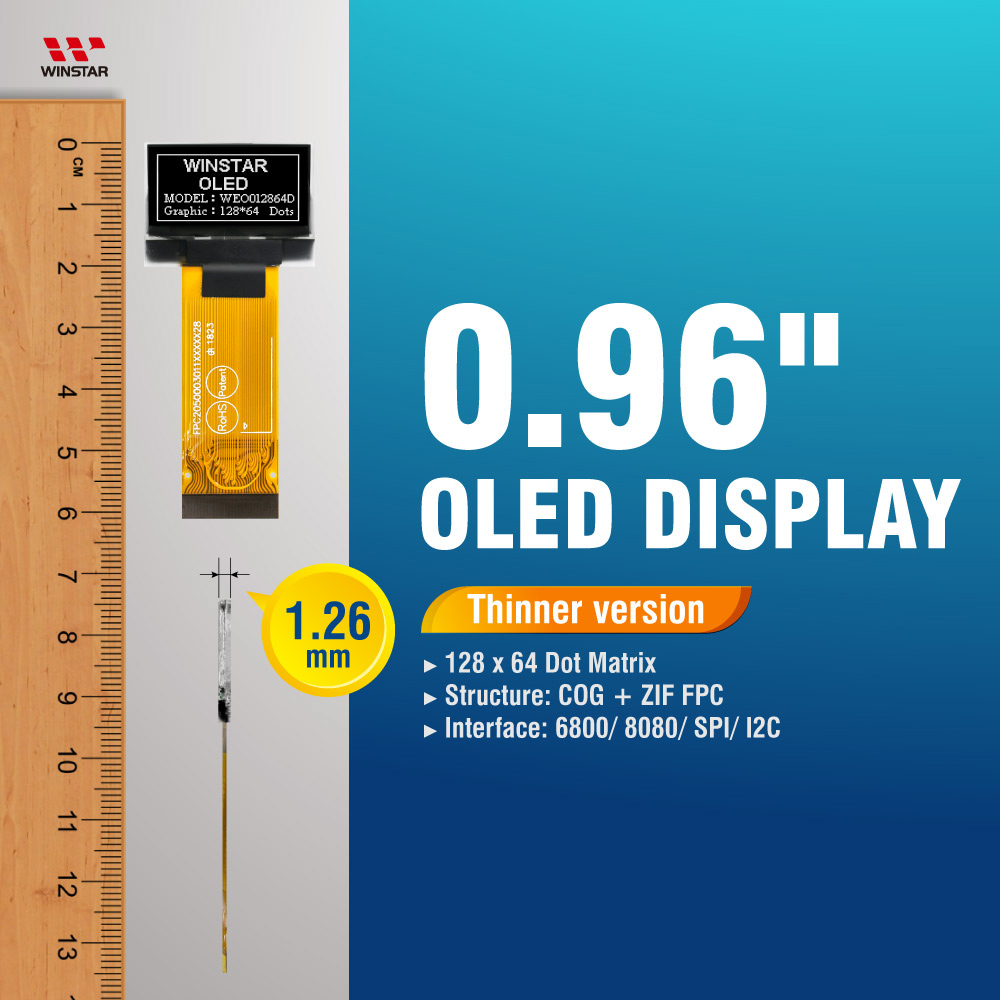
  • • Standart İnce Versiyon (1.26 mm)
    Modern ve alan kısıtlı tasarımlar için öncelikli tercihtir. Bu versiyonu tüm yeni projeler için tavsiye ediyoruz.
  • • Eski Sistemlerle Uyumlu (Legacy) Versiyon (1.61 mm)
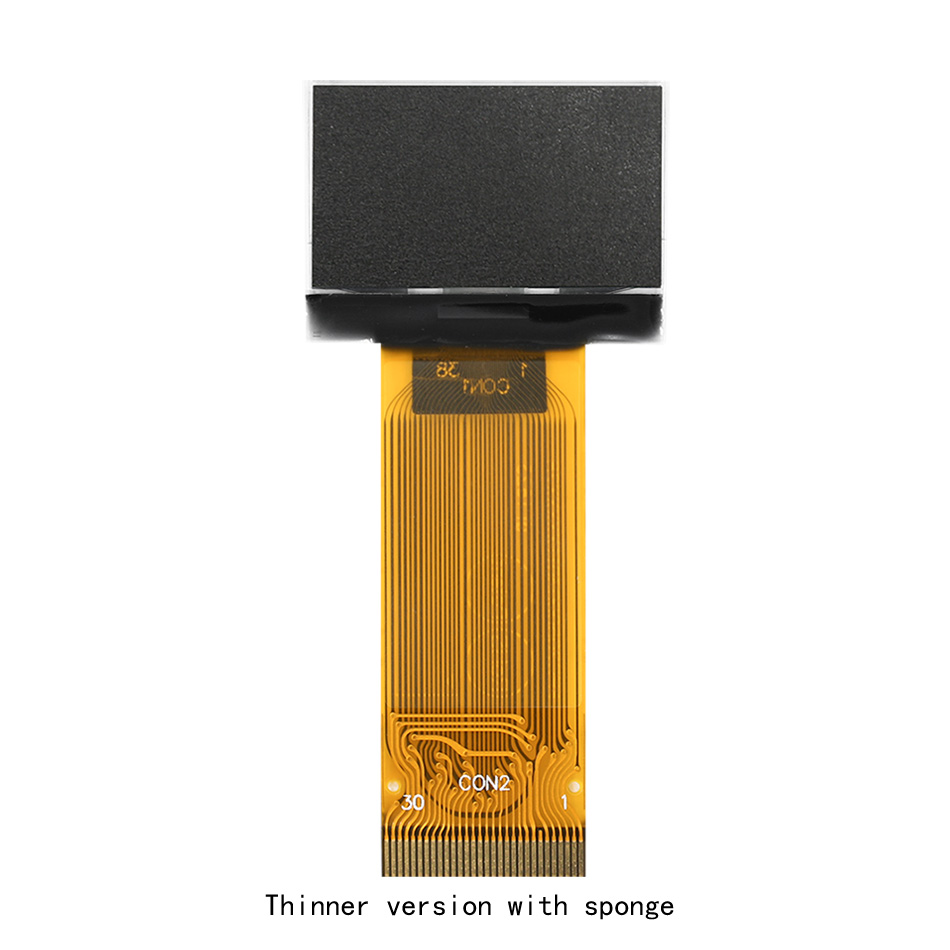
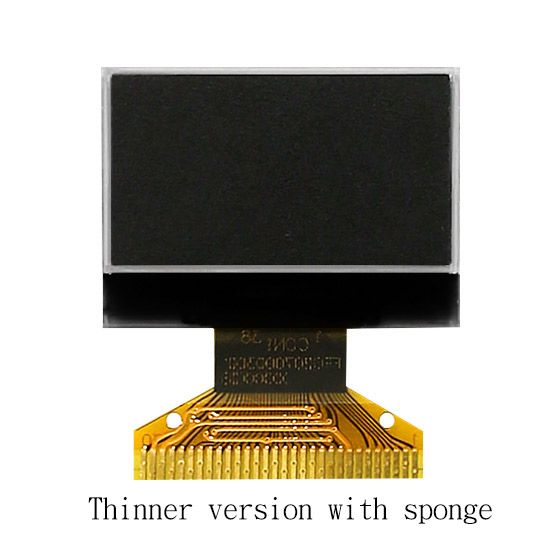
    Orijinal 1.65 mm kalınlık spesifikasyonuna sahip mevcut kasalarda sorunsuz değişim (drop-in replacement) sağlayabilmek için "Süngerli İnce Versiyon" (1.61 mm) olarak desteklenmektedir.

Temel Teknik Özellikler

  • Sürücü IC (Driver): SSD1306 (Endüstri standardı, geniş kütüphane desteği).
  • Arayüzler: 8-bit 6800/8080 Paralel, I2C ve 4-telli SPI.
  • Güç Esnekliği: Dahili Voltaj Yükseltici (Charge Pump) veya harici VCC beslemesini destekler.
  • Dayanıklılık: Geniş çalışma sıcaklığı aralığı (-40°C ila +80°C).

STANDART WEO012864D (1.26mm) Datasheet WEO012864D 0.96 oled i2c display SSD1306 ultra thin 1.26mm | İndir
LEGACY WEO012864D Süngerli (1.61mm) Datasheet SSD1306 0.96 OLED Datasheet İndir
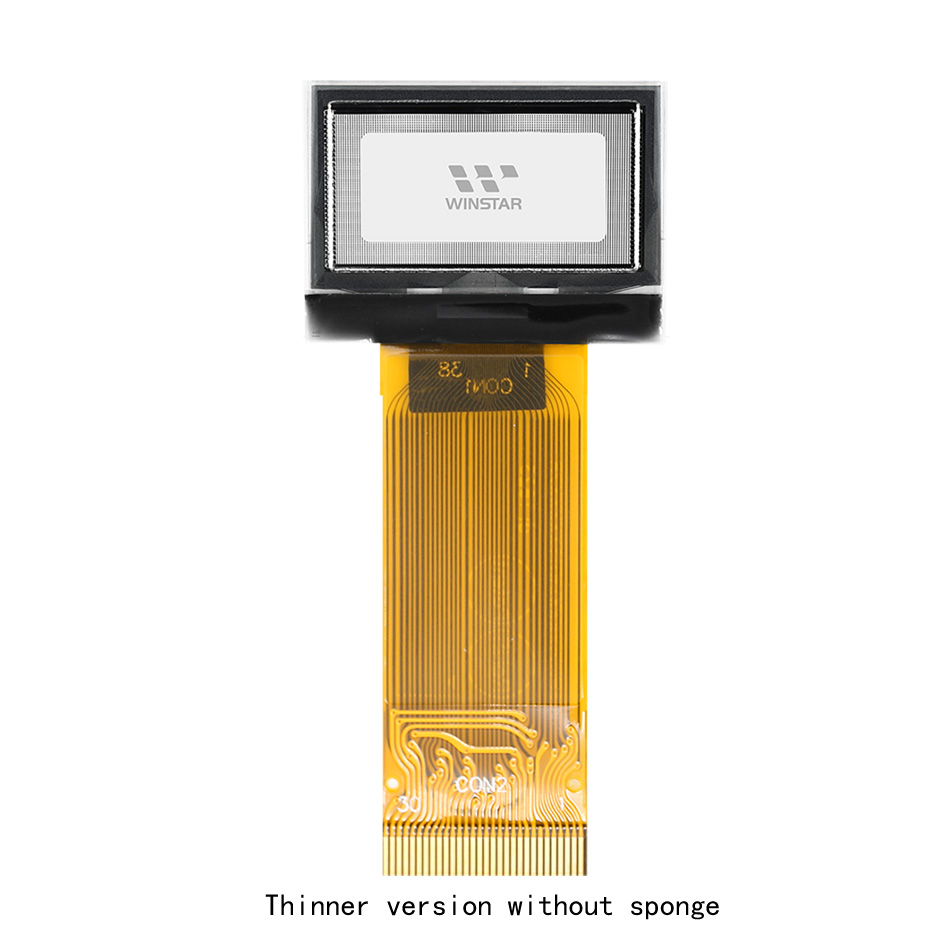
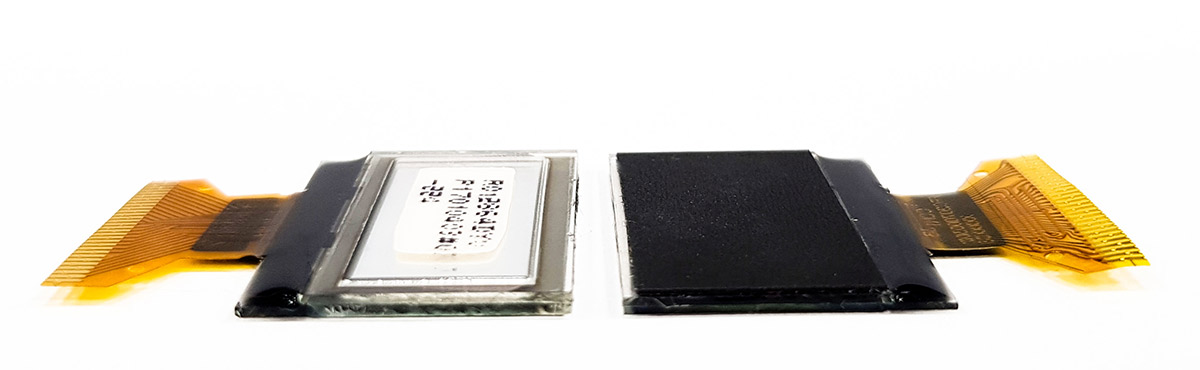
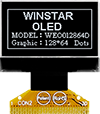
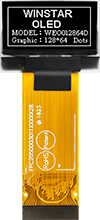
WEO012864D Versiyon Karşılaştırması

Sol: Standart İnce Versiyon (1.26mm) | Sağ: Süngerli Versiyon (1.61mm uyumluluğu için)

icon FPC Seçeneklerini Görüntüle »

ÇIZIM


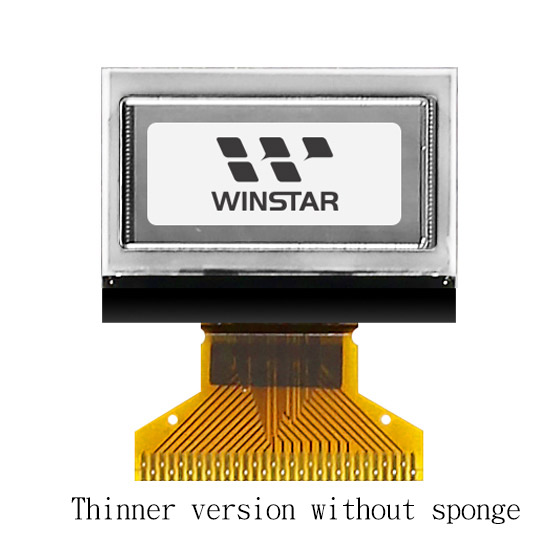
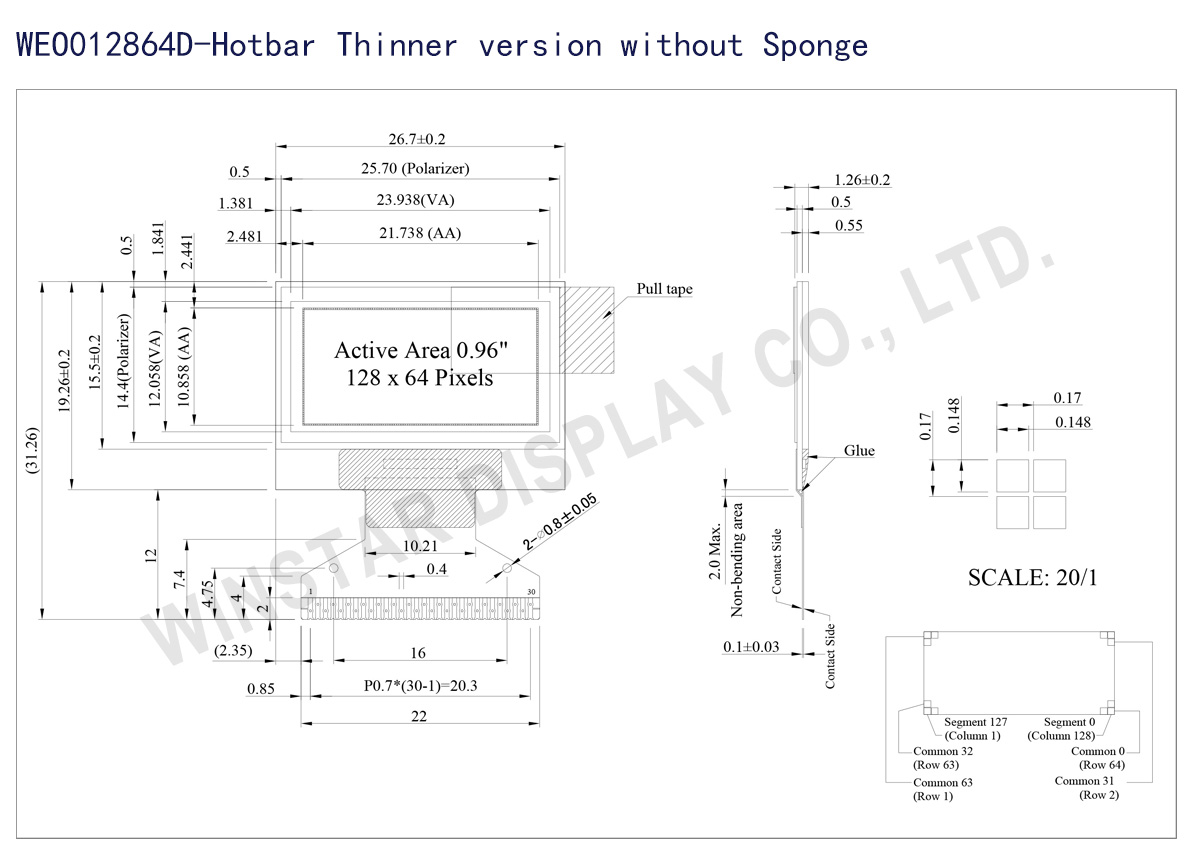
WEO012864D-Hotbar (Thinner version without sponge)  - Contour Drawing

Data source ref: WEO012864DWPP3N00006
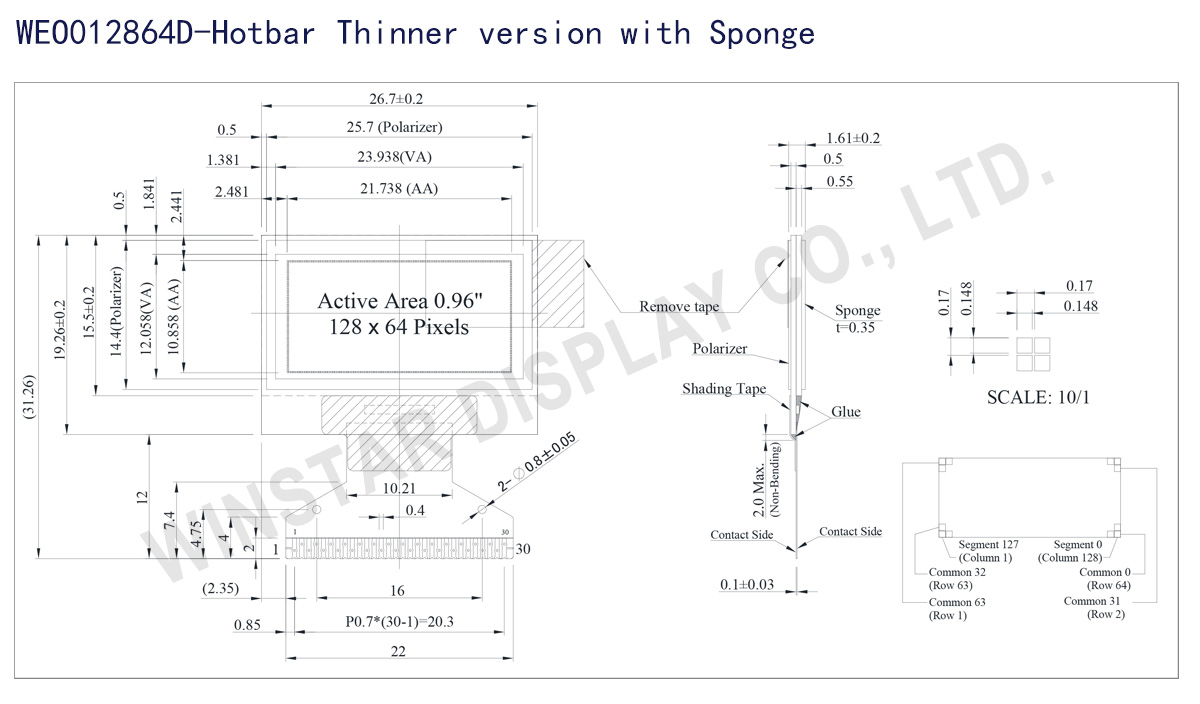
WEO012864D-Hotbar (Thinner Version with Sponge)  - Contour Drawing

Data source ref: WEO012864DWPP3N00007

AYRINTILAR

Mekanik Veri

Kalem WEO012864D-Hotbar WEO012864D-Hotbar with Sponge Birim
Nokta Matrisi 128 × 64 Dot
Modül ölçüleri 26.7 × 19.26 × 1.26 26.7 × 19.26 × 1.61 mm
Aktif alan 21.738 × 10.858 mm
Nokta boyutu 0.148 × 0.148 mm
Nokta sıklığı 0.17 × 0.17 mm
Display Mode Passive Matrix
OLED Rengi monokrom
Drive Duty 1/64 Duty
IC SSD1306
Arayüz 6800,8080,SPI,I2C
Boyut 0.96 inç

Maksimum Değerler

Parameter Sembol Minumum Deger Maksimum Deger Birim
Supply Voltage for Logic VDD 0 4.0 V
Supply Voltage for Display VCC 0 15.0 V
Çalışma Sıcaklığı TOP -40 +80 °C
Saklama Sıcaklığı TSTG -40 +85 °C

Elektronik Özellikleri

Kalem Sembol Durum Minumum Deger Tipik Deger Maksimum Deger Birim
Supply Voltage for Logic VDD 2.8 3.0 3.3 V
Supply Voltage for Display VCC 11.5 12.0 12.5 V
Input High Volt. VIH 0.8×VDD VDDIO V
Input Low Volt. VIL 0 0.2×VDD V
Output High Volt. VOH 0.9×VDD VDDIO V
Output Low Volt. VOL 0 0.1×VDD V
Operating Current for VCC (50% display ON) ICC 16.0 20.0 mA

FPC Seçenekleri:

Resim FPC Length PIN Pitch ZIF FPC or HOTBAR FPC Arayüz FPC No. Create Date
FPC2070003001XXXXX08_WEO012864DBPP3N00001 22 30 0.7 HOTBAR 6800,8080,SPI,I2C FPC2070003001XXXXX08 20170808
FPC2050003011XXXXX28_WEO012864DWPP3N00F00 41.1 30 0.5 ZIF  6800,8080,SPI,I2C FPC2050003011XXXXX28 20180604
FPC2050003011XXXXX34_WEO012864DWPP3N00F04 13.1 30 0.5 ZIF  6800,8080,SPI,I2C FPC2050003011XXXXX34 20200221

Arayüz Pin Fonksiyonlari

No. Sembol Fonksiyon
1 N.C. (GND) Reserved Pin (Supporting Pin)
The supporting pins can reduce the influences from stresses on the function pins. These pins must be connected to external ground.
2 C2N Positive Terminal of the Flying Inverting Capacitor Negative Terminal of the Flying Boost Capacitor The charge-pump capacitors are required between the terminals. They must be floated when the converter is not used.
3 C2P
4 C1P
5 C1N
6 VBAT Power Supply for DC/DC Converter Circuit
This is the power supply pin for the internal buffer of the DC/DC voltage converter. It must be connected to external source when the converter is used. It should be connected to VDD when the converter is not used.
7 NC NC
8 VSS Ground of Logic Circuit
This is a ground pin. It acts as a reference for the logic pins. It must be connected to external ground.
9 VDD Power Supply for Logic
This is a voltage supply pin. It must be connected to external source.
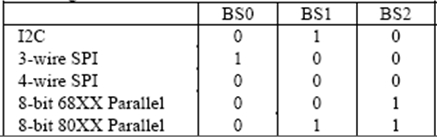
10 BS0 Communicating Protocol Select
These pins are MCU interface selection input. See the
following table:
11 BS1
12 BS2
13 CS# Chip Select
This pin is the chip select input. The chip is enabled for MCU communication only when CS# is pulled low.
14 RES# Power Reset for Controller and Driver
This pin is reset signal input. When the pin is low, initialization of the chip is executed.
15 D/C# Data/Command Control
This pin is Data/Command control pin. When the pin is pulled high, the input at D7~D0 is treated as display data.
When the pin is pulled low, the input at D7~D0 will be transferred to the command register. For detail relationship to MCU interface signals, please refer to the Timing Characteristics Diagrams.
When the pin is pulled high and serial interface mode is selected, the data at SDIN is treated as data. When it is pulled low, the data at SDIN will be transferred to the command register. In I2C mode, this pin acts as SA0 for slave address selection.
16 R/W# Read/Write Select or Write
This pin is MCU interface input. When interfacing to a 68XX-series microprocessor, this pin will be used as Read/Write (R/W#) selection input. Pull this pin to “High” for read mode and pull it to “Low” for write mode.
When 80XX interface mode is selected, this pin will be the Write (WR#) input. Data write operation is initiated when this pin is pulled low and the CS# is pulled low.
17 E/RD# Read/Write Enable or Read
This pin is MCU interface input. When interfacing to a 68XX-series microprocessor, this pin will be used as the Enable (E) signal. Read/write operation is initiated when this pin is pulled high and the CS# is pulled low.
When connecting to an 80XX-microprocessor, this pin receives the Read (RD#) signal. Data read operation is initiated when this pin is pulled low and CS# is pulled low.
18~25 D0~D7 Host Data Input/Output Bus
These pins are 8-bit bi-directional data bus to be connected to the microprocessor’s data bus. When serial mode is selected, D1 will be the serial data input SDIN and D0 will be the serial clock input SCLK. When I2C mode is selected, D2 & D1 should be tired together and serve as SDAout & SDAin in application and D0 is the serial clock input SCL.
26 IREF Current Reference for Brightness Adjustment
This pin is segment current reference pin. A resistor should be connected between this pin and VSS. Set the current lower than 12.5μA.
27 VCOMH Voltage Output High Level for COM Signal
This pin is the input pin for the voltage output high level for COM signals. A capacitor should be connected between this pin and VSS.
28 VCC Power Supply for OEL Panel
This is the most positive voltage supply pin of the chip. A stabilization capacitor should be connected between this pin and VSS when the converter is used. It must be connected to external source when the converter is not used.
29 VLSS Ground of Analog Circuit
This is an analog ground pin. It should be connected to VSS externally.
30 NC
(GND)
Reserved Pin (Supporting Pin)
The supporting pins can reduce the influences from stresses on the function pins. These pins must be connected to external ground.
go top
close

Gizliliğinize değer veriyoruz

"Tüm Çerezlere İzin Ver" seçeneğine tıklayarak, site gezinmesini geliştirmek, site kullanımını analiz etmek ve pazarlama ve performans çalışmalarımıza yardımcı olmak amacıyla cihazınıza çerezlerin kaydedilmesini kabul etmiş olursunuz. Bu konu hakkında daha fazla bilgiye politikamızda ulaşabilirsiniz. Gizlilik Politikası

Gizliliğinize değer veriyoruz

Winstar ve bazı üçüncü taraflar www.winstar.com.tw adresinde çerezler kullanmaktadır. Çerez türleri, amaçları ve ilgili üçüncü taraflar hakkındaki ayrıntılar aşağıda ve Çerez Politikamızda açıklanmaktadır. Web sitemizde en iyi deneyimi yaşamak için çerez kullanımına izin vermek amacıyla “Hepsine İzin Ver” düğmesine tıklayabilirsiniz. Ayrıca tercihlerinizi ayarlayabilir veya zorunlu olanlar haricindeki çerezleri reddedebilirsiniz.

Rıza tercihlerini yönet

Her zaman aktif
Gerekli Çerezler

Bu çerezler, web sitesinde gezinmenizi ve gizlilik tercihlerinizi ayarlamak, oturum açmak veya formları doldurmak gibi özellikleri kullanmanızı sağlamak için gereklidir.

Analitik Çerezler

“İstatistik çerezleri” olarak da bilinen bu çerezler, bir web sitesini nasıl kullandığınız hakkında bilgi toplar; örneğin, hangi sayfalara girdiğinizi ve hangi bağlantılara tıkladığınızı. Ayrıntılara bakın.