
Home Products LCD Display COG LCD Display WO12864U

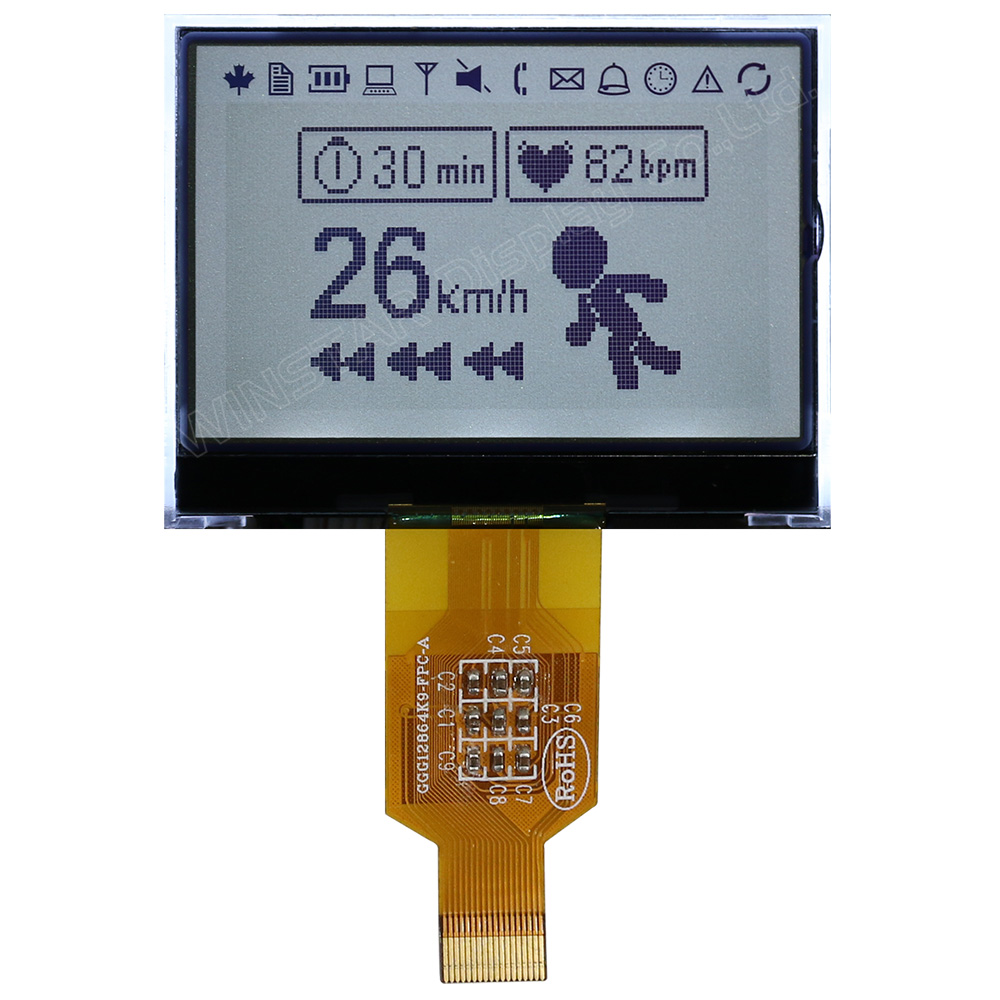
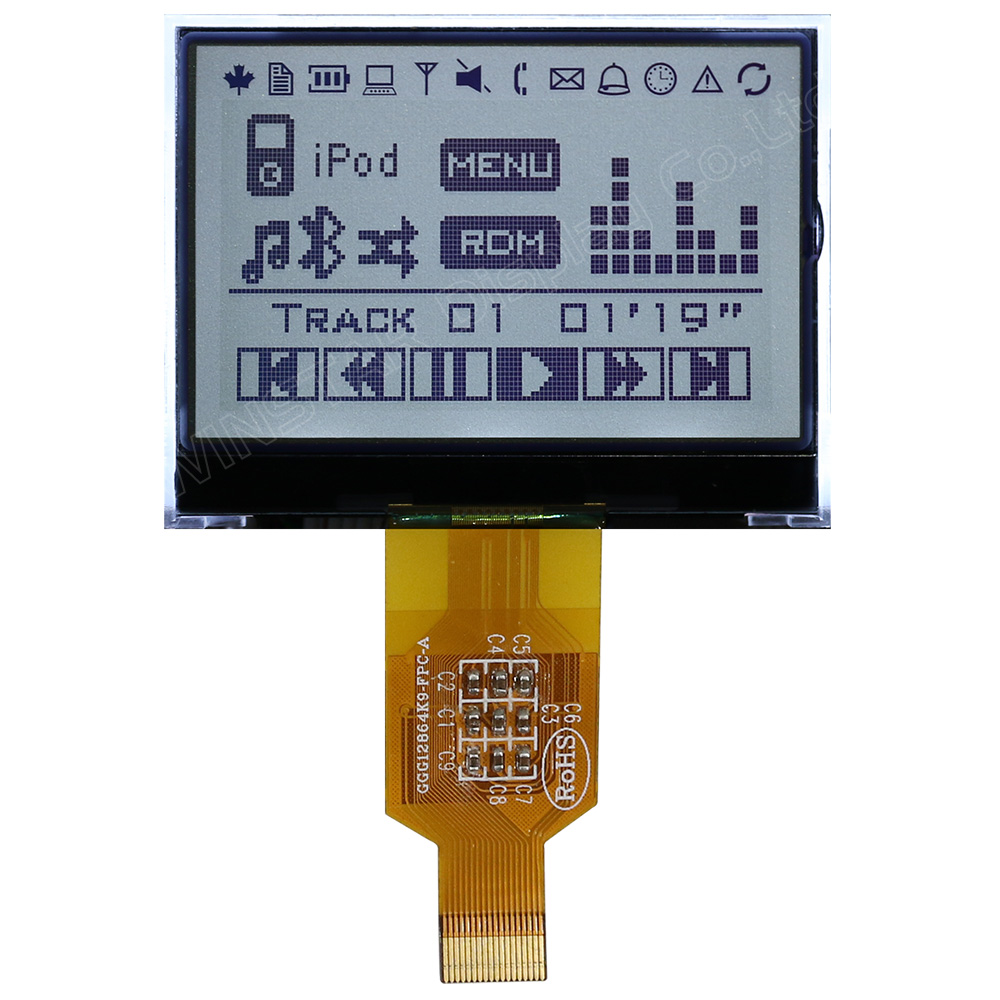
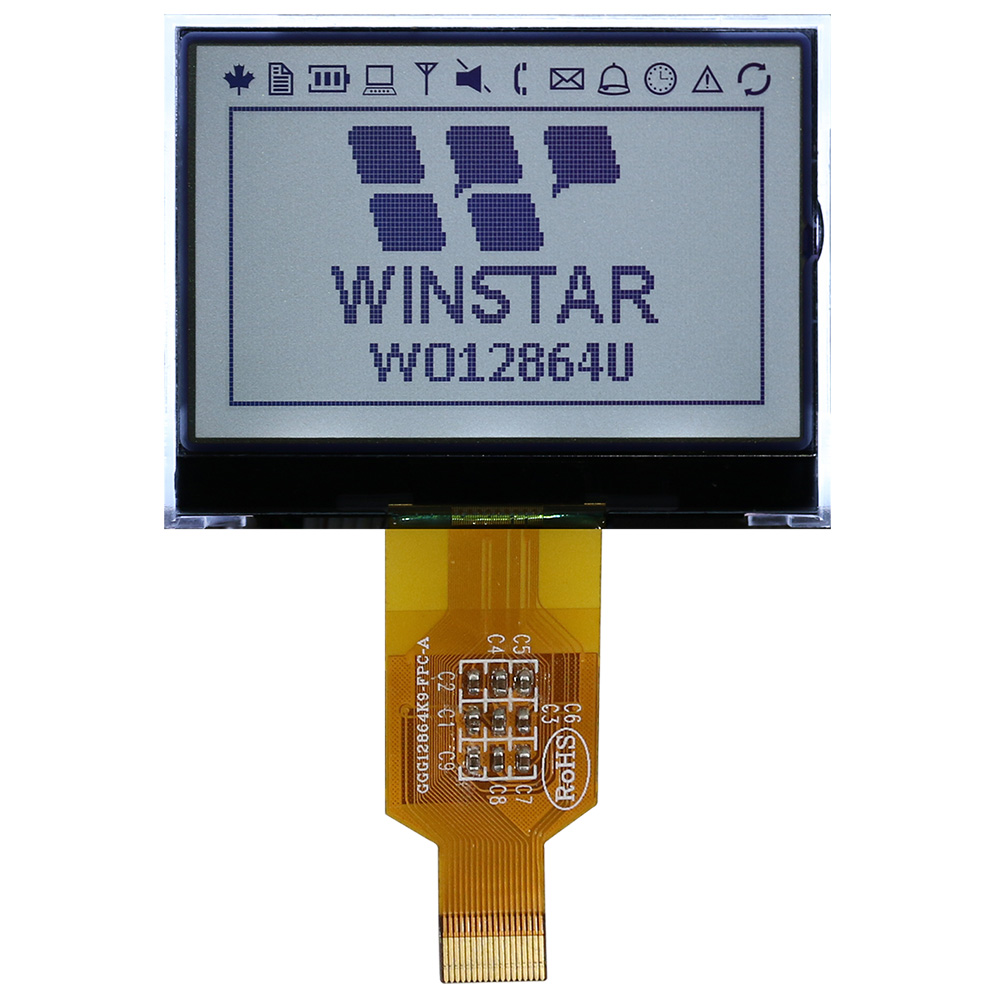
2.23-inch 128x64 COG Monochrome Graphic LCD Module (ST7565P)

Model No. WO12864U

►Monochrome Displays
►Type: Graphic
►Structure: COG
►Size: 2.23"
►Display Format : 128x64 dots
►IC: ST7565P
►3.3V power supply
►1/64 duty cycle, 1/9 bias
►Interface : 6800/8080/SPI

Description

WO12864U is a 2.23-inch 128x64 Chip on Glass (COG) monochrome graphic LCD module featuring the ST7565P controller IC. The module operates from a 3.3 V logic supply and is available with 6800 8-bit, 8080 8-bit parallel, or 4-line SPI interface options for embedded display applications.

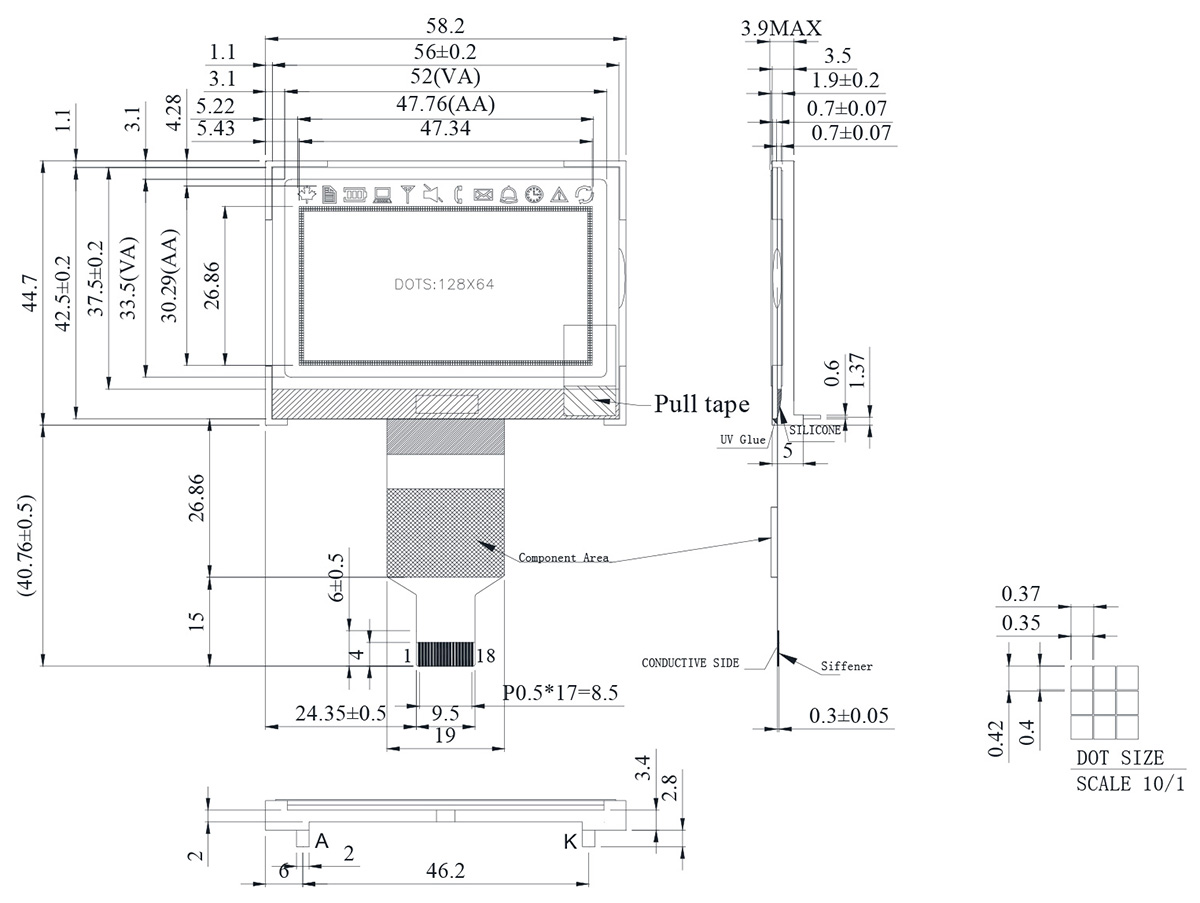
The module measures 58.2 x 44.7 x 3.9 mm, with a 52.0 x 33.5 mm view area and a 47.76 x 30.29 mm active area. It operates with a 1/64 duty cycle and 1/9 bias drive scheme.

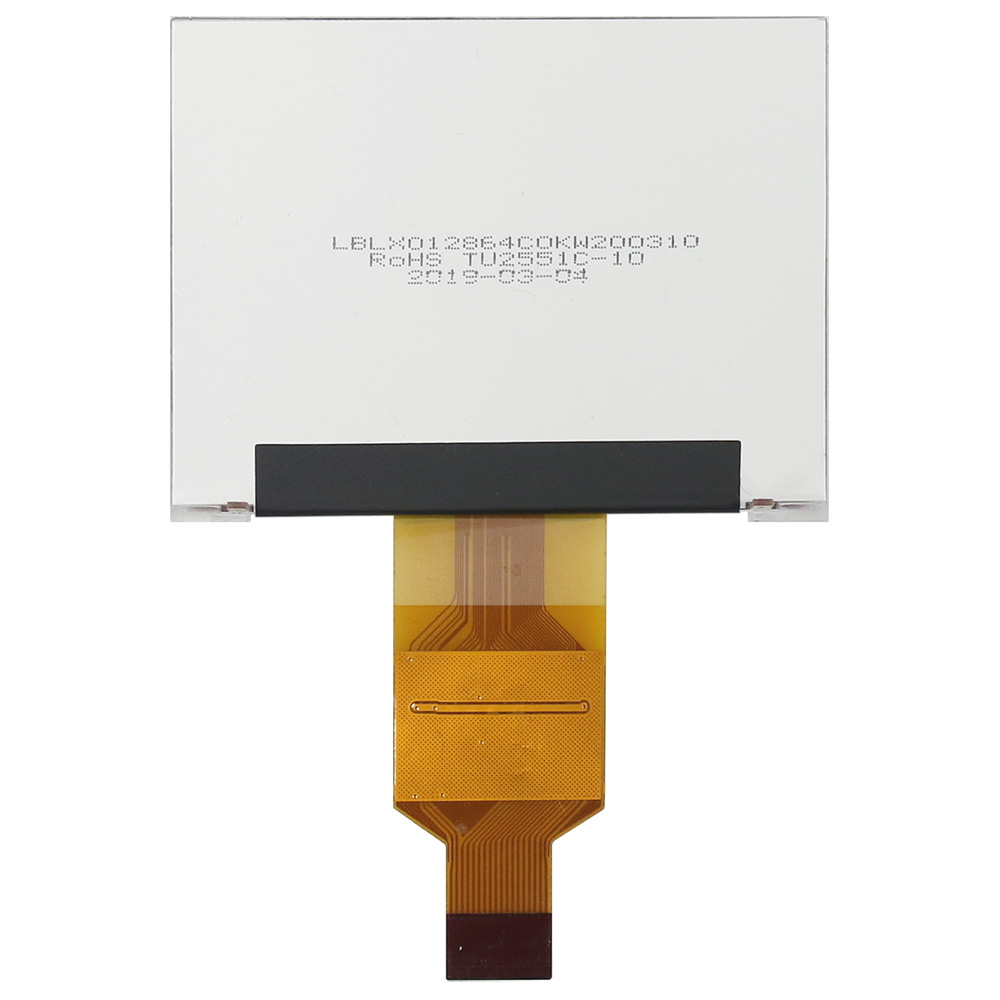
WO12864U is available with an FSTN positive LCD and white LED backlight. A version without a backlight is also available. For additional LCD modes or LED backlight color options, click Add to Inquiry above to submit your inquiry.


DRAWING

WO12864U - Contour Drawing

SPECIFICATIONS

General Specification

Item Dimension Unit
Number of dots 128 × 64
Module dimension 58.2 × 44.7 × 3.9(MAX) mm
View area 52.0 × 33.5 mm
Active area 47.76 × 30.29 mm
Dot size 0.40 × 0.35 mm
Dot pitch 0.42 × 0.37 mm
Duty 1/64
Backlight Type LED
IC ST7565P

Absolute Maximum Ratings

Item Symbol Min Typ Max Unit
Operating Temperature TOP -20 +70
Storage Temperature TST -30 +80
Power Supply Voltage VDD -0.3 3.6 V
Power supply voltage (VDD standard) V0, VOUT -0.3 14.5 V
Power supply voltage (VDD standard) V1, V2, V3, V4 -0.3 V0+0.3 V

Electrical Characteristics

Item Symbol Condition Min. Typ. Max. Unit
Supply Voltage For Logic VDD-VSS 3.0 3.3 V
Supply Voltage For LCD VOP Ta=-20℃
Ta=25℃
Ta=70℃

8.3

8.5

8.7
V
V
V
Input High Volt. VIH 0.8VDD VDD V
Input Low Volt. VIL VSS 0.2VDD V
Output High Volt. VOH 0.8VDD VDD V
Output Low Volt. VOL VDD 0.2VDD V
Supply Current IDD VDD=3.3V 1 2 mA

Interface Pin Function

Pin No. Symbol I/O Description
1 VDD ­_ Power supply pin for logic.
2 VSS _ Ground pin, connected to 0V
3 /CS1 I Chip select input pin. Interface access is enabled when CS1B is "L" and CB2 is "H" . When chip is on-active (CS1B="H" or CS2="L"), D[7:0] pins are high impedance.
4 CS2
5 /RES I Hardware reset input pin. When RSTB is "L", internal initialization is executed and the internal registers will be initialized.
6 A0 I It determines whether the access is related to data or command.
A0=“H”: Indicates that signals on D[7:0] are display data.
A0=“L”: Indicates that signals on D[7:0] are command.
7 R/W I Read/Write execution control pin. When PSB is "H",
C86 MPU Type RWR Description
H 6800 series R/W Read/Write control input pin.
R/W="H": read
R/W="L": write
L 8080 series /WR Write enable input pin.
Signals on D[7:0] will be latched at the rising edge of /WR signal.

RWR is not used in serial interface and should fix to "H" by VDD.
8 E I Read/Write execution control pin. When PSB is "H",
C86 MPU Type ERD Description
H 6800 series E Read/Write control input pin.
R/W="H": When E is "H", D[7:0] are in output mode.
R/W="L": Signals on D[7:0] are latched at the falling edge of E signal
L 8080 series /RD Read enable input pin.
When /RD is "L", D[7:0] are in output mode.

ERD is not used in serial interface and should fix to "H" by VDD.
9-16 D0-D7 I/O Data bus line
17 C86 I C86 selects the microprocessor type in parallel interface mode.
PSB C86 Selected Interface
"H" "H" Parallel 6800 Series MPU Interface
"H" "L" Parallel 8080 Series MPU Interface
"L" "X" Serial 4-Line SPI Interface

Please refer to “APPLICATION NOTES” and “Microprocessor Interface” (Section 6) for detailed connection of the selected interface.
18 P/S I PSB selects the interface type: Serial or Parallel.

Search Keyword: lcd 128x64, lcd 128 x 64, 128x64 lcd, 128 x 64 lcd

go top
close

We value your privacy

By clicking "Allow All Cookies", you agree to the storing of cookies on your device to enhance site navigation, analyse site usage, and assist in our marketing and performance efforts. You can find further information this subject in our policy.

We value your privacy

Winstar and certain third parties use cookies on www.winstar.com.tw. The details regarding the types of
cookies, their purpose and the third parties involved are described below and in our Cookie Policy.
Please click on “Allow All” to consent to our usage of cookies in order to have the best possible
experience on our websites. You can also set your preferences or reject cookies (except for strictly
necessary cookies).

Manage Consent Preferences

Always Active
Essential Cookies

These cookies are essential in order to enable you to move around the website and use its
features, such as setting your privacy preferences, logging in or filling in forms.

Analytics Cookies

Also known as “statistics cookies,” these cookies collect information about how you use a website, like which pages you visited and which links you clicked on. See Detail