
Home Products TFT LCD Display TFT Panel + Controller Board WF70D3TIFGDBG0

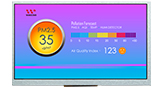
7-inch Capacitive Touch TFT LCD Display 800×480 with Controller Board

Model No. WF70D3TIFGDBG0

►Size : 7 inch
►Resolution : 800 x 480 pixels
►View Direction : 12H
►Interface : MCU
►Built-in Controller : SSD1963
►Control-Board : Yes
►Brightness(cd/m²): 300
►Frame Through Hole : No
►Touch Screen : Projected Capacitive Touch Panel (PCAP)
►Touch Points: 5

Description

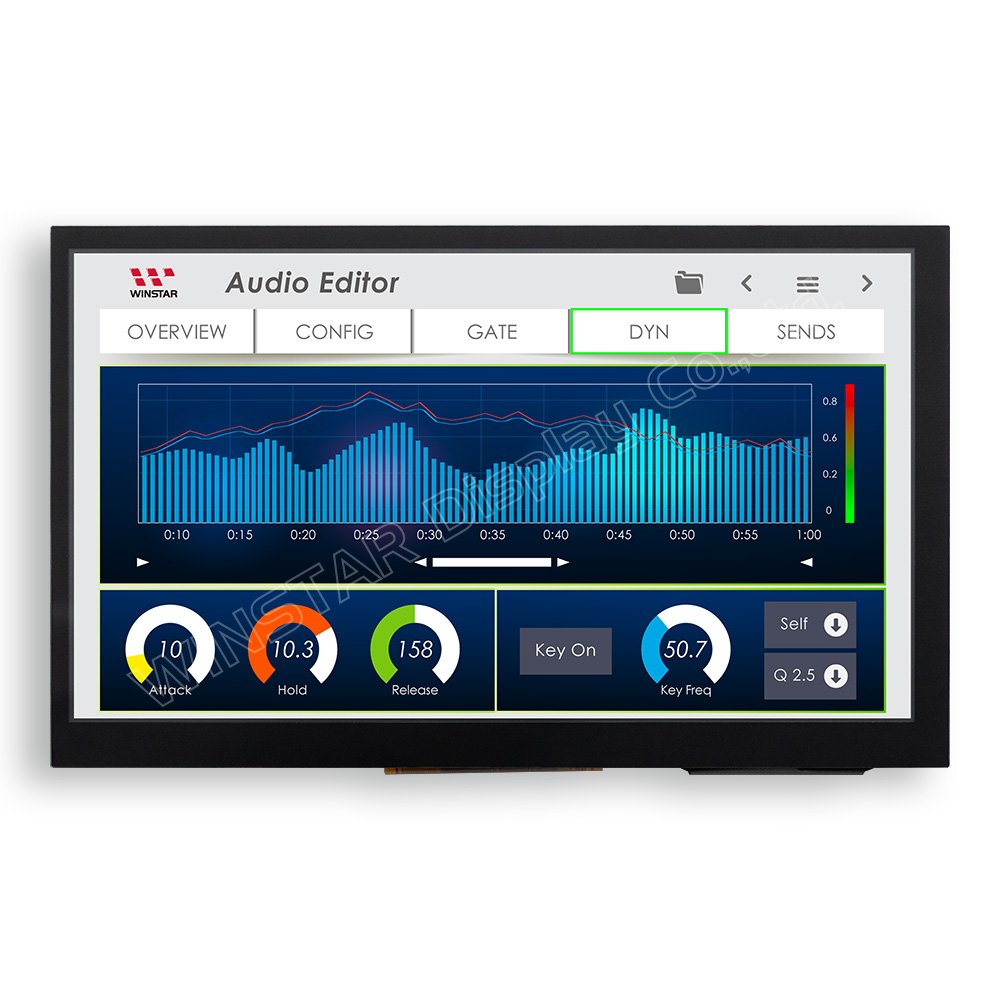
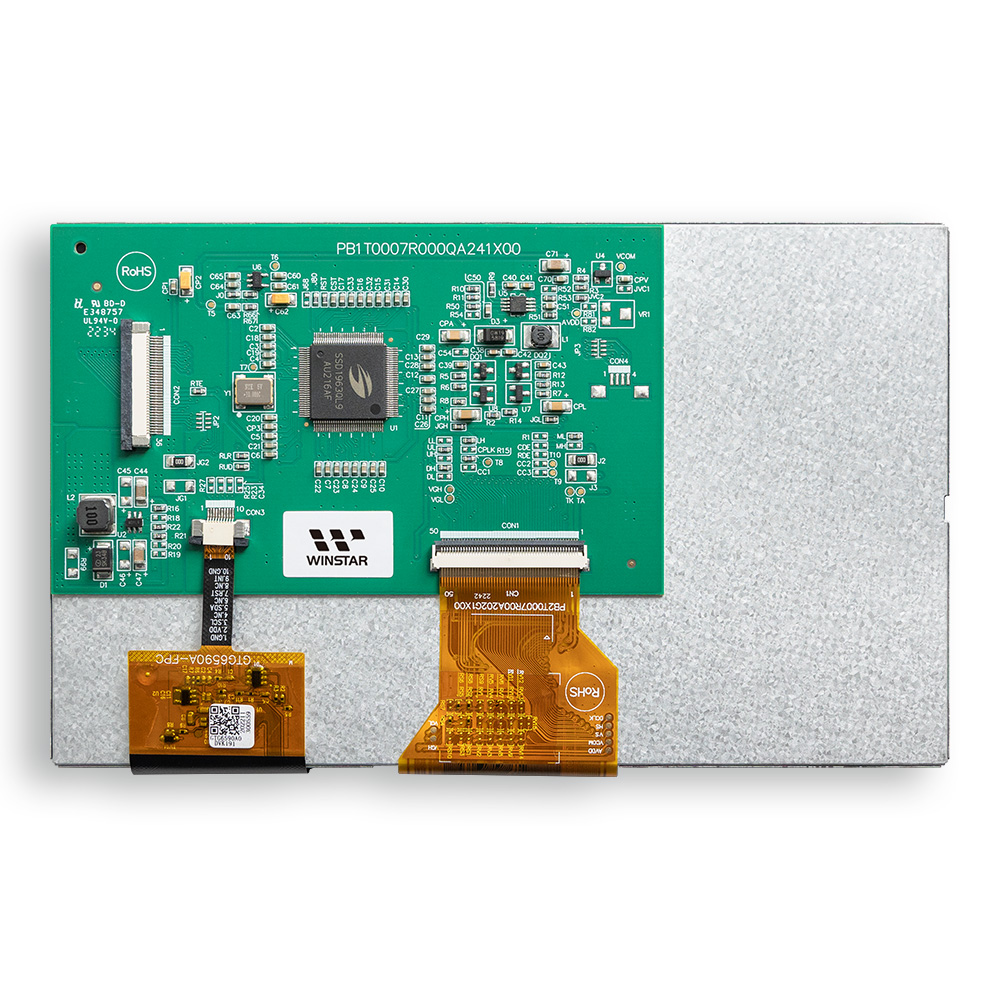
WF70D3TIFGDBG0 is a 7-inch capacitive touch screen TFT LCD display with an 800×480 resolution and an integrated SSD1963 controller board. This model features a 36-pin MCU interface and supports MCU 8080 8-/16-bit and 6800 interface modes for flexible system integration.

The display provides a typical brightness of 300 cd/m² and a contrast ratio of 800:1. The module dimension is 165.0 × 100.0 × 13.7 mm, with an active area of 154.08 × 85.92 mm.

The capacitive touch panel is driven by an ILI2130 controller IC, supporting an I2C interface and up to 5-point multi-touch, enabling responsive capacitive touch screen interaction. The controller board integrates key driving and backlight control functions, simplifying overall system design.

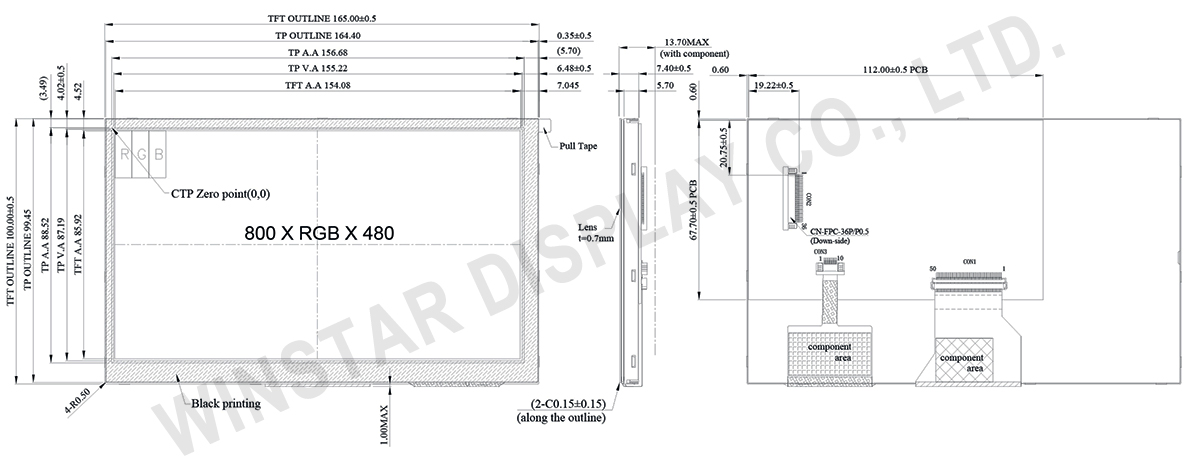
DRAWING

WF70D3TIFGDBG0 - Contour Drawing

SPECIFICATIONS

General Specifications

Item Dimension Unit
Size 7.0 inch
Dot Matrix 800 × RGB × 480(TFT) dots
Module dimension 165 × 100.0 × 13.7 mm
Active area 154.08 × 85.92 mm
Dot pitch 0.1926 × 0.179 mm
LCD type TFT, Normally White, Transmissive
Controller IC SSD1963
Interface Digital 8080 family MPU 8bit/16bit
View Direction 12 o'clock
Gray Scale Inversion Direction 6 o'clock
Aspect Ratio 16:9
Backlight Type LED, Normally White
Color arrangement RGB-STRIPE
PCAP IC ILI2130 or Equivalent
PCAP Interface I2C
PCAP FW Version 0x07.0x00.0x00.0x00.0x65.0x90.0x00.0x01
PCAP Resolution 16384*16384
Touch Screen Projected capacitive touch screen (PCAP)
Surface Glare

Absolute Maximum Ratings

Item Symbol Min Typ Max Unit
Operating Temperature TOP -20 +70
Storage Temperature TST -30 +80

Electrical Characteristics

Operating conditions: (CON2.Pin1=GND, Pin2=VDD)

Item Symbol Min Typ Max Unit
Supply Voltage For LCM VDD 3.0 3.1 3.3 V
Supply Current For LCM IDD 163 250 mA
 

Backlight driving conditions (CON2.Pin33,34=VLED-, Pin35,36=VLED+)

Parameter Symbol Min. Typ. Max. Unit
Operation Current For LED Driver VLED=5V 400 600 mA
Power Consumption VLED=5V 2000 3000 mW
Supply Voltage For LED Driver VLED+ 5 V
LED Life Time 50,000   Hr

Interface

LCM PIN Definition (CON2)

Pin Symbol Function
1 GND System ground pin of the IC .Connect to system ground.
2 VDD Power Supply : +3.3V
3 BLE Backlight control signal , H: On \ L: Off
4 D/C Data/Command select
5 WR Write strobe signal
6 RD Read strobe signal
7 DB0 Data bus
8 DB1 Data bus
9 DB2 Data bus
10 DB3 Data bus
11 DB4 Data bus
12 DB5 Data bus
13 DB6 Data bus
14 DB7 Data bus
15 DB8 Data bus (When select 8bits Mode, this pin is NC)
16 DB9 Data bus (When select 8bits Mode, this pin is NC)
17 DB10 Data bus (When select 8bits Mode, this pin is NC)
18 DB11 Data bus (When select 8bits Mode, this pin is NC)
19 DB12 Data bus (When select 8bits Mode, this pin is NC)
20 DB13 Data bus (When select 8bits Mode, this pin is NC)
21 DB14 Data bus (When select 8bits Mode, this pin is NC)
22 DB15 Data bus (When select 8bits Mode, this pin is NC)
23 NC No connect
24 CTP_INT CTP_ External interrupt to the host
25 CS Chip select
26 RST Hardware reset (RESET)
27 L/R Left / right selection; Default L/R=H
28 U/D Up/down selection; ; Default U/D=L
29 CTP_SCL CTP_SPI Slave mode, chip select, active low / I2C clock input
30 CTP_SDA CTP_ SPI Slave mode, data input / I2C data input and output
31 CTP_RST CTP_ External Reset, Low is active
32 NC No connect
33 VLED- Power for LED Driver IC(GND)
34 VLED- Power for LED Driver IC(GND)
35 VLED+ Power for LED Driver IC(+5V)
36 VLED+ Power for LED Driver IC(+5V)

Recently Viewed

go top
close

We value your privacy

By clicking "Allow All Cookies", you agree to the storing of cookies on your device to enhance site navigation, analyse site usage, and assist in our marketing and performance efforts. You can find further information this subject in our policy.

We value your privacy

Winstar and certain third parties use cookies on www.winstar.com.tw. The details regarding the types of
cookies, their purpose and the third parties involved are described below and in our Cookie Policy.
Please click on “Allow All” to consent to our usage of cookies in order to have the best possible
experience on our websites. You can also set your preferences or reject cookies (except for strictly
necessary cookies).

Manage Consent Preferences

Always Active
Essential Cookies

These cookies are essential in order to enable you to move around the website and use its
features, such as setting your privacy preferences, logging in or filling in forms.

Analytics Cookies

Also known as “statistics cookies,” these cookies collect information about how you use a website, like which pages you visited and which links you clicked on. See Detail