

Startseite Produkte OLED-Anzeigen Touch-OLED-Display WEN025664B-CTP

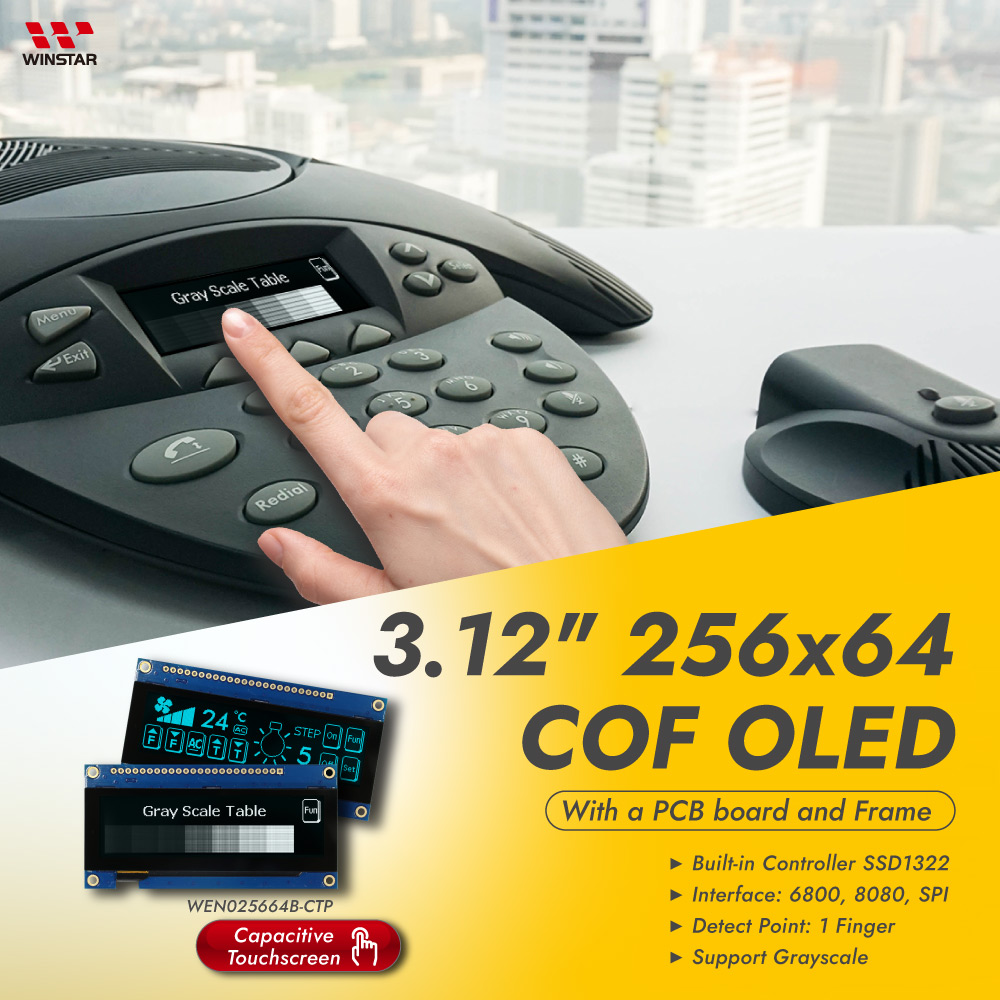
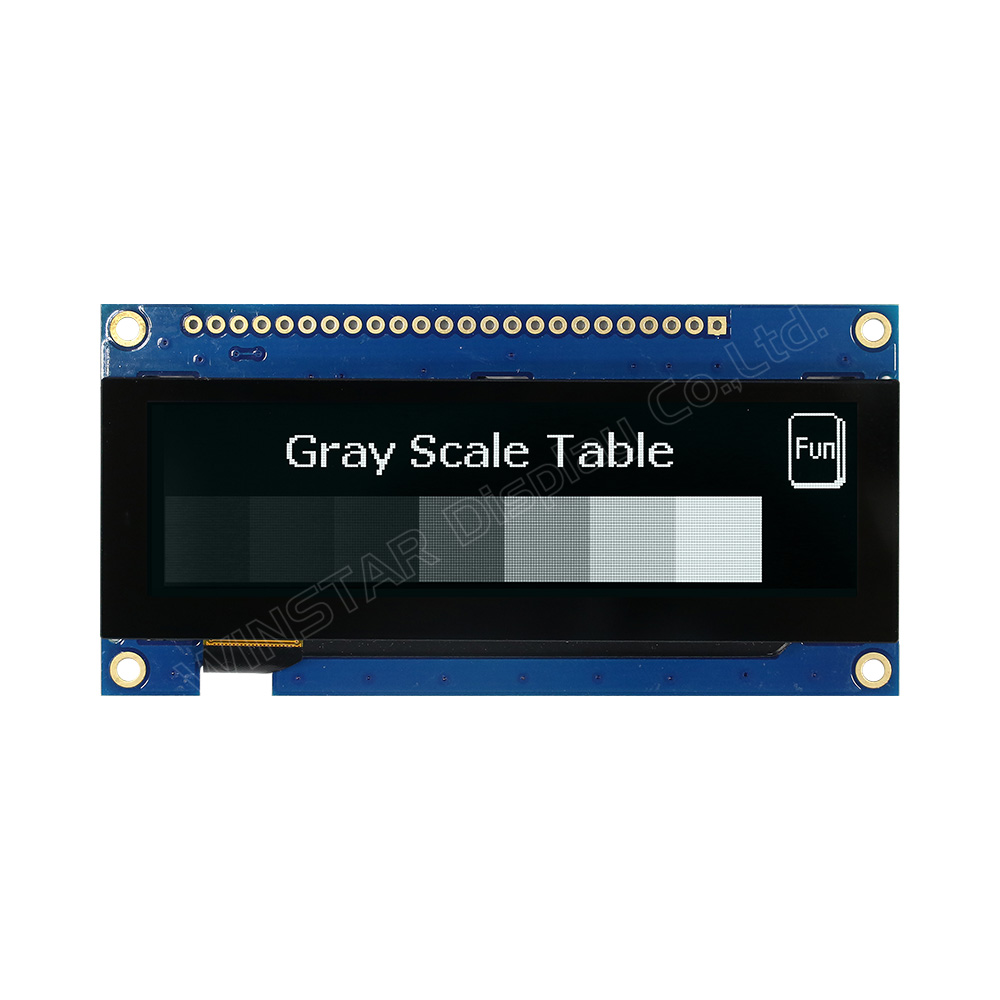
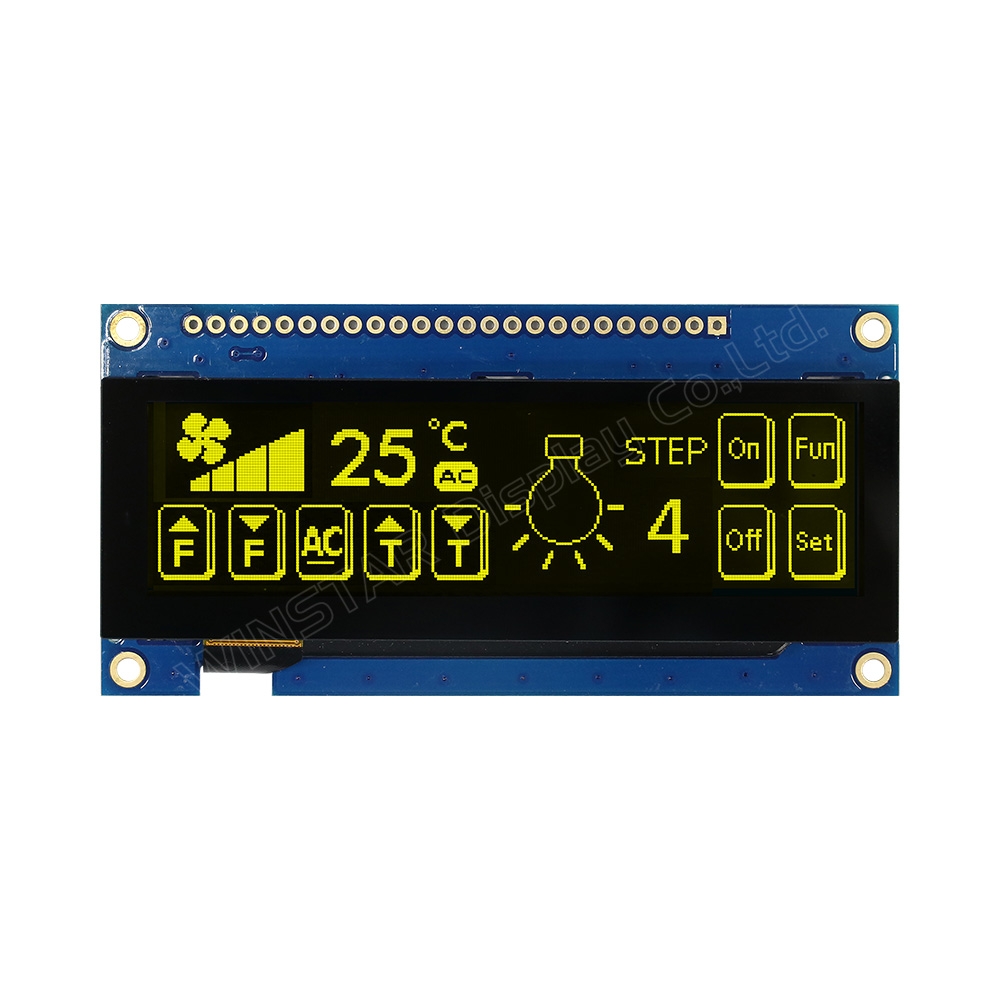
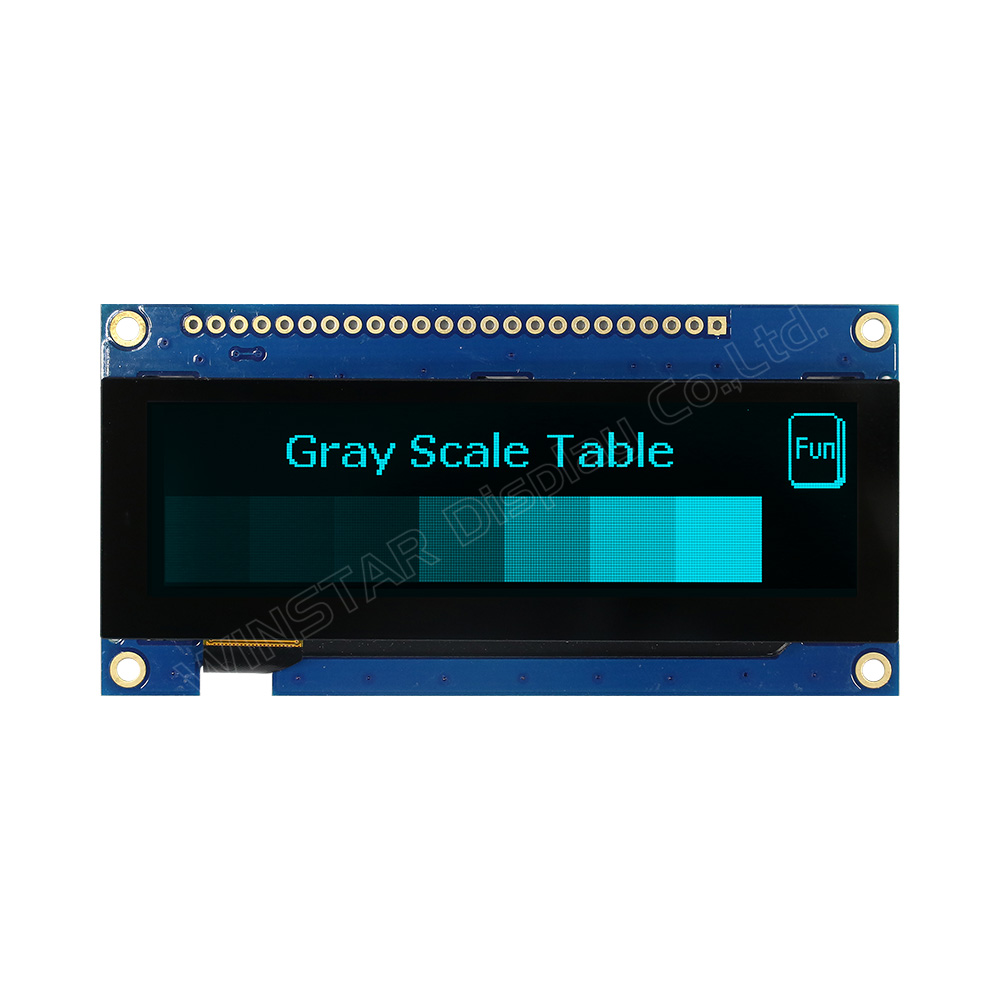
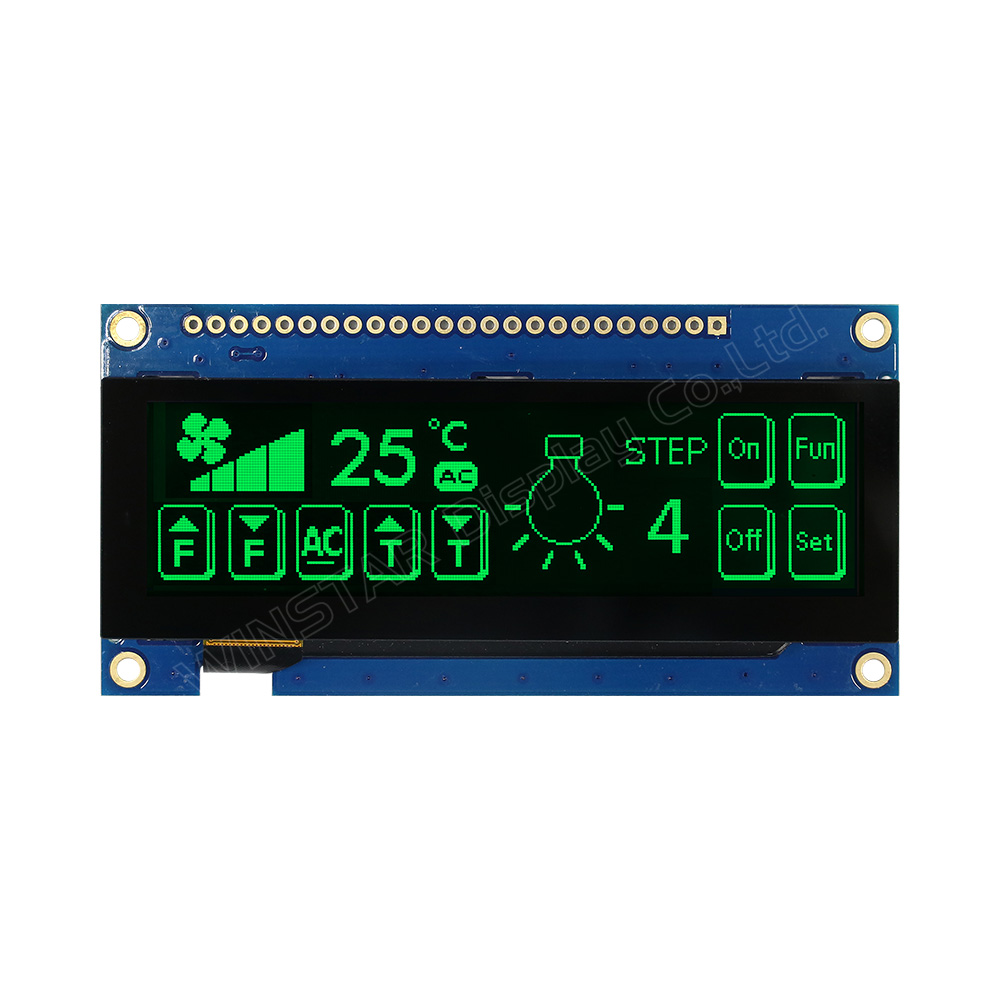
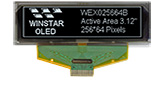
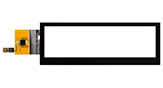
3,12-Zoll OLED-Display 256x64 mit CTP-Touch und PCB

Modellnummer WEN025664B-CTP

►Typ: Grafik
►Bauweise: COF+FR+PCB
►Größe: OLED 3,12 Zoll
►256×64 Punktmatrix OLED
►IC:SSD1322
►3-V-Stromversorgung
►1/64 duty cycle
►Schnittstelle: 6800, 8080, SPI
►Touchscreen: Touchscreen Kapazitiv (CTP)
►Berührungspunkte : 1 Finger
►Kolor wyświetlacza: Weiß / Gelb / Himmelblau / Grün
►Unterstützt Grauskala

Beschreibung

WEN025664B-CTP ist ein grafisches OLED-Displaymodul in COF-Bauweise mit einer Diagonale von 3,12 Zoll und integrierter kapazitiver Touchfunktion (CTP) sowie einer Auflösung von 256×64 Pixeln. Das Modul basiert auf dem SSD1322 Controller und unterstützt 6800/8080 8-Bit Parallel sowie 3-/4-Draht SPI-Schnittstellen.

Das OLED-Modul unterstützt 4-Bit Graustufen und arbeitet mit einer Logikspannung von 3V sowie einem 1/64 Duty Cycle. Der Touch-Controller FT6336U unterstützt eine I2C-Schnittstelle und 1-Punkt-Touch. Die Oberfläche ist als Normal Glare ausgeführt.

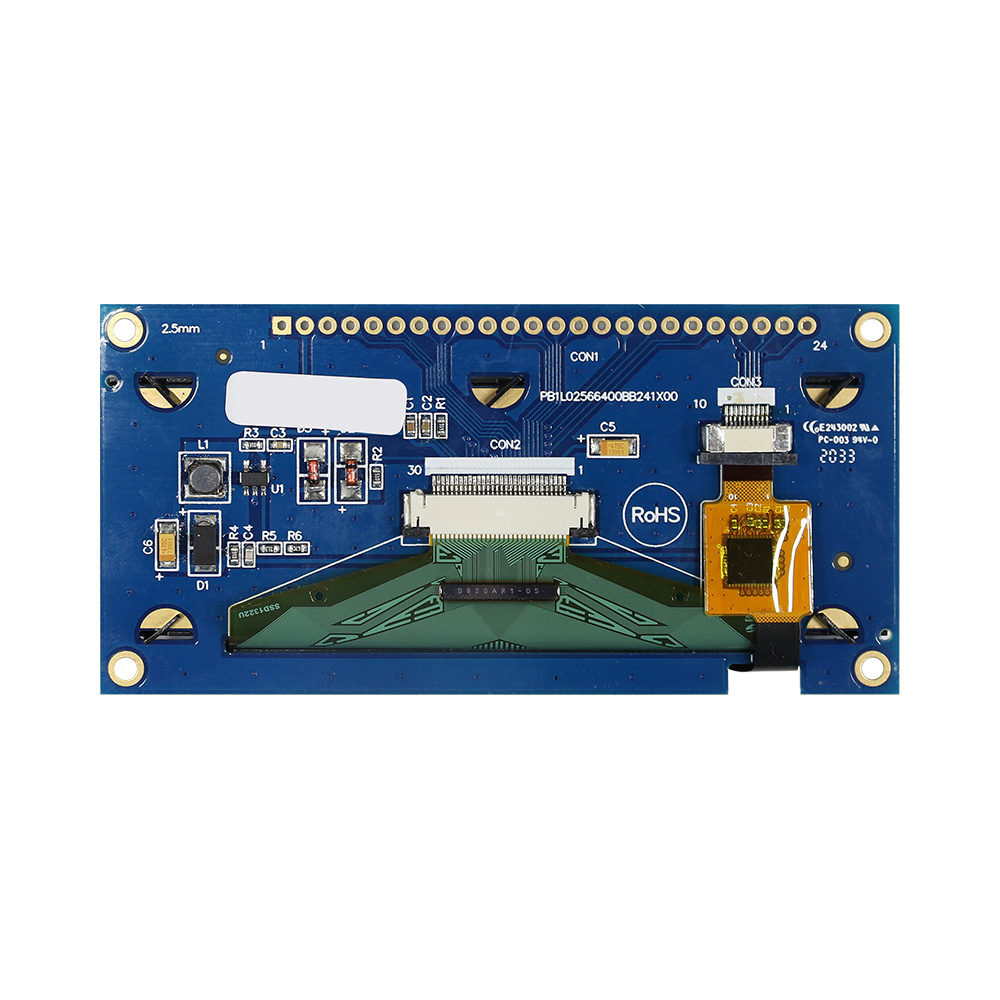
Das Modul verfügt über eine integrierte PCB-Struktur, die eine direkte Verdrahtung ohne zusätzliche Leiterplattenentwicklung ermöglicht. Die integrierte Stromversorgung und Befestigungsbohrungen erleichtern die Systemintegration und mechanische Montage.

Der Betriebstemperaturbereich liegt bei -20°C bis +70°C, der Lagertemperaturbereich bei -30°C bis +80°C. Geeignet für Anwendungen wie Smart Home, industrielle Steuerung und Medizintechnik.

Weitere Varianten auf Basis desselben OLED-Panels sind verfügbar:

Zeichnung

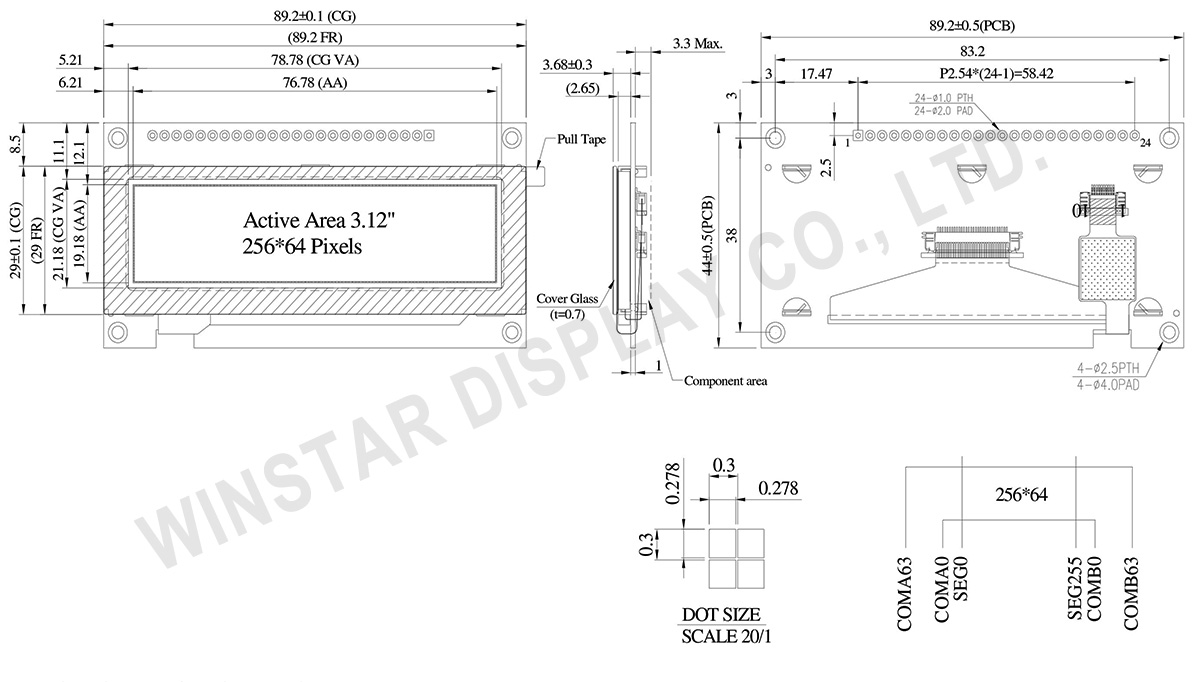
3.12 inch 256x64 COF Touch OLED Display with PCB +Frame - WEN025664B-CTP
 

Data source ref: WEN025664BWPP3D00000

Technische Daten

Allgemeine Spezifikationen

Merkmal Abmessung Einheit
Punktmatrix 256 x 64 Dots
Modulabmessungen 89.2 × 44.0 × 7.98 mm
Aktive Fläche 76.78 × 19.18 mm
Pixelgröße 0.278 × 0.278 mm
Pixelabstand 0.3 × 0.3 mm
Anzeigemodus Passive Matrix
Anzeigefarbe Monochrome
Tastverhältnis 1/64 Duty
Graustufen 4 bits
OLED-Treiber SSD1322 (COF)
OLED-Schnittstelle 6800, 8080, SPI
Größe 3.12 inch
CTP IC FT6336U
Detektionspunkt 1
CTP-Schnittstelle I2C
Oberfläche Glanz

Absolute Grenzwerte

Parameter Symbol Min Max Einheit
Versorgungsspannung Display VDD -0.3 4 V
Betriebstemperatur TOP -20 +70 °C
Lagertemperatur TSTG -30 +80 °C

Elektrische Eigenschaften

Elektrische DC-Eigenschaften

Parameter Symbol Bedingung Min Typ Max Einheit
Logikversorgungsspannung VDD 2.8 3.0 3.3 V
Hochpegel-Eingang VIH 0.8×VDD VDD V
Niedrigpegel-Eingang VIL 0 0.2×VDD V
Hochpegel-Ausgang VOH 0.9×VDD VDD V
Niedrigpegel-Ausgang VOL 0 0.1×VDD V
50% Check Board Betriebsstrom IDD VDD =3V 150 300 mA

Schnittstelle Pin-Funktion

Pin Number Symbol I/O Beschreibung
1 VSS P Ground.
2 VDD P Power Supply for Core Logic Circuit
Power supply pin for core logic operation. A capacitor is required to connect between this pin and VSS
3 N.C. P Reserved Pin
The N.C. pin between function pins are reserved for compatible and flexible design.
4 D/C# I Data/Command Control
This pin is Data/Command control pin connecting to the MCU.
When the pin is pulled HIGH, the content at D[7:0] will be interpreted as data.
When the pin is pulled LOW, the content at D[7:0] will be interpreted as command.
5 R/W#
(WR#)
I Read/Write Select or Write
This pin is MCU interface input. When interfacing to a 68XX-series microprocessor, this pin will be used as Read/Write (R/W#) selection input. Pull this pin to “High” for read mode and pull it to “Low” for write mode.
When 80XX interface mode is selected, this pin will be the Write (WR#) input. Data write operation is initiated when this pin is pulled low and the CS# is pulled low.
When serial mode is selected, this pin must be connected to VSS.
6 E/RD# I Read/Write Enable or Read
This pin is MCU interface input.
When interfacing to a 68XX-series microprocessor, this pin will be used as the Enable (E) signal. Read/write operation is initiated when this pin is pulled high and the CS# is pulled low.
When connecting to an 80XX-microprocessor, this pin receives the Read (RD#) signal. Data read operation is initiated when this pin is pulled low and CS# is pulled low.
When serial mode is selected, this pin must be connected to VSS.
7~14 DB0 I/O Host Data Input/Output Bus
These pins are 8-bit bi-directional data bus to be connected to the microprocessor’s data bus.
When serial mode is selected, D1 will be the serial data input SDIN and D0 will be the serial clock input SCLK.
DB1
DB2
DB3
DB4
DB5
DB6
DB7
15 NC P Reserved Pin
The N.C. pin between function pins are reserved for compatible and flexible design.
16 RES# I This pin is reset signal input.
When the pin is pulled LOW, initialization of the chip is executed.
Keep this pin pull HIGH during normal operation.
17 CS# I Data/Command Control
This pin is the chip select input connecting to the MCU. The chip is enabled for MCU communication only when CS# is pulled LOW.
18 NC P Reserved Pin
The N.C. pin between function pins are reserved for compatible and flexible design.
19 BS1 I Communicating Protocol Select
These pins are MCU interface selection input. See the following table:
BS[1:0] Bus Interface electioin
00 4 line SPI
01 3 line SPI
10 8-bit 8080 parallel
11 8-bit 6800 parallel
Note
(1) 0 is connected to VSS
(2) 1 is connected to VDD
20 BS0
21 TP_SCK I I2C clock input
22 TP_SDA I I2C data input and output
23 TP_INT I External interrupt to the host
24 TP_RST I External Reset, Low is active
go top
close

Wir schätzen Ihre Privatsphäre

Durch Klicken auf „Alle Cookies zulassen“ stimmen Sie der Speicherung von Cookies auf Ihrem Gerät zu, um die Navigation auf der Website zu verbessern, die Nutzung der Website zu analysieren und unsere Marketing- und Leistungsbemühungen zu unterstützen. Weitere Informationen zu diesem Thema finden Sie in unserer Richtlinie. Datenschutzrichtlinie

Wir schätzen Ihre Privatsphäre

Winstar und bestimmte Drittparteien verwenden Cookies auf www.winstar.com.tw. Die Einzelheiten zu den Arten von Cookies, ihrem Zweck und den beteiligten Drittparteien sind unten sowie in unserer Cookie-Richtlinie beschrieben. Klicken Sie auf „Alle zulassen“, um unserer Verwendung von Cookies zuzustimmen und die bestmögliche Erfahrung auf unseren Websites zu erzielen. Sie können auch Ihre Präferenzen festlegen oder Cookies ablehnen (mit Ausnahme der unbedingt erforderlichen Cookies).

Einwilligungspräferenzen verwalten

Immer aktiv
Notwendige Cookies

Diese Cookies sind unerlässlich, um Ihnen das Navigieren auf der Website zu ermöglichen und ihre Funktionen zu nutzen, wie z. B. das Festlegen Ihrer Datenschutzpräferenzen, das Einloggen oder das Ausfüllen von Formularen.

Analyse-Cookies

Diese Cookies, auch als „Statistik-Cookies“ bekannt, sammeln Informationen darüber, wie Sie eine Website nutzen, z. B. welche Seiten Sie besucht und auf welche Links Sie geklickt haben. Siehe Details.