Startseite Produkte OLED-Anzeigen Grafisches OLED-Display WEX025664B

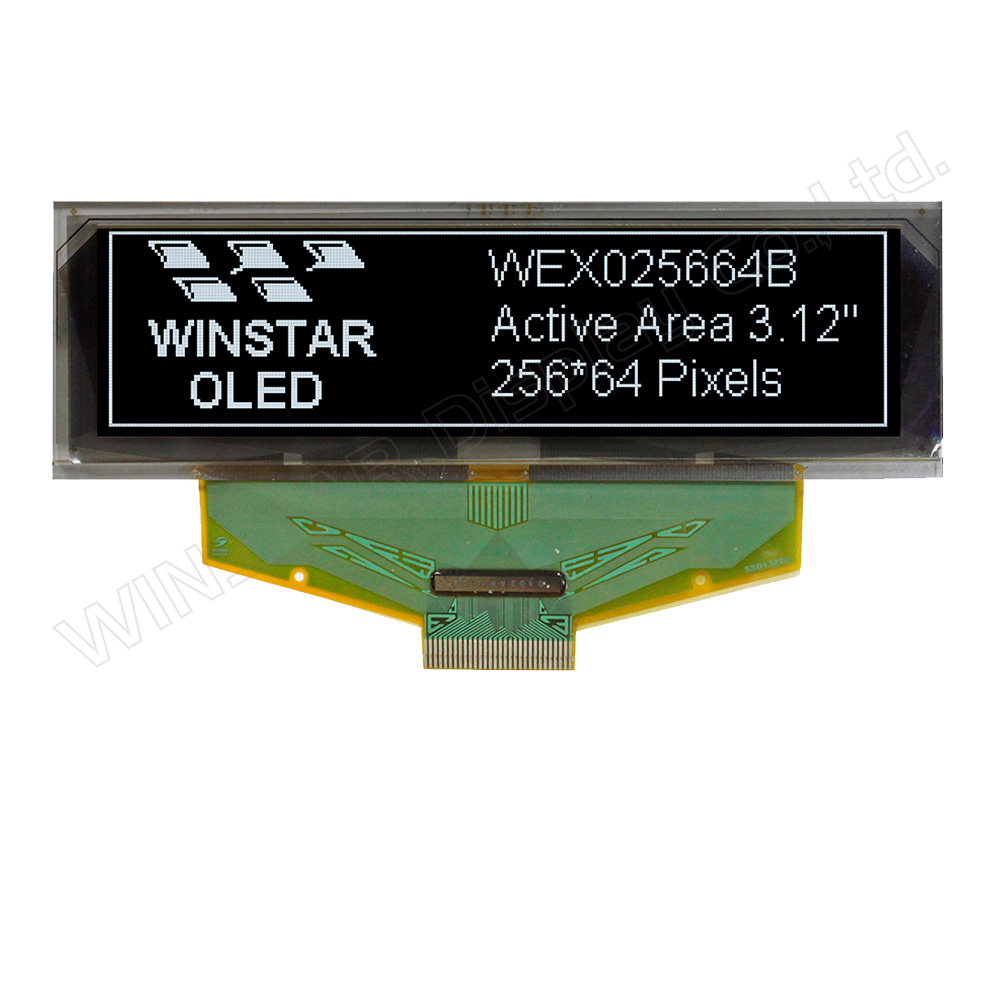
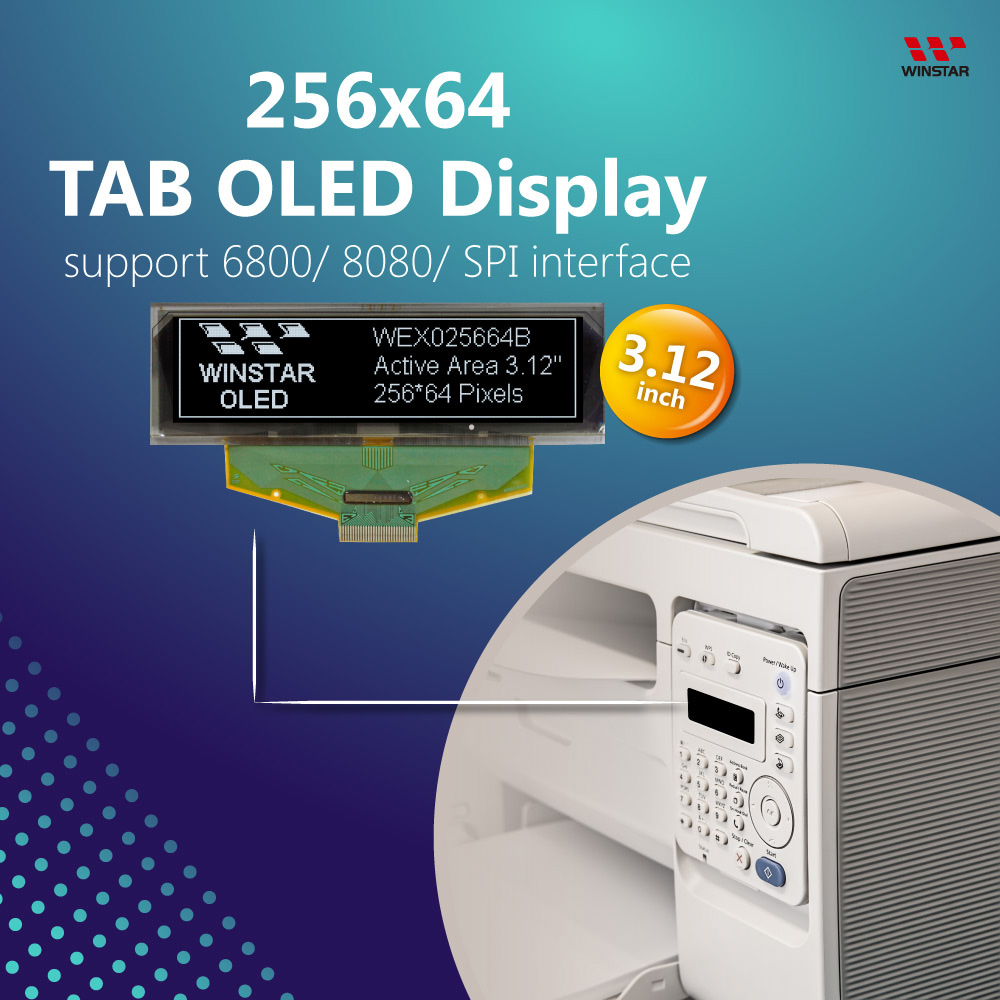
3,12-Zoll-OLED-Displaymodul 256x64

Modellnummer WEX025664B

►Typ: Grafik
►Bauweise: COF
►Größe: 3,12" OLED
►256 x 64 Punktmatrix
►IC:SSD1322
►3-V-Stromversorgung
►1/64 duty
►Schnittstelle: 6800, 8080, SPI
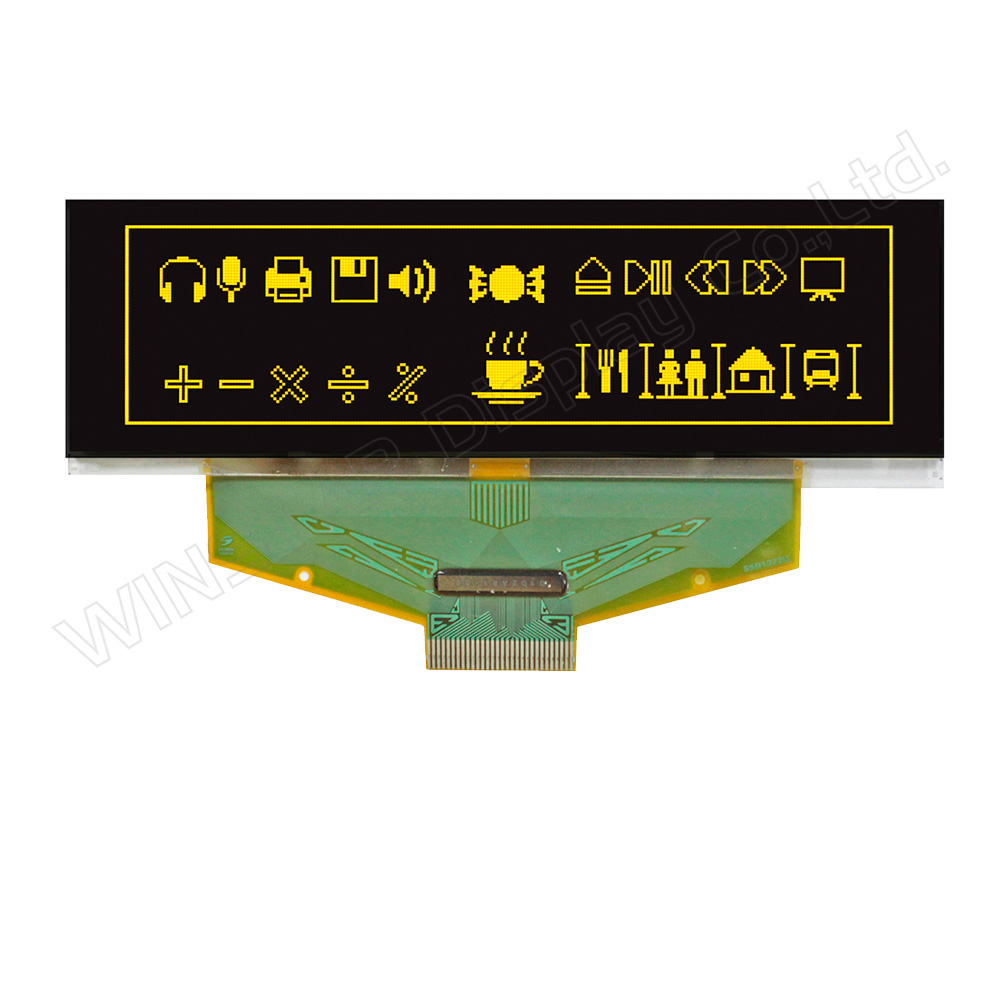
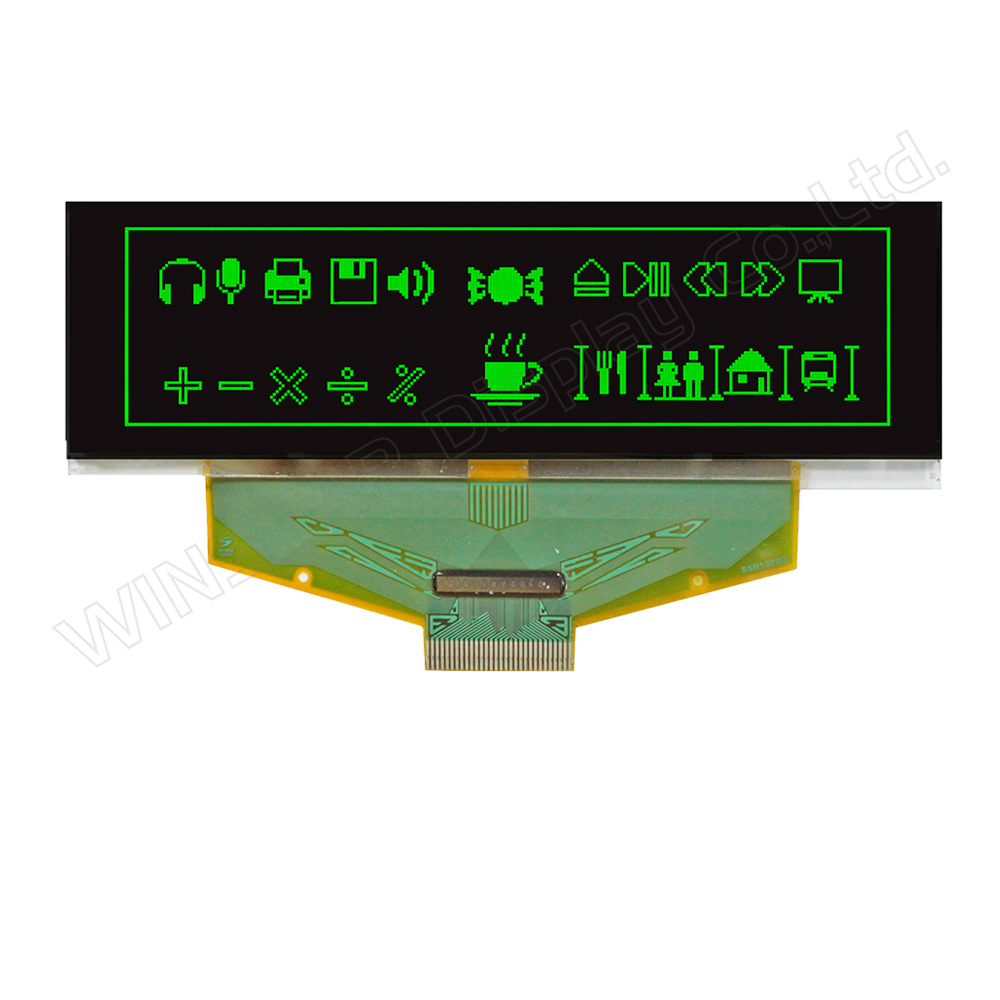
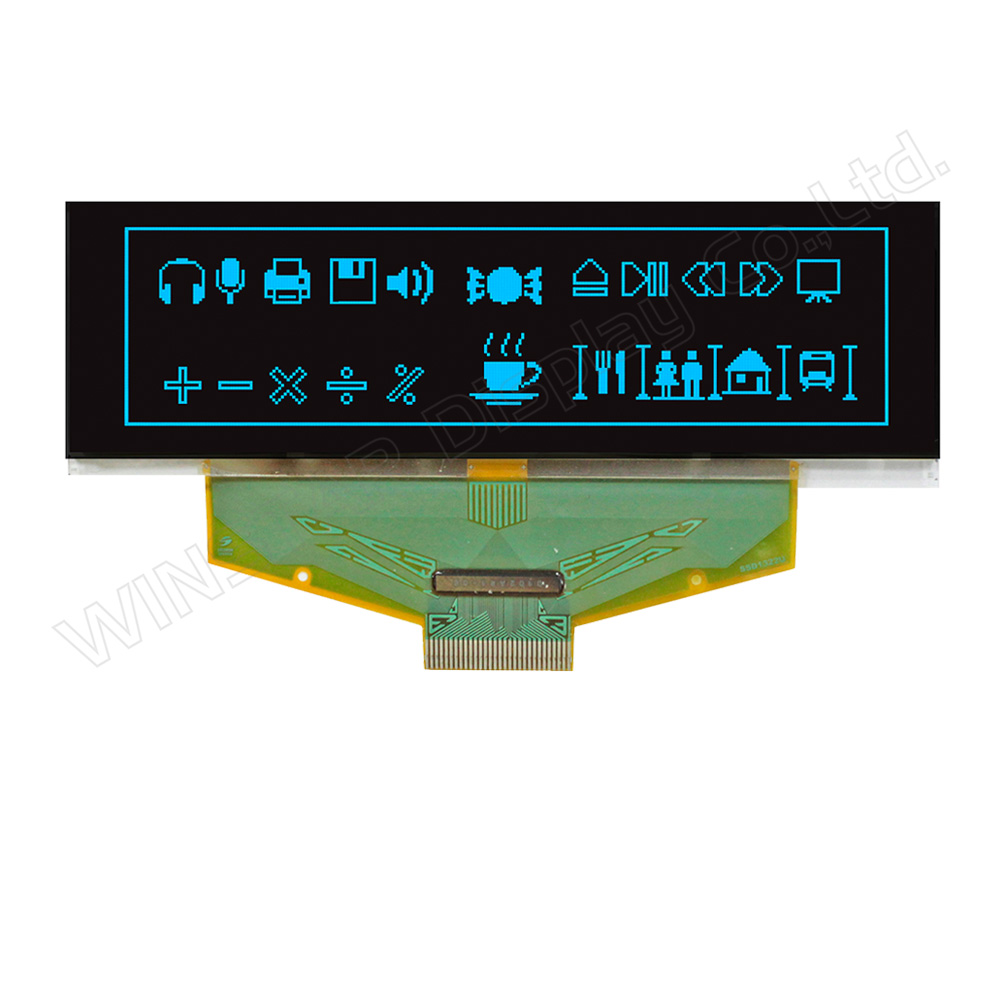
►die Farbe des Displays: Weiß / Gelb / Himmelblau / Grün
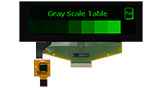
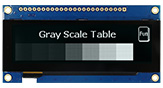
►Support Grayscale

Beschreibung

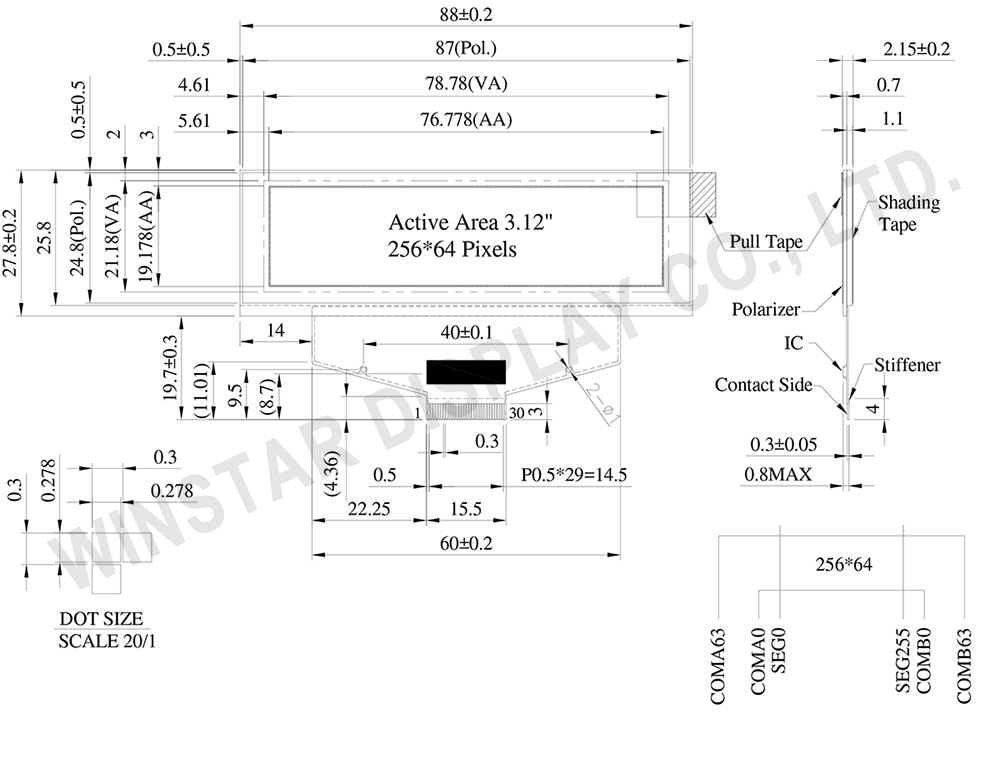
WEX025664B ist ein grafisches 3,12-Zoll-OLED-Display mit einer Auflösung von 256×64 Pixeln in Chip-on-Film-Bauweise (COF). Die Modulabmessungen betragen 88,0 × 27,8 × 2,15 mm, die aktive Anzeigefläche misst 76,778 × 19,178 mm. Das längliche Displayformat eignet sich für Geräte, bei denen nur begrenzter Einbauraum zur Verfügung steht und Texte, Grafiken sowie Statusinformationen dargestellt werden müssen.

Das 256x64-OLED-Display ist mit dem SSD1322-Treiber-IC ausgestattet und unterstützt 8-Bit-Parallelschnittstellen nach 6800/8080-Standard sowie 3-Draht- und 4-Draht-SPI zur Anbindung an unterschiedliche Hostsysteme. Die 4-Bit-Graustufendarstellung ermöglicht die Darstellung grafischer Informationen mit verschiedenen Helligkeitsstufen. Das Modul verwendet eine 1/64-Duty-Ansteuerung. Der Betriebstemperaturbereich liegt bei -40°C bis +80°C, der Lagertemperaturbereich bei -40°C bis +85°C.

Die Logikversorgungsspannung (VDD) des WEX025664B beträgt 2,4 bis 2,6 V (typisch 2,5 V). Die Niederspannungsversorgung (VCI) liegt bei 2,4 bis 3,5 V (typisch 3,0 V), während die Display-Ansteuerspannung (VCC) 11,5 bis 15 V (typisch 14,5 V) beträgt. Die I/O-Versorgungsspannung (VDDIO) reicht von 1,65 V bis VCI (typisch 3,0 V). Diese Spannungsanforderungen sind bei der Auslegung der Stromversorgung und der Schnittstellenschaltung zu berücksichtigen.

WEX025664B eignet sich für Industriegeräte, Embedded-Systeme, Messgeräte, tragbare Messinstrumente, POS-Systeme, IoT-Geräte, Kommunikationsgeräte und medizinische Instrumente, die ein kompaktes grafisches OLED-Display mit Graustufendarstellung benötigen. Das Modul kommt auch für lokale Überwachungsschnittstellen an Server-Frontpanels infrage, bei denen der verfügbare Einbauraum und die darzustellenden Informationen wichtige Auswahlkriterien sind.

Für unterschiedliche mechanische Ausführungen oder Touch-Funktionen stehen folgende verwandte Modelle zur Verfügung:

  • WEX025664B-CTP: COF-Bauweise mit kapazitivem Touchpanel (CTP), ohne Metallrahmen und Leiterplatte (PCB).
  • WEN025664B: COF-Bauweise mit Metallrahmen und Leiterplatte (PCB).
  • WEN025664B-CTP: COF-Bauweise mit Metallrahmen, Leiterplatte (PCB) und kapazitivem Touchpanel (CTP).
 

Weitere Informationen zur Integration von OLED-Displays in die Frontpanels von 2U-Servern finden Sie im Fachartikel PMOLED-Displays für die lokale Überwachung von 2U-Servern: Anwendungen und Designaspekte.

Zeichnung

WEX025664B - Contour Drawing

Data source ref: WEX025664BWPP3N00000

Technische Daten

mechanische Daten

Artikel Ausmaß Einheit
Punktmatrix 256 x 64 Dots -
Abmaße der modul 88.0 × 27.8 × 2.15 mm
Aktiver Bereich 76.778×19.178 mm
Punktgröße 0.278×0.278 mm
Punktabstand 0.3×0.3 mm
Anzeigemodus Passive Matrix
Anzeigefarbe Monochrom
Tastverhältnis 1/64 Duty
Graustufen 4 bits
IC SSD1322 (COF)
Schnittstelle 6800, 8080, SPI
Größe 3.12 inch

Absolute Grenzwerte

Parameter Symbol Min Max Einheit
Betriebsspannung VCI -0.3 4 V
Versorgungsspannung für Logik VDD -0.5 2.75 V
Versorgungsspannung für I/O-Pins VDDIO -0.5 VCI V
Versorgungsspannung Display VCC -0.5 20 V
Betriebstemperatur TOP -40 80 °C
Lagertemperatur TSTG -40 85 °C

elektronische Eingenschaften

Parameter Symbol Bedingung Min Typ Max Einheit
Versorgungsspannung für Logik VDD - 2.4 2.5 2.6 V
Versorgungsspannung für I/O-Pins VDDIO - 1.65 3.0 VCI V
Niederspannungsversorgung VCI - 2.4 3.0 3.5 V
Versorgungsspannung Display VCC - 11.5 14.5 15 V
Hochpegel-Eingang VIH - 0.8×VDDIO - VDDIO V
Niedrigpegel-Eingang VIL - 0 - 0.2×VDDIO V
Hochpegel-Ausgang VOH - 0.9×VDDIO - VDDIO V
Niedrigpegel-Ausgang VOL - 0 - 0.1×VDDIO V
Betriebsstrom der Platine bei 50% ICC VCC =12V - 24 32 mA
VCC =14.5V - 32 42.5 mA

Schnittstelle Pin-Funktion

Pin Number Symbol I/O Beschreibung
1 N.C. (GND) P Ground
2 VSS P Ground.
3 VCC P Power supply for panel driving voltage.
This is also the most positive power voltage supply pin.
4 VCOMH P COM signal deselected voltage level.
A capacitor should be connected between this pin and VSS.
5 VLSS P Analog system ground pin.
6~13 D7~D0 I/O Host Data Input/Output Bus
These pins are 8-bit bi-directional data bus to be connected to the microprocessor’s data bus.
When serial mode is selected, D1 will be the serial data input SDIN and D0 will be the serial clock input SCLK.
14 E/RD# I Read/Write Enable or Read
This pin is MCU interface input.
When interfacing to a 68XX-series microprocessor, this pin will be used as the Enable (E) signal. Read/write operation is initiated when this pin is pulled high and the CS# is pulled low.
When connecting to an 80XX-microprocessor, this pin receives the Read (RD#) signal. Data read operation is initiated when this pin is pulled low and CS# is pulled low.
When serial mode is selected, this pin must be connected to VSS.
15 R/W# I Read/Write Select or Write
This pin is MCU interface input. When interfacing to a 68XX-series microprocessor, this pin will be used as Read/Write (R/W#) selection input. Pull this pin to “High” for read mode and pull it to “Low” for write mode.
When 80XX interface mode is selected, this pin will be the Write (WR#) input. Data write operation is initiated when this pin is pulled low and the CS# is pulled low.
When serial mode is selected, this pin must be connected to VSS.
16 BS0 I Communicating Protocol Select
These pins are MCU interface selection input. See the following table:
BS:[1:0] Bus Interface Selection
00 4 line SPI
01 3 line SPI
10 8-bit 8080 parallel
11 8-bit 6800 parallel
Note
(1) 0 is connected to VSS
(2) 1 is connected to VDDIO
17 BS1
18 D/C# I Data/Command Control
This pin is Data/Command control pin connecting to the MCU.
When the pin is pulled HIGH, the content at D[7:0] will be interpreted as data.
When the pin is pulled LOW, the content at D[7:0] will be interpreted as command.
19 CS# I Data/Command Control
This pin is the chip select input connecting to the MCU. The chip is enabled for MCU communication only when CS# is pulled LOW.
20 RES# I This pin is reset signal input.
When the pin is pulled LOW, initialization of the chip is executed.
Keep this pin pull HIGH during normal operation.
21 FR O This pin is No Connection pins. Nothing should be connected to this pin. This pin should be left open individually.
22 IREF I Current Reference for Brightness Adjustment
This pin is segment current reference pin. A resistor should be connected between this pin and VSS. Set the current lower than 10uA.
23 N.C. - Reserved Pin
The N.C. pin between function pins are reserved for compatible and flexible design.
24 VDDIO P Power Supply for I/O Pin
It should be matched with the MCU interface voltage level.
25 VDD P Power Supply for Core Logic Circuit
Power supply pin for core logic operation. A capacitor is required to connect between this pin and VSS
26 VCI P Power Supply for Operation
VCI must always be equal to or higher than VDD and VDDIO.
27 VSL P Voltage Output Low Level for SEG Signal
This is segment voltage reference pin.
When external VSL is not used, this pin should be left open.
When external VSL is used, this pin should connect with resistor and diode to ground.
28 VLSS P Ground of Analog Circuit
These are the analog ground pins. They should be connected to VSS externally.
29 VCC P Power Supply for OLED Panel
These are the most positive voltage supply pin of the chip. They must be connected to external source.
30 N.C. (GND) P Ground
go top
close

Wir schätzen Ihre Privatsphäre

Durch Klicken auf „Alle Cookies zulassen“ stimmen Sie der Speicherung von Cookies auf Ihrem Gerät zu, um die Navigation auf der Website zu verbessern, die Nutzung der Website zu analysieren und unsere Marketing- und Leistungsbemühungen zu unterstützen. Weitere Informationen zu diesem Thema finden Sie in unserer Richtlinie. Datenschutzrichtlinie

Wir schätzen Ihre Privatsphäre

Winstar und bestimmte Drittparteien verwenden Cookies auf www.winstar.com.tw. Die Einzelheiten zu den Arten von Cookies, ihrem Zweck und den beteiligten Drittparteien sind unten sowie in unserer Cookie-Richtlinie beschrieben. Klicken Sie auf „Alle zulassen“, um unserer Verwendung von Cookies zuzustimmen und die bestmögliche Erfahrung auf unseren Websites zu erzielen. Sie können auch Ihre Präferenzen festlegen oder Cookies ablehnen (mit Ausnahme der unbedingt erforderlichen Cookies).

Einwilligungspräferenzen verwalten

Immer aktiv
Notwendige Cookies

Diese Cookies sind unerlässlich, um Ihnen das Navigieren auf der Website zu ermöglichen und ihre Funktionen zu nutzen, wie z. B. das Festlegen Ihrer Datenschutzpräferenzen, das Einloggen oder das Ausfüllen von Formularen.

Analyse-Cookies

Diese Cookies, auch als „Statistik-Cookies“ bekannt, sammeln Informationen darüber, wie Sie eine Website nutzen, z. B. welche Seiten Sie besucht und auf welche Links Sie geklickt haben. Siehe Details.