Home Prodotti Display OLED Display touch OLED WEO025664D-CTP

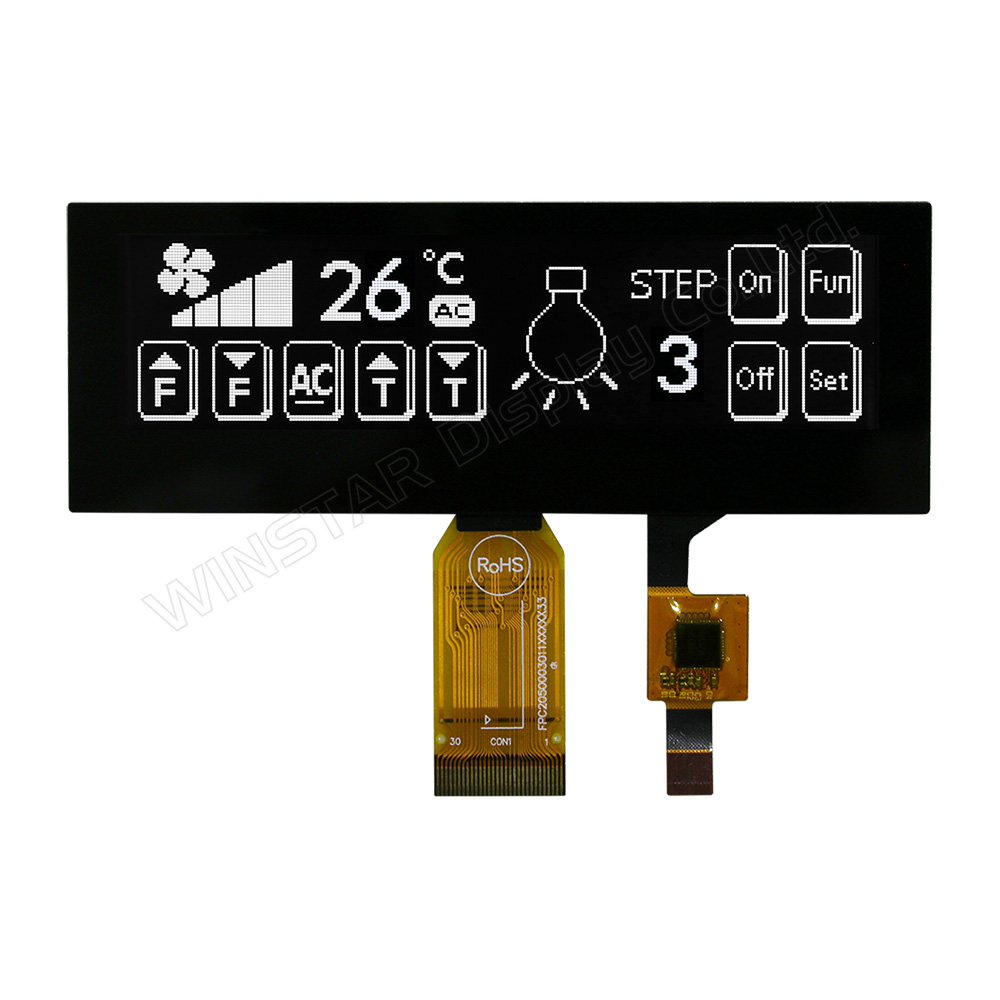
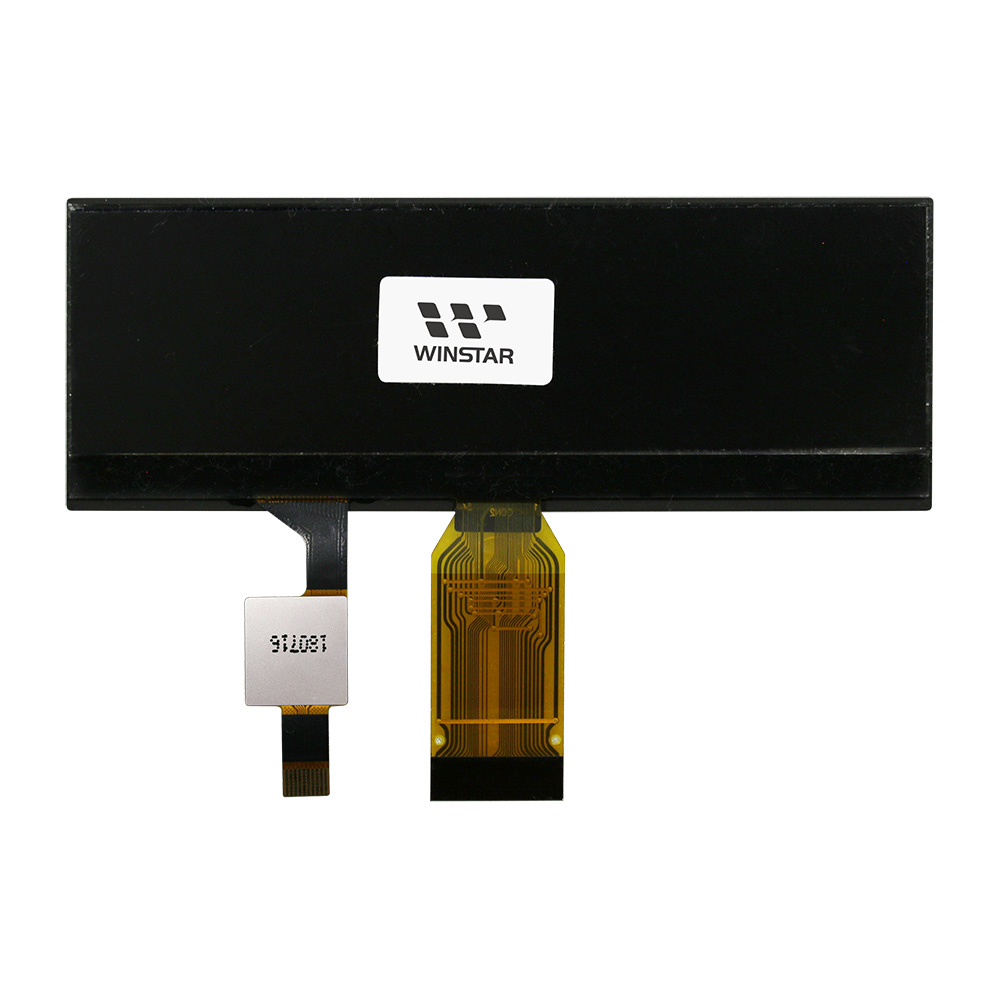
Display OLED COG da 3,55 pollici 256x64 con touch CTP

Modello numero WEO025664D-CTP

►Tipo : grafico
►Struttura : COG
►Dimensione : 3.55 pollici
►256×64 a matrice di punti
►IC:SSD1322
►Alimentatore 3V
►1/64 duty cycle
►Interfaccia: 6800, 8080, SPI
►Touch Screen : con pannello touch capacitivo (CTP)
►Punti di tocco : 1 Dito
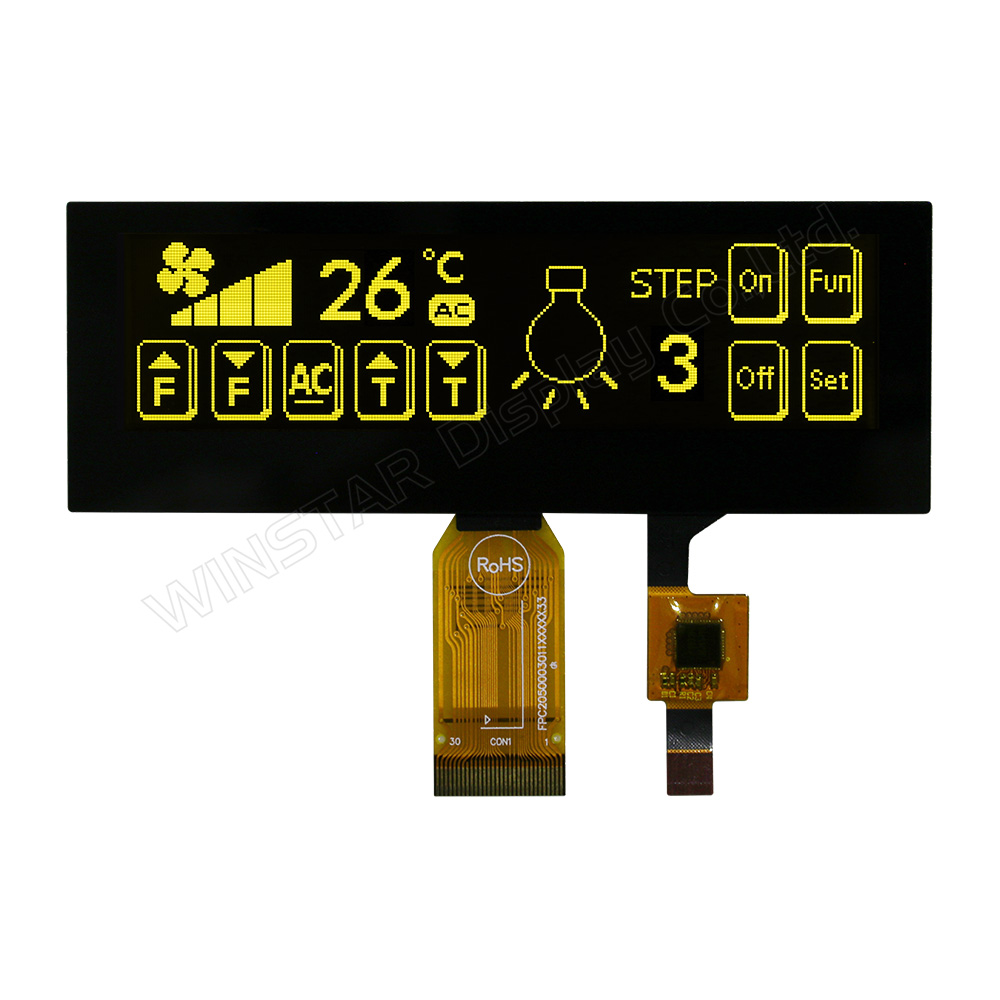
►Colore display: Bianco / Giallo
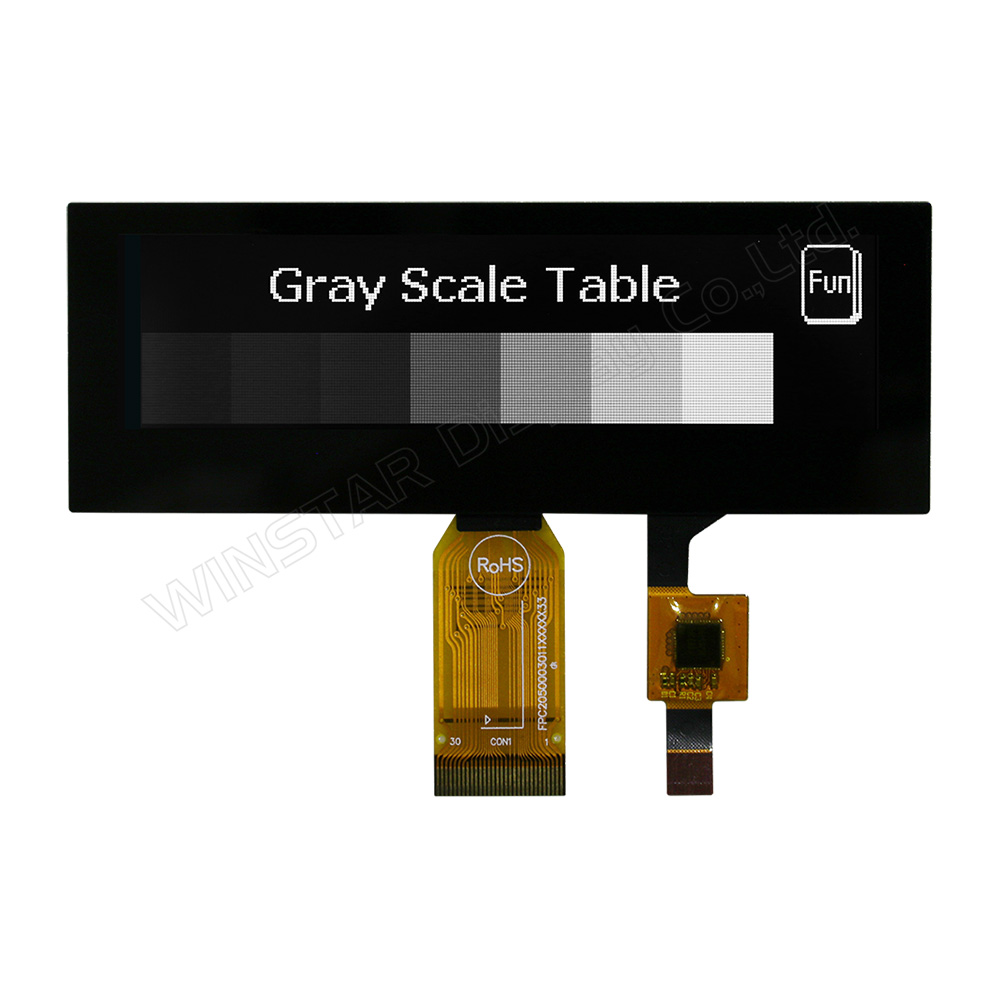
►Support Grayscale

Descrizione

WEO025664D-CTP è un modulo OLED COG da 3,55” con touch capacitivo integrato. Offre una risoluzione di 256x64 ed è basato sul controller SSD1322. Supporta interfacce 6800/8080 a 8 bit e SPI a 3/4 linee, con alimentazione logica 3,3V e tensione display 16V, duty 1/64 e scala di grigi a 4 bit.

Il touch è basato su controller FT6336U con interfaccia I2C e supporta il tocco singolo. La struttura COG consente un design compatto, ideale per applicazioni con spazio limitato.

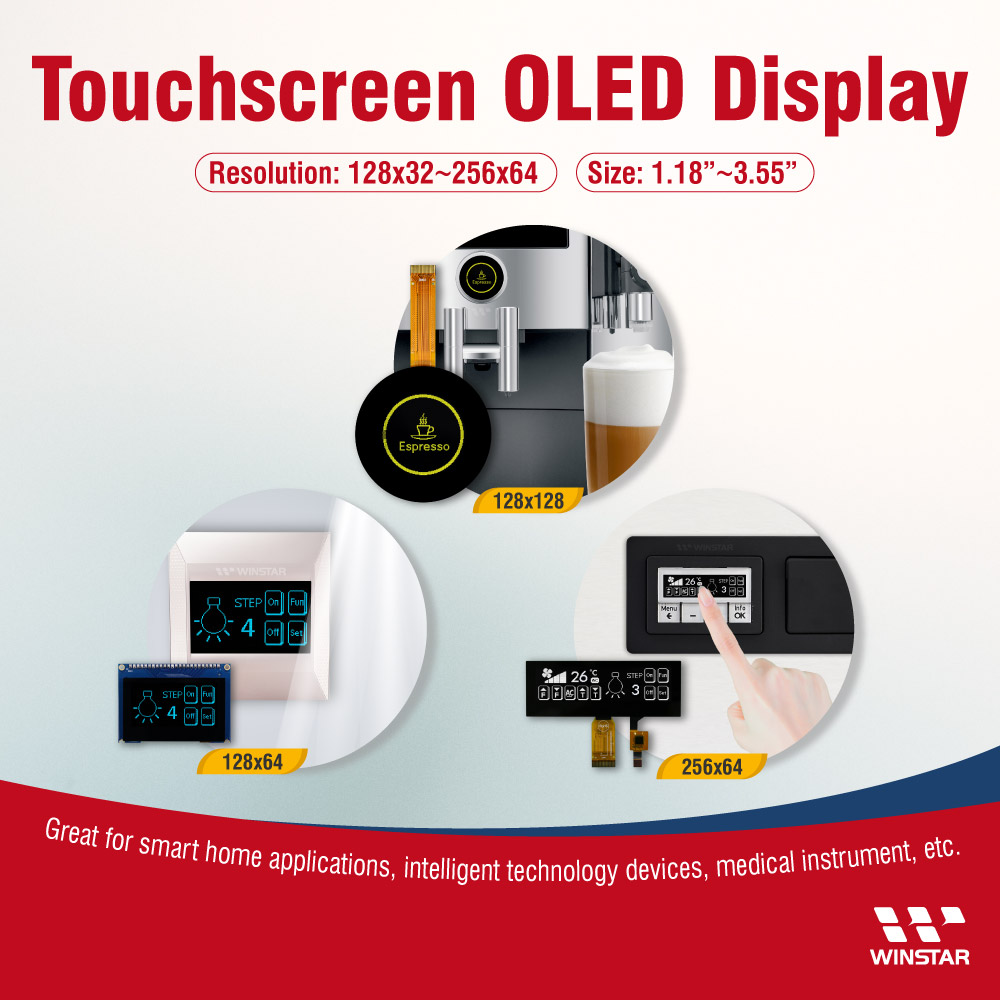
Temperatura operativa: -20°C ~ +70°C; stoccaggio: -30°C ~ +80°C. Adatto per smart home, automazione industriale, dispositivi medicali e sistemi di comunicazione.


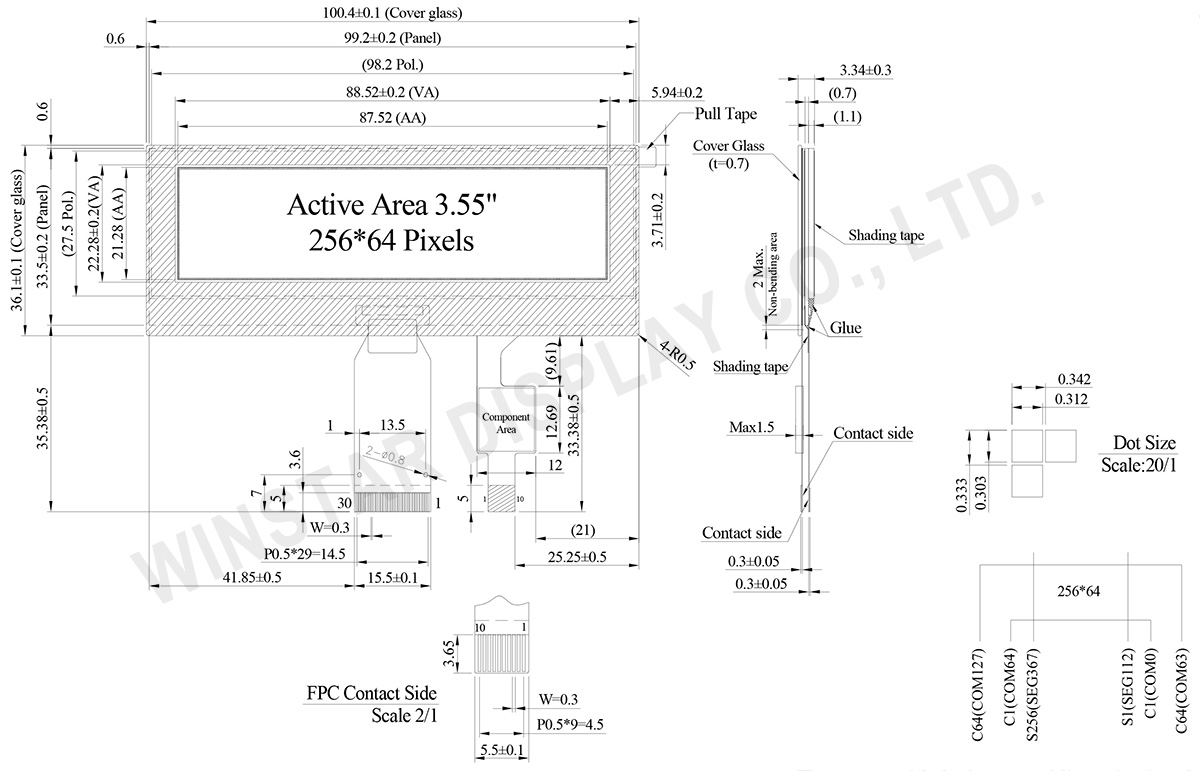
DISEGNO

3.55 inch OLED Display, Capacitive OLED, OLED Capacitive Touchscreen - WEO025664D-CTP

Data source ref: WEO025664DWPP3D00000

SPECIFICHE TECNICHE

Dati meccanici

Articolo Dimensioni Unità
A matrice di punti 256 x 64 punti
Dimensione del modulo 100.4 × 36.1 × 3.34 mm
Area attiva 87.52 × 21.28 mm
Dimensioni del Dot 0.312 × 0.303 mm
Passo del Dot 0.342 × 0.333 mm
Modalità display Matrice passiva
Colore display monocromatici
Drive Duty 1/64 Duty
Scala di grigi 4 bits
OLED IC SSD1322
Interfaccia OLED 6800, 8080, SPI
Dimensione (Diagonale) 3.55 inch
CTP IC FT6336U
Punti di tocco 1
Interfaccia CTP I2C
Superficie Bagliore (Glare)

Valori massimi assoluti

Valori massimi assoluti

Parametro Simbolo Min Max Unità
Tensione di alimentazione operativa VCI -0.3 4 V
Tensione di alimentazione per la logica VDD -0.5 2.75 V
Tensione di alimentazione per pin I/O VDDIO -0.5 VCI V
Tensione di alimentazione per il display VCC -0.5 20 V
Temperatura di lavoro TOP -20 +70 °C
Temperatura di stock TSTG -30 +80 °C
 

Touch Panel Controllo FT6336U

Parametro Simbolo Min Max Unità
Tensione di alimentazione VDD -0.3 3.6 V

Caratteristiche elettriche

Caratteristiche elettriche DC

Articolo Simbolo Condizione Min Typ Max Unità
Alimentazione a bassa tensione VCI 3.1 3.3 3.5 V
Tensione di alimentazione per il display VCC 15.5 16.0 16.5 V
Tensione di alimentazione logica VDD 2.4 2.6 V
Alimentazione per pin I/O VDDIO 1.65   VCI V
Livello di ingresso alto VIH 0.8×VDDIO VDDIO V
Livello di ingresso basso VIL 0 0.2×VDDIO V
Livello di uscita alto VOH 0.9×VDDIO VDDIO V
Livello di uscita basso VOL 0 0.1×VDDIO V
Corrente operativa della scheda al 50% VCC =16V 35 55 mA
 

Touch Panel Controllo FT6336U

Articolo Simbolo Condizione Min Typ Max Unità
Tensione di alimentazione VDD   2.8 3.0 3.3 V
Livello di ingresso alto VIH   0.7×VDD VDD V
Livello di ingresso basso VIL   -0.3 0.3×VDD V
Livello di uscita alto VOH IOH = -0.1mA 0.7×VDD V
Livello di uscita basso VOL IOH = 0.1mA 0.3×VDD V

Funzione dei Pin di Interfaccia

Pin Number Simbolo I/O Funzione
1 ESD_GND P Ground
2 VSS P Ground.
3 VCC P Power supply for panel driving voltage.
This is also the most positive power voltage supply pin.
4 VCOMH P COM signal deselected voltage level.
A capacitor should be connected between this pin and VSS.
5 VLSS P Analog system ground pin.
6~13 D7~D0 I/O Host Data Input/Output Bus
These pins are 8-bit bi-directional data bus to be connected to the microprocessor’s data bus.
When serial mode is selected, D1 will be the serial data input SDIN and D0 will be the serial clock input SCLK.
14 E/RD# I Read/Write Enable or Read
This pin is MCU interface input.
When interfacing to a 68XX-series microprocessor, this pin will be used as the Enable (E) signal. Read/write operation is initiated when this pin is pulled high and the CS# is pulled low.
When connecting to an 80XX-microprocessor, this pin receives the Read (RD#) signal. Data read operation is initiated when this pin is pulled low and CS# is pulled low.
When serial mode is selected, this pin must be connected to VSS.
15 R/W# I Read/Write Select or Write
This pin is MCU interface input. When interfacing to a 68XX-series microprocessor, this pin will be used as Read/Write (R/W#) selection input. Pull this pin to “High” for read mode and pull it to “Low” for write mode.
When 80XX interface mode is selected, this pin will be the Write (WR#) input. Data write operation is initiated when this pin is pulled low and the CS# is pulled low.
When serial mode is selected, this pin must be connected to VSS.
16 BS0 I Communicating Protocol Select
These pins are MCU interface selection input. See the following table:
BS[2:0] Interface
00 4 line SPI
01 3 line SPI
10 8-bit 8080 parallel
11 8-bit 6800 parallel
Note
(1) 0 is connected to VSS
(2) 1 is connected to VDDIO
17 BS1

18
D/C# I Data/Command Control
This pin is Data/Command control pin connecting to the MCU.
When the pin is pulled HIGH, the content at D[7:0] will be interpreted as data.
When the pin is pulled LOW, the content at D[7:0] will be interpreted as command.
19 CS# I Data/Command Control
This pin is the chip select input connecting to the MCU. The chip is enabled for MCU communication only when CS# is pulled LOW.
20 RES# I This pin is reset signal input.
When the pin is pulled LOW, initialization of the chip is executed.
Keep this pin pull HIGH during normal operation.
21 FR O This pin is No Connection pins. Nothing should be connected to this pin. This pin should be left open individually.
22 IREF I Current Reference for Brightness Adjustment
This pin is segment current reference pin. A resistor should be connected between this pin and VSS. Set the current lower than 10uA.
23 N.C. - Reserved Pin
The N.C. pin between function pins are reserved for compatible and flexible design.
24 VDDIO P Power Supply for I/O Pin
It should be matched with the MCU interface voltage level.
25 VDD P Power Supply for Core Logic Circuit
Power supply pin for core logic operation. A capacitor is required to connect between this pin and VSS
26 VCI P Power Supply for Operation
VCI must always be equal to or higher than VDD and VDDIO.
27 VSL P Voltage Output Low Level for SEG Signal
This is segment voltage reference pin.
When external VSL is not used, this pin should be left open.
When external VSL is used, this pin should connect with resistor and diode to ground.
28 VLSS P Ground of Analog Circuit
These are the analog ground pins. They should be connected to VSS externally.
29 VCC P Power Supply for OLED Panel
These are the most positive voltage supply pin of the chip. They must be connected to external source.
30 ESD GND P Ground
 

CTP Pin Function

1 GND Ground
2 VDD Power Supply Voltage of CTP
3 INT External interrupt to the host
4 SDA I2C data input and output
5 SCL I2C clock input
6 RST External Reset, Low is active
7-10 GND Ground.
go top
close

Valorizziamo la tua privacy

Facendo clic su "Consenti tutti i cookie", accetti la memorizzazione dei cookie sul tuo dispositivo per migliorare la navigazione del sito, analizzare l'utilizzo del sito e assistere nei nostri sforzi di marketing e prestazioni. Puoi trovare ulteriori informazioni su questo argomento nella nostra politica. Informativa sulla privacy

Valorizziamo la tua privacy

Winstar e alcune terze parti utilizzano i cookie su www.winstar.com.tw. I dettagli relativi ai tipi di cookie, al loro scopo e alle terze parti coinvolte sono descritti di seguito e nella nostra Informativa sui cookie. Fare clic su "Consenti tutti" per acconsentire all'uso dei cookie e ottenere la migliore esperienza possibile sui nostri siti web. Puoi anche impostare le tue preferenze o rifiutare i cookie (ad eccezione dei cookie strettamente necessari).

Gestisci le preferenze di consenso

Sempre attivo
Cookie essenziali

Questi cookie sono essenziali per permetterti di navigare nel sito web e utilizzare le sue funzionalità, come impostare le tue preferenze sulla privacy, effettuare il login o compilare moduli.

Cookie di analisi

Questi sono noti anche come "cookie statistici"; raccolgono informazioni su come utilizzi un sito web, come quali pagine hai visitato e quali link hai cliccato. Vedi dettagli.