Accueil Produits Écrans OLED OLED Tactile Modules WEX025664B-CTP

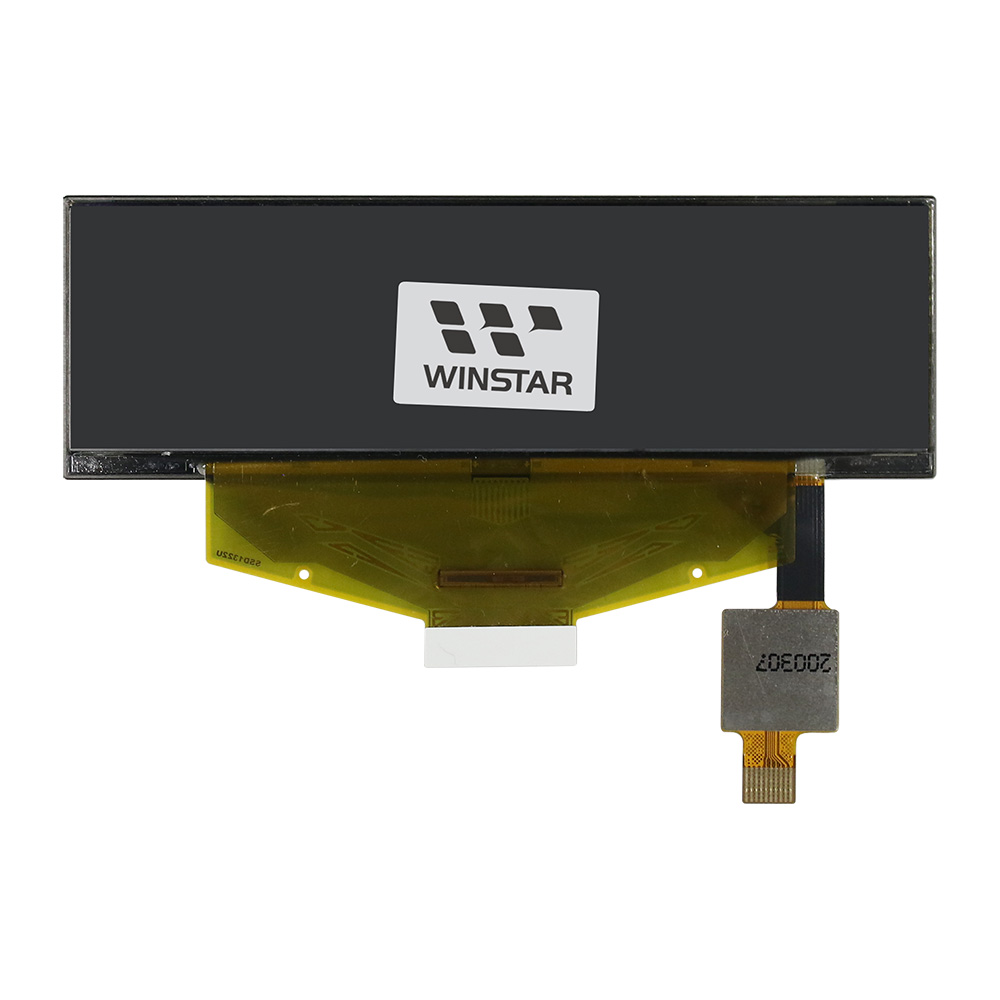
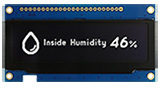
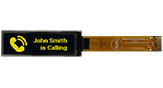
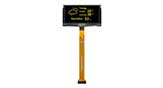
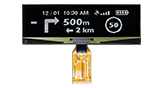
Écran OLED 3,12 pouces 256x64 avec écran tactile CTP

N° de modèle WEX025664B-CTP

►Type: Graphique
►Structure: COF
►Dimension: 3.12 pouces
►Matrice de points 256×64
►IC:SSD1322
►Alimentation 3V
►Taux de rafraichissement 1/64 duty cycle
►Interface: 6800, 8080, SPI
►Dalle tactile: avec dalle tactile capacitive (CTP)
►Points tactiles: 1 Doigt
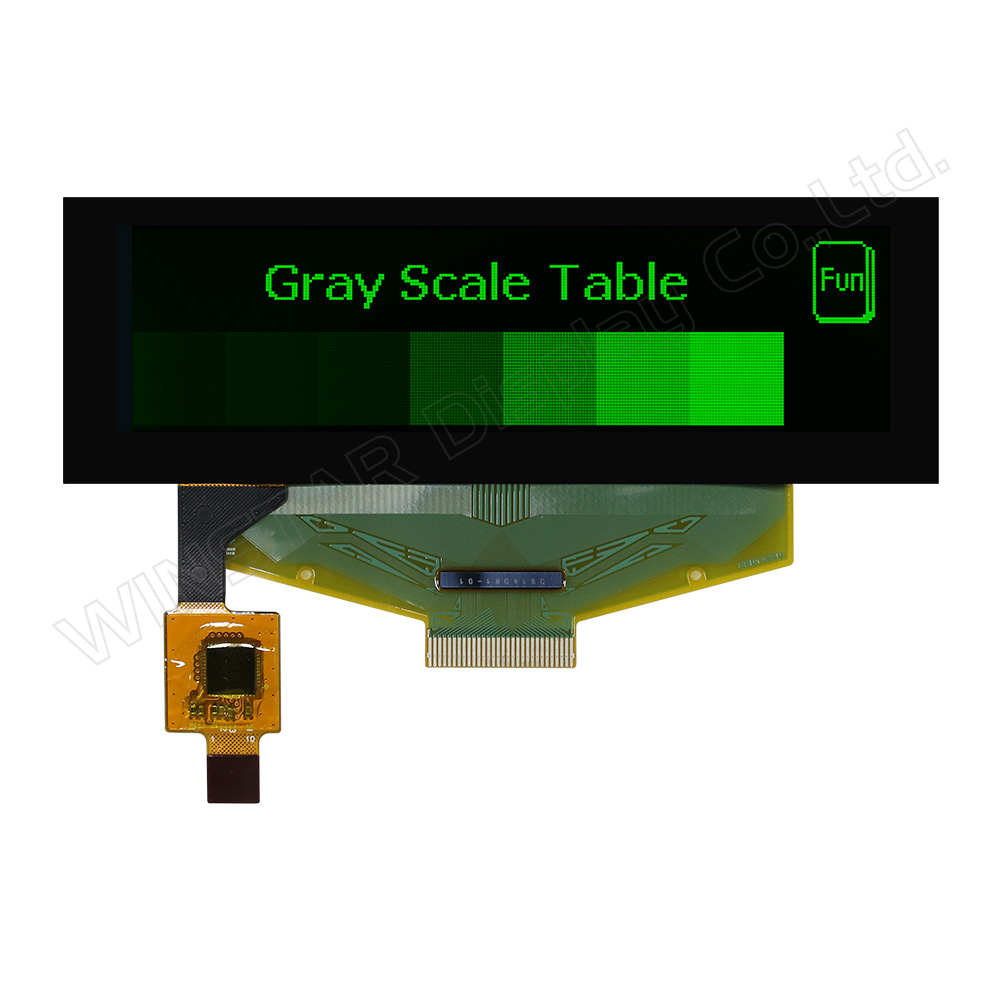
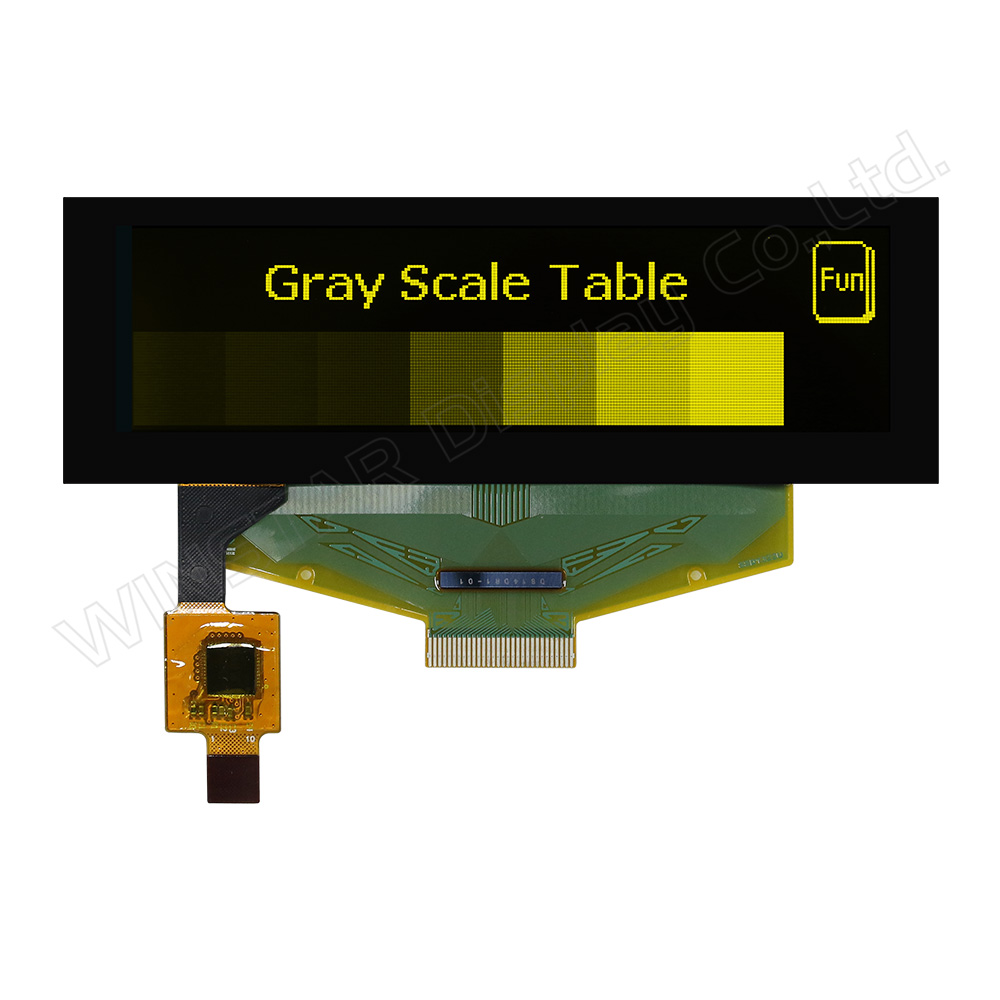
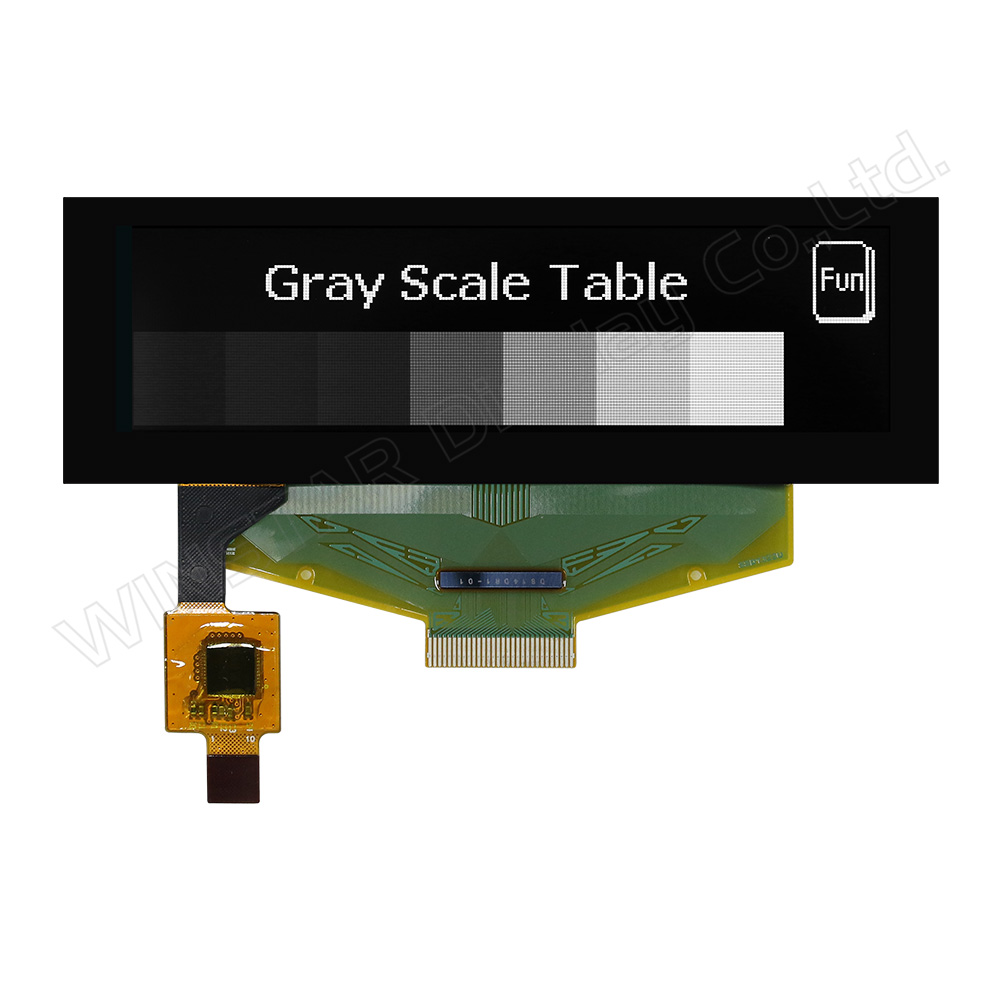
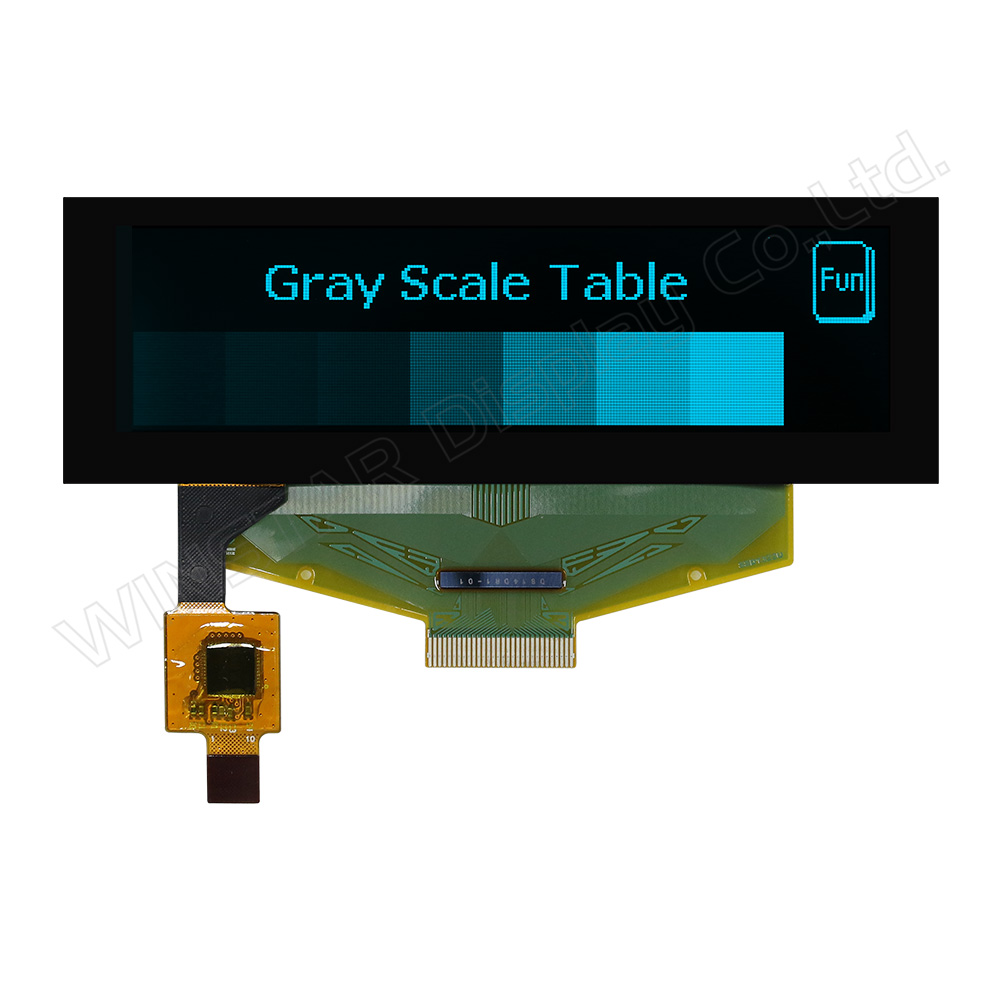
►Couleur d'affichage: Blanc / Jaune / Bleu ciel / Vert
►Support d’échelle grise

Description

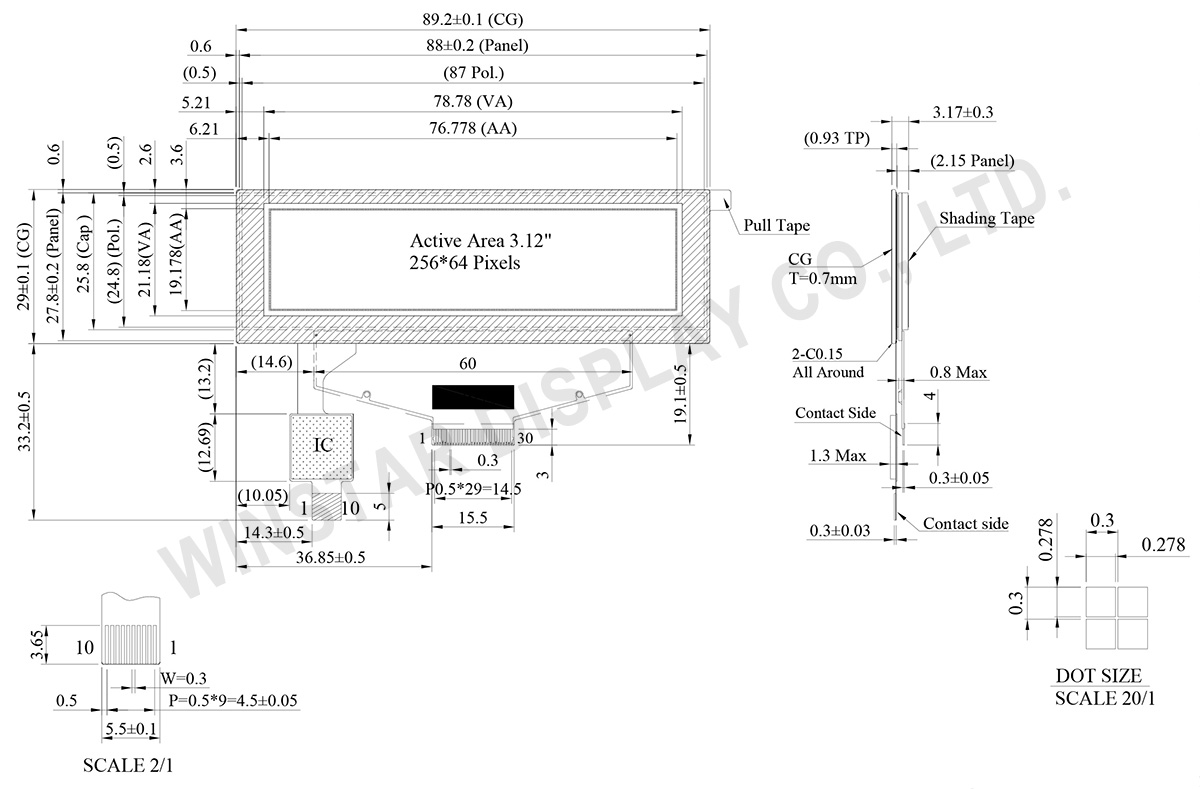
WEX025664B-CTP est un module d’affichage OLED graphique de 3,12 pouces en technologie COF, intégrant un écran tactile capacitif (CTP) et offrant une résolution de 256×64 pixels. Le module repose sur le contrôleur SSD1322 et prend en charge les interfaces parallèles 6800/8080 8 bits ainsi que SPI 3/4 fils. Ses dimensions sont de 89,2 × 29,0 mm, avec une zone active de 76,778 × 19,178 mm.

Ce module OLED prend en charge l’affichage en niveaux de gris 4 bits et fonctionne avec une alimentation de 3,0 V (typ.) et un mode de pilotage en 1/64 duty. La plage de température de fonctionnement est de -20°C à +70°C, et celle de stockage de -30°C à +80°C. Le panneau tactile intégré utilise le contrôleur FT6336U et prend en charge une interface I²C ainsi qu’un tactile 1 point.

WEX025664B-CTP convient aux applications telles que les équipements muraux, les systèmes POS, les dispositifs IoT, les instruments portables, les équipements de communication et les dispositifs médicaux. Il est également adapté aux applications remplaçant des afficheurs STN traditionnels par des solutions OLED.

D’autres variantes basées sur le même panneau OLED sont également disponibles :

  • WEX025664B série sans châssis métallique ni PCB
  • WEN025664B série avec châssis métallique et PCB
  • WEN025664B-CTP série avec châssis métallique, PCB et écran tactile CTP
 

DESSIN

3.12 inch 256x64 OLED Display with Touch Panel - WEX025664B-CTP

Data source ref: WEX025664BWPP3D00000

SPÉCIFICATIONS

Caractéristiques générales

Paramètre Valeur Unité
Résolution 256 × 64 Dots
Dimensions du module 89.2 × 29.0 × 3.17 mm
Zone active 76.778 × 19.178 mm
Taille du pixel 0.278 × 0.278 mm
Pas de pixel 0.3 × 0.3 mm
Mode d’affichage Passive Matrix
Couleur d’affichage Monochrome
Rapport de balayage 1/64
Niveaux de gris 4 bits
IC pilote OLED SSD1322 (COF)
Interfaces 6800, 8080, SPI
Taille d’écran 3.12 inch
Contrôleur CTP FT6336U
Points de détection 1
Interface CTP I²C
Surface Brillante (standard)

Limites maximales absolues

Caractéristiques limites

Paramètre Symbole Min Max Unité
Tension d’alimentation (fonctionnement) VCI -0.3 4 V
Tension logique VDD -0.5 2.75 V
Tension des E/S VDDIO -0.5 VCI V
Tension d’alimentation du display VCC -0.5 20 V
Température de fonctionnement TOP -20 +70 °C
Température de stockage TSTG -30 +80 °C

Contrôleur tactile FT6336U

Paramètre Symbole Min Max Unité
Tension d’alimentation VDD -0.3 3.6 V

Caractéristiques électriques

Caractéristiques électriques DC

Paramètre Symbole Condition Min Typ Max Unité
Tension d’alimentation (fonctionnement) VCI Note 2.8 3.0 3.3 V
Tension du display VCC 14 14.5 15 V
Tension logique VDD 2.4 2.6 V
Tension E/S VDDIO 1.65   VCI V
Niveau d’entrée haut VIH 0.8×VDDIO VDDIO V
Niveau d’entrée bas VIL 0 0.2×VDDIO V
Niveau de sortie haut VOH 0.9×VDDIO VDDIO V
Niveau de sortie bas VOL 0 0.1×VDDIO V
Courant en fonctionnement (damier 50 %) VCC =14.5V 32 48 mA

Contrôleur tactile FT6336U

Paramètre Symbole Condition Min Typ Max Unité
Tension d’alimentation VDD   2.8 3.0 3.3 V
Niveau haut en entrée VIH   0.7xVDD VDD V
Niveau bas en entrée VIL   -0.3 0.3xVDD V
Niveau haut en sortie VOH IOH = -0.1mA 0.7xVDD V
Niveau bas en sortie VOL IOH = 0.1mA 0.3xVDD V

Fonction PIN sur l'interface

No. Symbole Description
1 N.C. Reserved Pin
The N.C. pin between function pins are reserved for compatible and flexible design.
2 VSS Ground.
3 VCC Power supply for panel driving voltage.
This is also the most positive power voltage supply pin.
4 VCOMH COM signal deselected voltage level.
A capacitor should be connected between this pin and VSS.
5 VLSS Analog system ground pin.
6~13 D7~D0 Host Data Input/Output Bus
These pins are 8-bit bi-directional data bus to be connected to the microprocessor’s data bus.
When serial mode is selected, D1 will be the serial data input SDIN and D0 will be the serial clock input SCLK.
14 E/RD# Read/Write Enable or Read
This pin is MCU interface input.
When interfacing to a 68XX-series microprocessor, this pin will be used as the Enable (E) signal. Read/write operation is initiated when this pin is pulled high and the CS# is pulled low.
When connecting to an 80XX-microprocessor, this pin receives the Read (RD#) signal. Data read operation is initiated when this pin is pulled low and CS# is pulled low.
When serial mode is selected, this pin must be connected to VSS.
15 R/W# Read/Write Select or Write
This pin is MCU interface input. When interfacing to a 68XX-series microprocessor, this pin will be used as Read/Write (R/W#) selection input. Pull this pin to “High” for read mode and pull it to “Low” for write mode.
When 80XX interface mode is selected, this pin will be the Write (WR#) input. Data write operation is initiated when this pin is pulled low and the CS# is pulled low.
When serial mode is selected, this pin must be connected to VSS.
16 BS0 Communicating Protocol Select
These pins are MCU interface selection input. See the following table:
BS[2:0] Interface
00 4 line SPI
01 3 line SPI
10 8-bit 8080 parallel
11 8-bit 6800 parallel
Note
(1) 0 is connected to VSS
(2) 1 is connected to VDDIO
17 BS1
18 D/C# Data/Command Control
This pin is Data/Command control pin connecting to the MCU.
When the pin is pulled HIGH, the content at D[7:0] will be interpreted as data.
When the pin is pulled LOW, the content at D[7:0] will be interpreted as command.
19 CS# Data/Command Control
This pin is the chip select input connecting to the MCU. The chip is enabled for MCU communication only when CS# is pulled LOW.
20 RES# This pin is reset signal input.
When the pin is pulled LOW, initialization of the chip is executed.
Keep this pin pull HIGH during normal operation.
21 FR This pin is No Connection pins. Nothing should be connected to this pin. This pin should be left open individually.
22 IREF Current Reference for Brightness Adjustment
This pin is segment current reference pin. A resistor should be connected between this pin and VSS. Set the current lower than 10uA.
23 N.C. Reserved Pin
The N.C. pin between function pins are reserved for compatible and flexible design.
24 VDDIO Power Supply for I/O Pin
It should be matched with the MCU interface voltage level.
25 VDD Power Supply for Core Logic Circuit
Power supply pin for core logic operation. A capacitor is required to connect between this pin and VSS
26 VCI Power Supply for Operation
VCI must always be equal to or higher than VDD and VDDIO.
27 VSL Voltage Output Low Level for SEG Signal
This is segment voltage reference pin.
When external VSL is not used, this pin should be left open.
When external VSL is used, this pin should connect with resistor and diode to ground.
28 VLSS Ground of Analog Circuit
These are the analog ground pins. They should be connected to VSS externally.
29 VCC Power Supply for OLED Panel
These are the most positive voltage supply pin of the chip. They must be connected to external source.
30 N.C. Reserved Pin
The N.C. pin between function pins are reserved for compatible and flexible design.

CTP Pin Function

1 GND Ground
2 VDD Power Supply Voltage of CTP
3 INT External interrupt to the host
4 SDA I2C data input and output
5 SCL I2C clock input
6 RST External Reset, Low is active
7-10 GND Ground.
go top
close

Nous valorisons votre confidentialité

En cliquant sur "Autoriser tous les cookies", vous acceptez le stockage de cookies sur votre appareil pour améliorer la navigation sur le site, analyser l'utilisation du site et aider dans nos efforts de marketing et de performance. Vous pouvez trouver plus d'informations à ce sujet dans notre politique. Politique de confidentialité

Nous valorisons votre confidentialité

Winstar et certains tiers utilisent des cookies sur www.winstar.com.tw. Les détails concernant les types de cookies, leur objectif et les tiers impliqués sont décrits ci-dessous et dans notre Politique relative aux cookies. Veuillez cliquer sur « Autoriser tout » pour consentir à l'utilisation de cookies et profiter de la meilleure expérience possible sur nos sites. Vous pouvez également définir vos préférences ou refuser les cookies (sauf les cookies strictement nécessaires).

Gérer les préférences de consentement

Toujours actif
Cookies essentiels

Ces cookies sont essentiels pour vous permettre de naviguer sur le site et d'utiliser ses fonctionnalités, telles que la définition de vos préférences en matière de confidentialité, la connexion ou le remplissage de formulaires.

Cookies analytiques

Également connus sous le nom de « cookies statistiques », ces cookies collectent des informations sur la façon dont vous utilisez un site Web, comme les pages que vous avez visitées et les liens sur lesquels vous avez cliqué. Voir les détails.