
Startseite Produkte OLED-Anzeige Grafik-OLED-Anzeigen WEO012856A

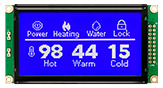
1,51 Zoll 128x56 OLED Transparent-Display

Modellnummer WEO012856A

►Typ: Grafik, TOLED
►Bauweise: COG
►Größe: 1,51 Zoll OLED
►128 x 56 Punktmatrix
►IC:SSD1309
►3-V-Stromversorgung
►1/56 duty
►Schnittstelle: 6800, 8080, I2C, SPI
►die Farbe des Displays: Himmelblau

Beschreibung

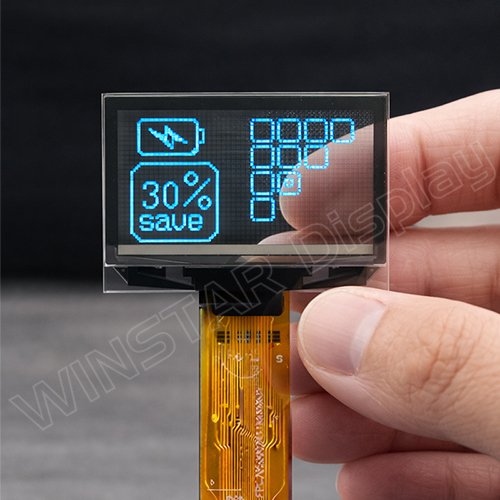
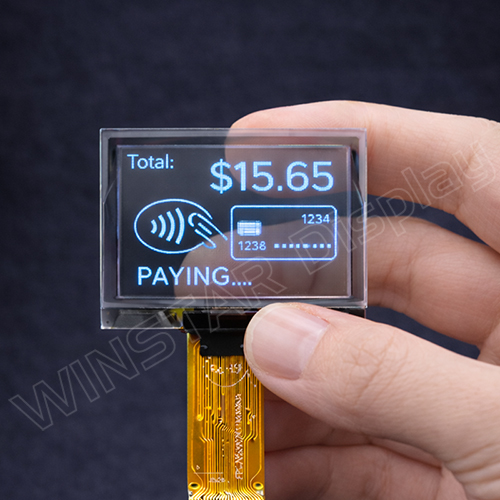
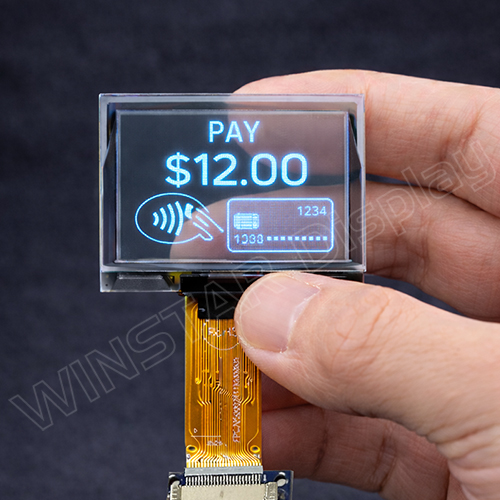
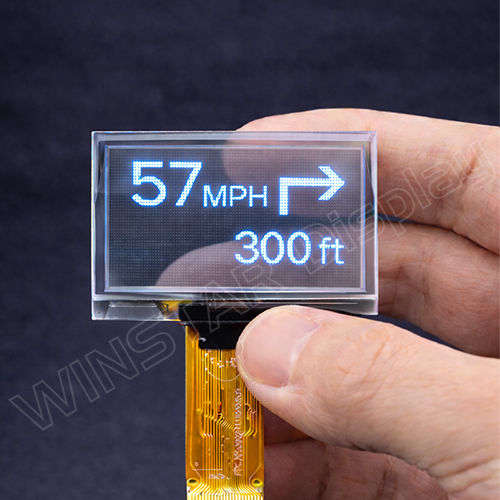
WINSTAR's 1,51 Zoll 128x56 OLED Transparent-Display wurde entwickelt, um hohe Sichtbarkeit und überlegene optische Integration in einem kompakten und effizienten Paket zu bieten. Es ist die ideale Lösung für Anwendungen, die klare Datenüberlagerungen erfordern, ohne den Hintergrund zu blockieren. Dieses Transparent OLED-Bildschirm ist in der Standardfarbe Sky Blue erhältlich; auf Anfrage kann WINSTAR jedoch maßgeschneiderte Farboptionen wie Weiß, Grün, Gelb, Blau und Rot anbieten.

Hauptmerkmale:

  • Größe: 1,51 Zoll
  • Dot Matrix: 128 x 56
  • Anzeige-Modus: Passive Matrix
  • Interface-Optionen: 6800, 8080, 4-Wire SPI, I2C
  • Treiber-IC: SSD1309
  • Versorgungsspannung: 3,0V für Logik, 12,5V für Display
  • Stromverbrauch: 12mA (typisch) / 18mA (max.) bei 50% Duty Cycle
  • Helligkeit: 100 cd/m² (min), 120 cd/m² (typisch)
  • Durchlässigkeit: 50%
  • Betriebstemperatur: -40°C bis +80°C
  • Lagertemperatur: -40°C bis +85°C

Anwendungen:

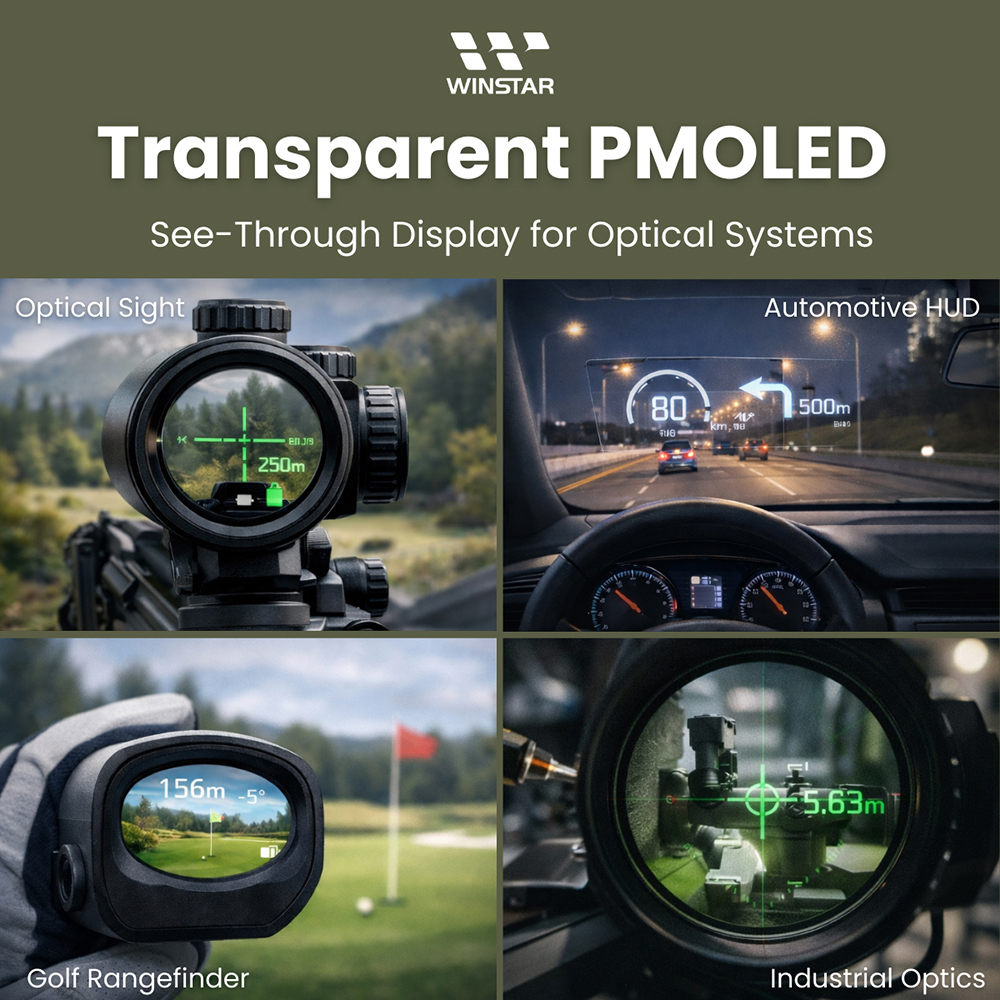
  • Automotive HUD (Head-Up-Display)
  • Zielfernrohre & Optische Visierungen
  • Golf-Entfernungsmesser
  • Nachtsicht & Professionelle Optiken

Weitere Details zu den Vorteilen und Anwendungen des Transparent OLED-Bildschirms (TOLED-Display), einschließlich wie es optische Instrumente und Echtzeit-Datenüberlagerungen revolutioniert, finden Sie in unserem ausführlichen Leitfaden.

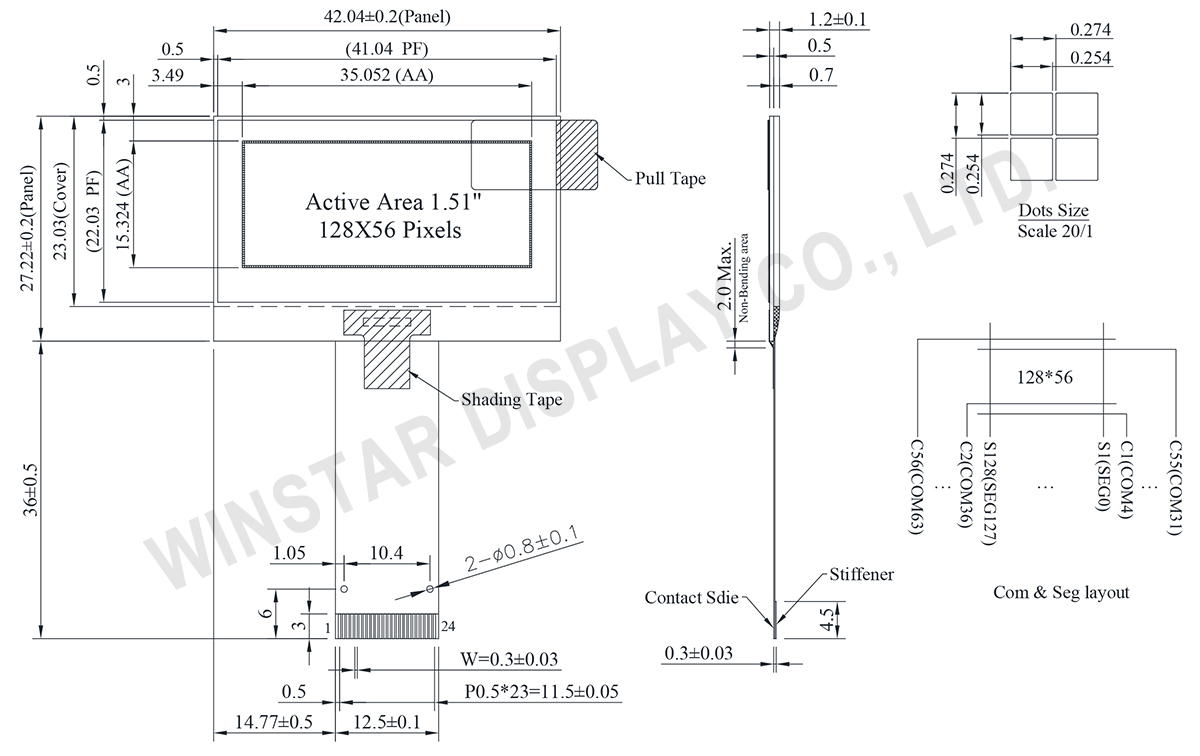
Zeichnung

1.51 inch Transparent OLED, 128x56 Transparent OLED Display Module, Mini Transparent OLED Display - WEO012856A
Data source ref: WEO012856ASNP3N20000

Technische Daten

mechanische Daten

Artikel Ausmaß Einheit
Punktmatrix 128 × 56 dots
Abmaße der modul 42,04 × 27,22 × 1,2 mm
Aktiver Bereich 35,052 × 15,324 mm
Punktgröße 0,254 × 0,254 mm
Punktabstand 0,274 × 0,274 mm
der Anzeigemodus Passive Matrix
die Farbe des Displays Monochrome
Drive Duty 1/56 Duty
IC SSD1309
Schnittstelle 6800/8080/4-Wire SPI/I2C
Größe (Diagonale) 1.51 Zoll

Absolute Grenzwerte

Parameter Symbol Mindestwert Maximalwert Einheit
Versorgungsspannung für Logik VDD -0,3 4 V
Versorgungs-Spannung für das Display VCC 0 17 V
Betriebstemperatur TOP -40 +80 °C
Lagertemperatur TSTG -40 +85 °C

elektronische Eingenschaften

Artikel Symbol Bedingung Mindestwert typischer Wert Maximalwert Einheit
Versorgungsspannung für Logik VDD 1,65 3,0 3,3 V
Versorgungs-Spannung für das Display VCC 7,0 12,5 13,0 V
Hochpegel-Eingang VIH 0,8×VDD V
Niedrigpegel-Eingang VIL 0,2×VDD V
Hochpegel-Ausgang VOH 0,9×VDD V
Niedrigpegel-Ausgang VOL 0,1×VDD V
Display 50% Pixel an VCC =12,5V 12 18 mA

Schnittstelle Pin-Funktion

No. Symbol Beschreibung
1 ESD_GND ESD Ground pin.
2 VLSS This is an analog ground pin
3 VSS Ground.
4 NC No connection
5 VDD Power supply pin for core logic operation
6 BS1 MCU bus interface selection pins. Select appropriate logic setting as described in the following table. BS2 and BS1 are pin select
  BS1 BS2
I2C 1 0
4-wire Serial 0 0
8-bit 68XX Parallel 0 1
8-bit 80XX Parallel 1 1
Note
(1) 0 is connected to VSS
(2) 1 is connected to VDD
7 BS2
8 CS# This pin is the chip select input connecting to the MCU.
The chip is enabled for MCU communication only when CS# is pulled LOW (active LOW).
9 RES# This pin is reset signal input.
When the pin is pulled LOW, initialization of the chip is executed.
Keep this pin pull HIGH during normal operation.
10 D/C# This pin is Data/Command control pin connecting to the MCU.
When the pin is pulled HIGH, the data at D[7:0] will be interpreted as data.
When the pin is pulled LOW, the data at D[7:0] will be transferred to a command register.
In I2C mode, this pin acts as SA0 for slave address selection.
11 R/W# This pin is read / write control input pin connecting to the MCU interface.
When 6800 interface mode is selected, this pin will be used as Read/Write (R/W#) selection input. Read mode will be carried out when this pin is pulled HIGH and write mode when LOW.
When 8080 interface mode is selected, this pin will be the Write (WR#) input. Data write operation is initiated when this pin is pulled LOW and the chip is selected.
When serial or I2C interface is selected, this pin must be connected to VSS.
12 E/RD# This pin is MCU interface input.
When 6800 interface mode is selected, this pin will be used as the Enable (E) signal.
Read/write operation is initiated when this pin is pulled HIGH and the chip is selected.
When 8080 interface mode is selected, this pin receives the Read (RD#) signal. Read operation is initiated when this pin is pulled LOW and the chip is selected.
When serial or I2C interface is selected, this pin must be connected to VSS.
13-20 D0~D7 These pins are bi-directional data bus connecting to the MCU data bus.
Unused pins are recommended to tie LOW.
When serial interface mode is selected, D0 will be the serial clock input: SCLK; D1 will be the serial data input: SDIN and D2 should be kept NC.
When I2C mode is selected, D2, D1 should be tied together and serve as SDAout, SDAin in application and D0 is the serial clock input, SCL.
21 IREF This pin is the segment output current reference pin.
IREF is supplied externally.
A resistor should be connected between this pin and VSS to maintain the current around 10uA.
22 VCOMH COM signal deselected voltage level.
A capacitor should be connected between this pin and VSS.
23 VCC Power supply for panel driving voltage. This is also the most positive power voltage supply pin.
24 ESD_GND ESD Ground pin.
go top
close

Wir schätzen Ihre Privatsphäre

Durch Klicken auf „Alle Cookies zulassen“ stimmen Sie der Speicherung von Cookies auf Ihrem Gerät zu, um die Navigation auf der Website zu verbessern, die Nutzung der Website zu analysieren und unsere Marketing- und Leistungsbemühungen zu unterstützen. Weitere Informationen zu diesem Thema finden Sie in unserer Richtlinie. Datenschutzrichtlinie

Wir schätzen Ihre Privatsphäre

Winstar und bestimmte Drittparteien verwenden Cookies auf www.winstar.com.tw. Die Einzelheiten zu den Arten von Cookies, ihrem Zweck und den beteiligten Drittparteien sind unten sowie in unserer Cookie-Richtlinie beschrieben. Klicken Sie auf „Alle zulassen“, um unserer Verwendung von Cookies zuzustimmen und die bestmögliche Erfahrung auf unseren Websites zu erzielen. Sie können auch Ihre Präferenzen festlegen oder Cookies ablehnen (mit Ausnahme der unbedingt erforderlichen Cookies).

Einwilligungspräferenzen verwalten

Immer aktiv
Notwendige Cookies

Diese Cookies sind unerlässlich, um Ihnen das Navigieren auf der Website zu ermöglichen und ihre Funktionen zu nutzen, wie z. B. das Festlegen Ihrer Datenschutzpräferenzen, das Einloggen oder das Ausfüllen von Formularen.

Analyse-Cookies

Diese Cookies, auch als „Statistik-Cookies“ bekannt, sammeln Informationen darüber, wie Sie eine Website nutzen, z. B. welche Seiten Sie besucht und auf welche Links Sie geklickt haben. Siehe Details.